
You can buy the most advanced customer database available, give it to five talented reps, and still watch deals stall before month end. Most sales leaders immediately assume the tool is to blame. They see messy records and slow updates, expecting an enterprise platform to force team discipline. In practice, software rarely fixes process issues on its own. The debate around Salesforce vs Pipedrive comes down to structure versus speed. One is an expansive relational database, while the other is an intuitive board designed to track daily momentum. For growing teams importing verified contact records from Go4Database, that distinction is critical. The right CRM dictates whether reps spend their hours talking to buyers or managing admin fields.
Salesforce vs Pipedrive is a direct comparison between two distinct CRM philosophies. Salesforce provides deep customization and reporting for complex enterprise workflows, while Pipedrive emphasizes an activity based visual pipeline built for simplicity. Choosing between them matters because picking the wrong platform risks low team adoption or outgrowing your system too quickly.
Let's make this practical. Both platforms manage contacts and pipelines, yet they serve very different daily mechanics, reporting requirements, and team sizes.
Ultimately, the decision rests on how much administrative friction your reps can tolerate before they stop updating records altogether.
Salesforce vs Pipedrive: Key Features and CRM Capabilities Compared
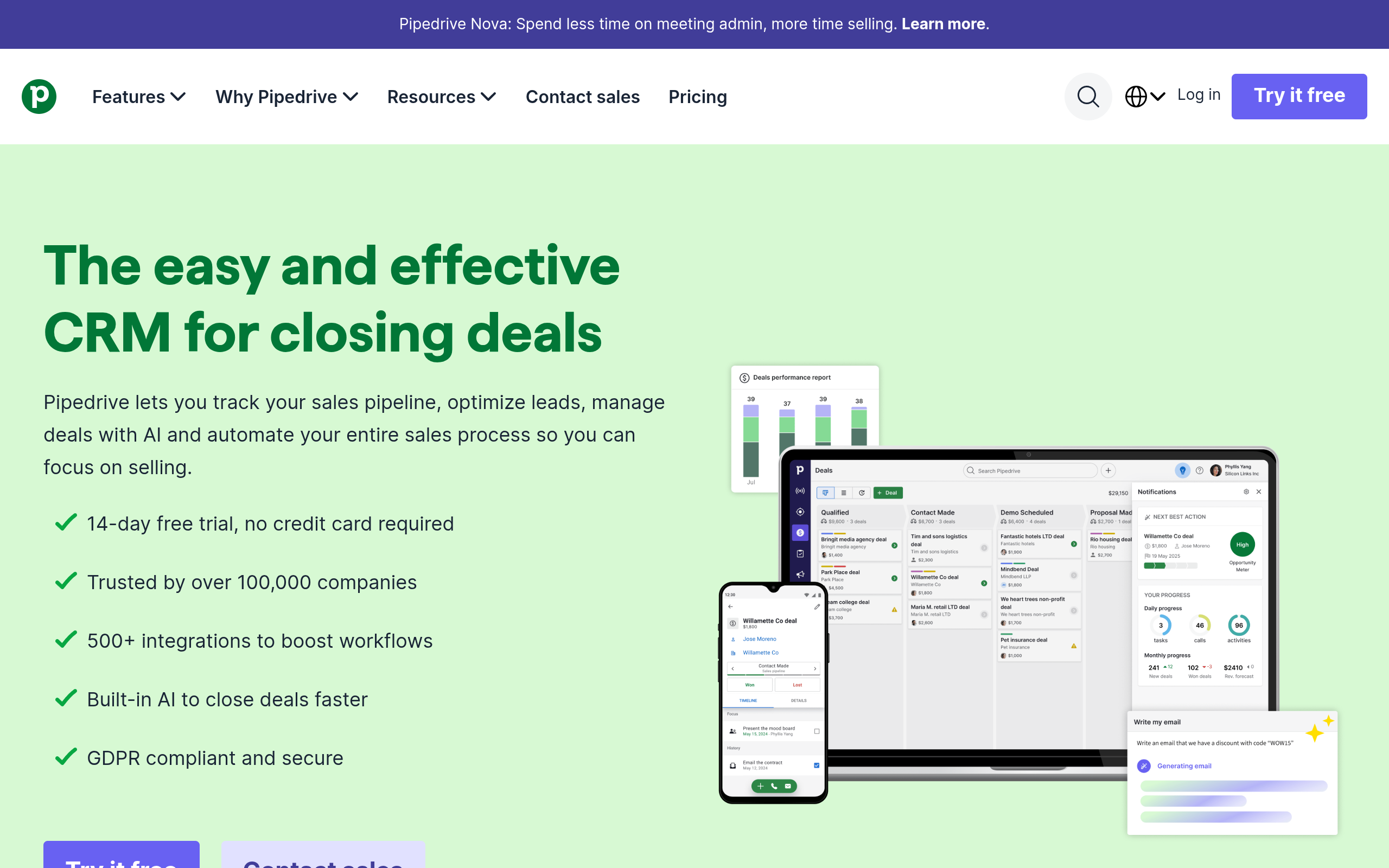
Pipedrive's homepage as of October 2026.
Salesforce treats your sales pipeline as a network of connected records. A prospect starts as a Lead, converts into an Account and Contact, and links to an Opportunity.
That structure gives large enterprises clear visibility across complex deals. The tradeoff is that it demands strict, ongoing data maintenance from everyone involved.
Pipedrive works from a completely different premise called activity-based selling.
Instead of managing complex database schemas, reps focus on moving individual deal cards across visual Kanban columns. The interface prompts the next practical action (a phone call, email, or meeting) the moment a previous task finishes.
According to research by Gartner, 60% to 70% of enterprise CRM implementations struggle to reach expected business cases. Much of that gap comes down to low user adoption driven by interface complexity.
When reps spend an extra hour every afternoon entering mandatory fields, overall outbound velocity collapses. Independent satisfaction ratings published in G2's CRM grid reports frequently reflect this split between enterprise governance and rep usability.
Sales Cloud tackles automation through its Agentforce platform, which handles inbound routing and predictive scoring across large data sets. Pipedrive relies on a built-in sales assistant that analyzes open pipelines and suggests quick follow-up actions directly on your deal board.
Pro tip: Before picking a CRM, audit how many custom fields your reps actually update each week; if it is under ten, an enterprise relational schema may slow them down.
How Does Salesforce Sales Cloud Function in Practice
Salesforce Sales Cloud's homepage as of October 2026.
At its core, Salesforce Sales Cloud manages complex data structures across large organizations, as outlined on the official Salesforce Sales Cloud overview. We break down the setup in our Salesforce review.
It works best when managing custom validation rules, territory controls, and strict user permissions. Teams can connect separate departments under shared governance, backed by thousands of third-party tools in the AppExchange.
The tradeoff is complexity. Reps often face a steep learning curve and heavy manual entry to keep reports accurate. Most organizations also need outside consulting support to deploy and maintain it properly.
That makes the platform best suited for established enterprise teams that need custom data models, strict compliance divisions, and alignment across several departments.

Fill your CRM with verified prospect data
Import accurate B2B contact lists from Go4Database to make the most of your sales pipeline features.
How Does Pipedrive Support Daily Outbound Execution
Pipedrive takes a different approach. The platform is built around visual pipelines, keeping reps focused on the next task needed to move an opportunity forward. That makes it a practical option in our Salesforce alternative guide.
The interface centers on simple drag-and-drop boards with clear decay warnings when deals sit idle. Automated prompts remind reps to schedule meetings or make follow-up calls without tracking tasks across spreadsheets.
The limitations show up when you need complex relational data beyond basic contact and deal records. Pipedrive limits tiered custom fields and open deals, offering lighter tools for post-sale support ticketing.
Pipedrive fits small to mid-sized sales teams and solo outbound operators. It works best when reps focus on deal velocity over heavy database administration.
| CRM Feature / Dimension | Salesforce (Sales Cloud) | Pipedrive |
|---|---|---|
| Primary Architectural Philosophy | Relational data objects and enterprise RevOps governance | Activity-based selling via visual drag-and-drop pipelines |
| Typical Onboarding Ramp Time | Weeks to months; often requires an external specialist | Hours to days; configurable directly by a sales manager |
| Lead and Deal Automation | Deep autonomous AI (Agentforce) and complex Flow builders | Linear trigger-action workflow automations (capped by plan) |
| Base Data Storage Limits | 10 GB org baseline plus user allocations | Usage caps based on open deals (2,500 to 20,000 based on tier) |
| Overage / Expansion Expenses | Additional monthly packs for data expansion | Higher plan tiers or add-on packages for deal capacity |
| Dedicated Admin Requirement | Common once customizations expand beyond standard fields | Rarely needed; self-administered by sales leadership |
| Third-Party Outreach Ingestion | Requires mapped data loaders and strict object assignment | Direct CSV import with straightforward field mapping |
Salesforce vs Pipedrive Pricing: Plans, Costs, and Value for Money
Base subscription prices rarely tell the complete financial story.
Salesforce lists its Starter Suite at $25 per user monthly, Pro Suite at $100, Enterprise at $175, and Unlimited at $350 when billed annually.
Those rates reflect list-price adjustments reported by Salesforce Investor Relations and covered in our review of Salesforce pricing.
According to research by StackCut, the true Salesforce total cost of ownership often runs two to three times base licensing fees over three years.
That gap stems from hiring certified administrators commanding substantial annual salaries or paying implementation partners to maintain workflow rules.
According to Pipedrive's published pricing documentation, plans cover Lite ($14/user/mo billed annually), Growth ($39/user/mo), Premium ($59/user/mo), and Ultimate ($79/user/mo), retiring legacy tiers. You pay a predictable subscription fee without budgeting for third-party developer support or administrative retainers.
The biggest financial hurdle often hides in storage caps.
According to Salesforce data storage documentation, orgs receive a baseline around 10 GB. Supplemental 500 MB data blocks can run up to roughly $125 monthly.
If you import thousands of records from an external email finder or cold outreach lists, storage overages can quickly inflate your invoice. Pipedrive avoids those database penalties, though it caps open deals and custom fields by tier.
Its Lite plan allows 2,500 open deals, while Premium supports 15,000 open deals per company. For fast-moving outbound teams, managing record limits is far simpler than paying recurring database storage penalties.
TL;DR:
While Pipedrive offers transparent, predictable pricing starting at $14 per user monthly, Salesforce costs can escalate rapidly due to base seat prices, administrative overhead, and data storage limits; teams fueling pipeline growth with affordable contact sources like Go4Database should factor total data storage expenses into their CRM platform selection.
Salesforce vs Pipedrive for Sales Automation and Pipeline Management
Salesforce Flow gives operations teams unmatched architectural power.
You can build multi-stage lead assignment rules, split territories across regions, and manage approval chains for custom contract pricing. For teams managing complex enterprise deals, that level of automation prevents operational mistakes.
Pipedrive handles automation through visual, linear workflows.
If a deal moves to "Proposal Sent," the platform creates a follow-up task and sends a notification. When reps spend less time logging activities, they have more time for conversations.
Evaluating pipedrive crm vs salesforce requires deciding whether you need complex logic or daily process compliance. The choice depends on how your team works.
In outbound campaigns, data hygiene determines your sender reputation, which measures how mailbox providers view your domain. Both Google's sender guidelines and Yahoo's sender requirements outline strict email authentication requirements.
Senders must configure SPF records, DKIM signatures, and domain policies governed by standards from DMARC.org, keeping spam complaint rates below 0.10%.
Both platforms restrict cold outbound broadcasting under their acceptable use policies.
Salesforce bars importing unverified third-party lists into Account Engagement or Marketing Cloud, while Pipedrive restricts cold promotional blasts through its Campaigns add-on. Outbound teams route contact records through dedicated cold outreach tools, syncing only engaged prospects into the CRM.
Pro tip: Connect your primary CRM only to warm, positively responding leads so your central pipeline stays clean and your main domain remains secure.
TL;DR:
Salesforce provides programmatic automation for complex enterprise approvals, whereas Pipedrive excels at enforcing individual sales rep activity cadence; to protect your domain reputation, warm and engage prospect records acquired from Go4Database through dedicated outreach tools before syncing qualified opportunities into either CRM.
Salesforce vs Pipedrive: Integrations, Customization, and Ease of Use
Customization represents the central tradeoff between these platforms.
In Salesforce, changing a stage or creating validation rules often requires sandbox testing and careful dependency mapping. An unexpected configuration change can break reporting across other departments or disconnect downstream tools.
In Pipedrive, routine changes are much simpler. An individual sales manager can adjust stages, add custom fields, or create new pipelines in minutes.
Reps adopt the interface quickly because it mirrors everyday visual tasks.
Teams choosing between Pipedrive vs Salesforce often find Pipedrive easier to manage without dedicated technical help.
Salesforce excels when connecting diverse enterprise departments.
Its AppExchange directory offers thousands of integrations connecting ERP software, billing platforms, and customer support desks. If finance needs billing tied directly to closed opportunities, Salesforce handles that structure well.
Outbound teams also need clean data ingestion. When importing targeted contacts, such as a VP of sales mailing list or a sales and marketing directors list, smooth field mapping saves hours.
Both CRMs accept clean CSV files, mapping job titles, phone numbers, and social profiles without manual copying.
Connect verified data to your sales tools
Fuel your customized workflows with verified decision maker details from Go4Database that integrate smoothly into any CRM.
Salesforce vs Pipedrive: Which CRM Is Best for Small Businesses and Growing Sales Teams
When weighing pipedrive salesforce options, your operating model should drive the choice.
Pipedrive fits lean B2B sales teams (1 to 20 reps), startups, and outbound agencies that focus on deal momentum. It gives reps a clean workspace that encourages phone calls and daily follow-ups without administrative resistance.
Salesforce fits mid-market and enterprise organizations (50+ reps) requiring complex territory divisions, custom billing workflows, and dedicated RevOps teams. It shines when you must coordinate sales, legal, billing, and support under uniform enterprise permissions.
Many teams evaluate similar tradeoffs in our Salesforce vs HubSpot and Salesforce vs Zoho CRM comparisons. Understanding how pipedrive and salesforce compare against the broader CRM market clarifies whether either tool matches your specific sales motion.
HubSpot Sales Hub
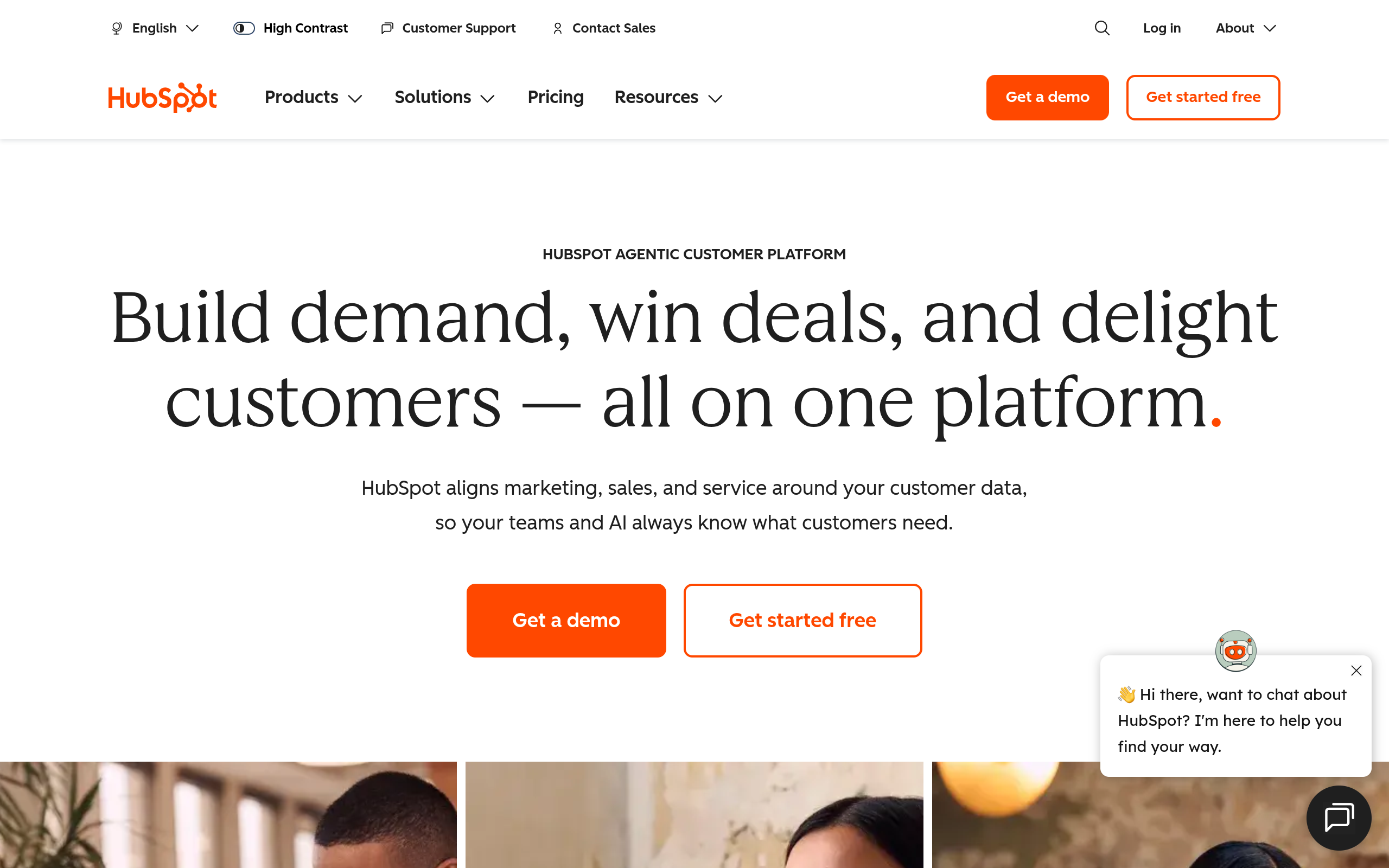
HubSpot Sales Hub's homepage as of October 2026.
HubSpot Sales Hub combines deal tracking with inbound marketing tools and customer service ticketing in one interface. It connects marketing leads directly to sales pipeline stages, using practical automation that requires little technical training.
Meeting scheduling and sequence tracking work out of the box. The main limitation is cost scaling, as subscription prices climb steeply across contact tier thresholds. It also offers less flexibility for custom relational database schemas than Salesforce.
It works best for growing teams that need a clean balance between marketing automation and pipeline management. You get an intuitive platform without taking on heavy administrative overhead.
Scale your outreach with accurate prospect records
Equip your growing team with verified B2B contacts from Go4Database to keep conversations moving forward.
Apollo.io
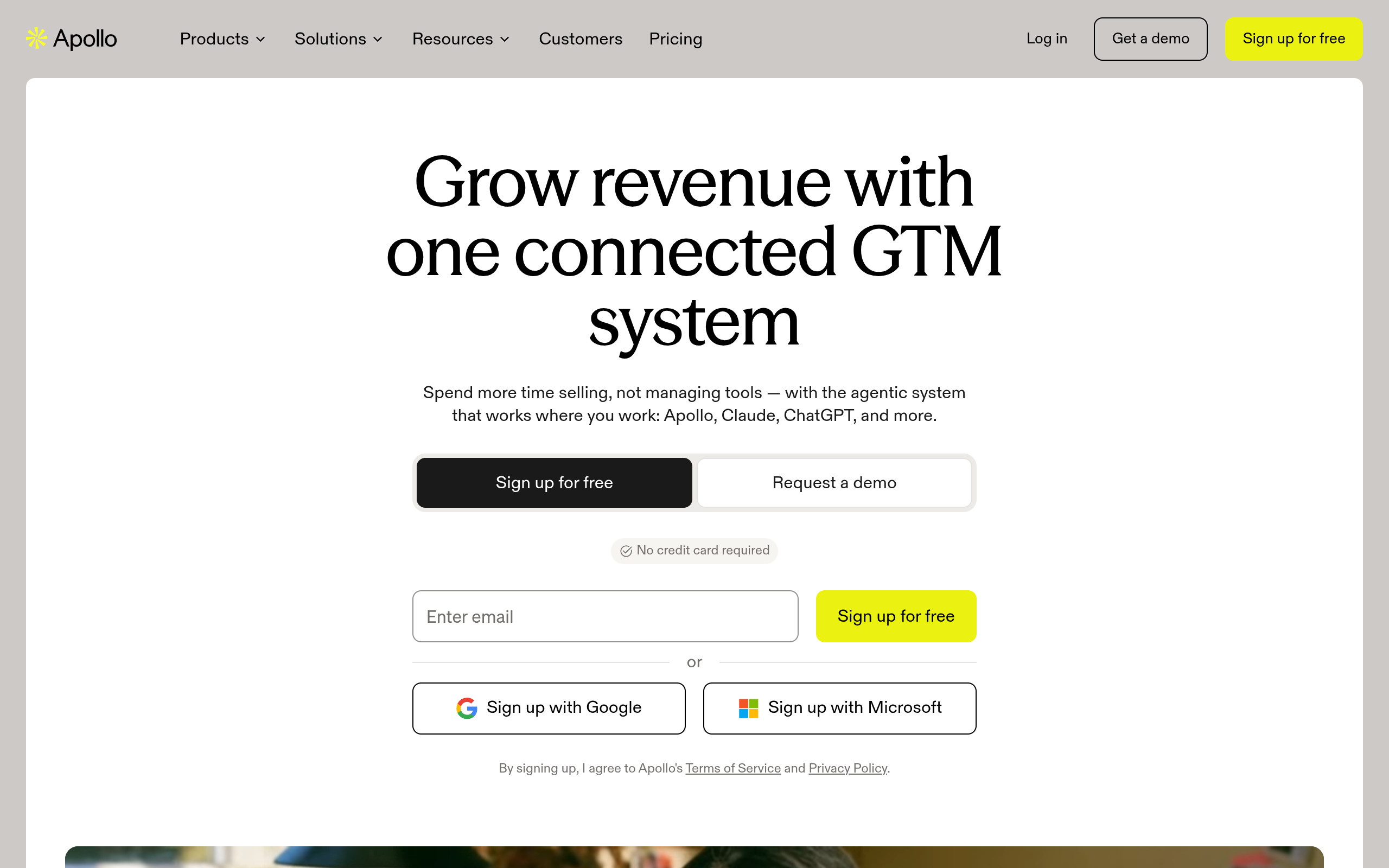
Apollo.io's homepage as of October 2026.
Apollo.io combines a native B2B prospect database, automated email sequencing, and deal tracking in one interface. Reps get direct access to business contacts alongside built-in outreach and dialer tools.
The trade-off comes down to depth. Its pipeline management and reporting are lighter than what dedicated CRMs offer, and data accuracy varies enough across industries to warrant secondary verification.
For early, outbound-focused sales teams, it remains an economical choice. You get prospecting data, outreach sequencing, and basic pipeline tracking without paying for multiple separate subscriptions.
Close CRM
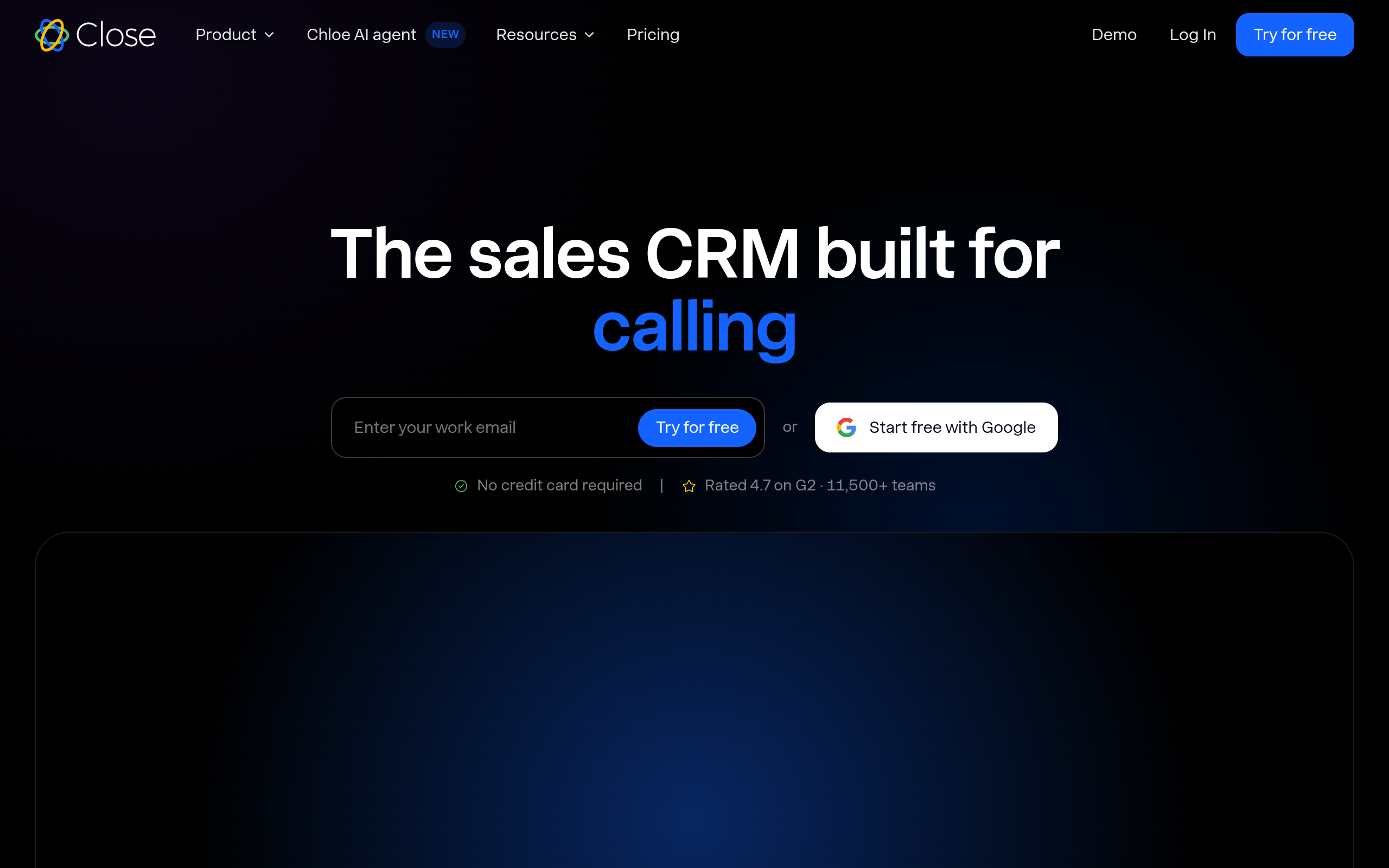
Close CRM's homepage as of October 2026.
Close CRM is an inside-sales platform built for high-velocity calling, SMS, and email outreach. Reps get a built-in predictive dialer, call recording, and SMS messaging directly inside each lead record.
A keyboard-friendly layout helps reps move through daily outreach quickly. It fits inside sales teams that focus on native calling, SMS, and structured cold emailing without platform friction.
The main tradeoff is cost. Close has a higher starting price per seat than entry-level visual CRMs, alongside limited marketing automation and lighter post-sale customer management features.
Frequently Asked Questions
You might have these questions in your mind?