
Planning an outbound growth budget for 2027 often leads to sticker shock. Many founders and sales leaders turn to enterprise CRM software, expecting it to solve their pipeline problems on its own. Software seats alone do not create conversations. If you do not have verified prospect records to work with, an expensive database simply sits empty while costs add up. In simple terms, Salesforce pricing is built on tiered licensing fees charged per user each month. While that covers core pipeline tracking, the overall salesforce cost rises quickly once you add custom workflows, storage expansions, and integrations.
Salesforce pricing is a tiered subscription model where businesses pay per user monthly, typically billed annually. It matters because base subscription tiers determine your core pipeline features, user limits, and scalability, directly shaping your overall sales operations budget before factoring in extra setup, integration, or contact management costs.
For teams building a lean outbound engine, pairing accessible sales software with verified prospect data from our verified B2B database on Go4Database is often a more budget-conscious path. It directs resources toward reaching decision-makers first.
A tool cannot fix broken prospecting fundamentals. Before signing an inflexible annual contract, you need to understand what you are actually buying, where extra fees hide, and whether your team can run it without costly outside help.
Salesforce Pricing 2027: How Much Does Salesforce Cost Per User
Published CRM prices rarely tell the whole story. Salesforce displays its license rates as monthly numbers on public tiers, but it bills annually for almost every plan.
That contract structure demands thousands of dollars before your reps send their first outbound message. When cash flow matters, an unexpected upfront commitment can stall other practical sales investments.
Financial analysts monitor the salesforce stock price and daily movements in the salesforce share price on Yahoo Finance market trackers. Checking the salesforce stock price today shows high-level enterprise valuation.
Day-to-day operators, however, must focus on the immediate cash outflow caused by published salesforce rates. License commitments lock in your budget regardless of how market conditions fluctuate.
Is Salesforce Billed Monthly or Annually in 2027
In practice, Salesforce requires annual upfront commitments for almost all standard editions. At a $100 monthly rate, for example, that agreement works out to roughly $1,200 per user due on day one.
That upfront structure limits flexibility for growing teams. When hiring plans change or reps leave, you still pay for those committed seats through the entire contract term.
Current Per-Seat License Breakdown Across Sales Cloud Editions
According to pricing research published by Forbes Advisor recently, Pro Suite costs $100 per user per month with mandatory annual billing. That creates a fourfold price jump from the $25 Starter Suite when small businesses need basic workflow automations.
Industry research from Redress Compliance recently notes that Enterprise Edition sits at $175 per user per month and Unlimited at $350 per user per month. Baseline salesforce crm pricing climbs rapidly as you add operational seats.
To see how this works in practice, consider a five-person outbound sales team. On Starter Suite, that baseline costs roughly $1,500 per year, but Starter restricts custom fields and automated routing.
Moving that same team to Pro Suite increases their base software license fee to roughly $6,000 annually before purchasing data or telephony. The operational cost expands before any prospect even responds.
Pro tip: Calculate your total CRM user count based only on daily active deal-closers rather than assigning full licenses to managers or read-only operational staff.
Base salesforce pricing runs between $25 and $350 per seat monthly, but mandatory annual commitments create steep upfront costs.
Rather than paying for seats you rarely use, pairing a simpler CRM with verified decision-maker lists from Go4Database helps start conversations sooner.
Salesforce Plans and Editions Compared: Features, Limits, and Benefits
Choosing an edition comes down to what your daily workflow actually requires. Starter Suite handles basic contact management, while Pro Suite introduces custom quoting and lighter automated routing.
The real limitation appears when you connect outside tools. Starter and Pro restrict open application programming interfaces, so you cannot easily sync external prospect records without moving up to Enterprise.
Starter Suite ($25/user/mo) vs. Pro Suite ($100/user/mo): The Small Team Trap
Starter Suite works for very small teams that just need a shared address book. But it limits you to pre-configured templates, which prevents custom lead scoring or automated handoffs.
Pro Suite adds basic automation, but the higher price is difficult for small budgets to justify. You pay significantly more simply to generate custom sales quotes or route inbound records to specific reps.

Fill Your Chosen Salesforce Plan With Leads
Fuel your new Salesforce plan with verified B2B contact records from Go4Database so your reps start selling immediately.
Enterprise ($175/user/mo) vs. Unlimited ($350/user/mo): The API and Automation Threshold
Enterprise Edition provides full developer tools and custom workflows. Teams usually choose this plan when they need Salesforce REST APIs to connect sales intelligence platforms, telephony systems, and internal tools.
Unlimited Edition adds dedicated sandbox testing environments along with built-in technical support. That price jump mainly makes sense for larger organizations with dedicated internal admin teams.
Agentforce Max and Consumption Tiers ($550/user/mo)
The Salesforce Newsroom recently announced all-inclusive Agentforce Max editions starting at $550 per user per month. This package bundles 2.75 million annual Flex Credits, Data 360 foundations, and Premier Support for automated customer workflows.
Pluno AI recently reported that Agentforce voice actions consume 30 Flex Credits (about $0.15 per event). Text lookups take 20 Flex Credits ($0.10 per event). That usage introduces unpredictable monthly charges into traditional seat budgeting.
| Salesforce Plan / Tier | Published Rate (Per User / Month) | Core Automation & API Limits | Storage Allocation Per Seat | Target Business Profile |
|---|---|---|---|---|
| Starter Suite | $25 (billed annually) | Pre-built templates only; strictly restricted external API access | Shared baseline pool | Freelancers, solo operators needing standard digital rolodexes |
| Pro Suite | $100 (billed annually) | Basic custom workflow rules; limited integration connectors | Shared baseline pool | Small teams requiring automated quoting and custom lead routing |
| Enterprise Edition | $175 (billed annually) | Full open REST APIs, workflow orchestration, custom governance | 20 MB relational data per user | Growing mid-market businesses syncing extensive third-party platforms |
| Unlimited Edition | $350 (billed annually) | Unrestricted developer sandboxes, built-in Premier Support | 20 MB relational data per user | Scaled sales departments with dedicated operational administrators |
| Agentforce Max | $550 (billed annually) | Autonomous agent execution, Data 360, 2.75M annual Flex Credits | Shared enterprise data pool | Large organizations running continuous high-volume autonomous workflows |
Salesforce CRM Implementation Costs, Add-Ons, and Hidden Fees
The sticker price of a license is rarely the whole bill. Recently, industry analysis by Sasanova estimated that enterprise implementation costs often reach three to five times the baseline license spend once customization is included.
Third-party implementation partners charge high hourly fees to build custom pipelines and connect company systems. Without budgeting for that extra work, the true cost of the CRM adds up quickly.
The Relational Storage Penalty on Contact Lists
Data limits often create unexpected expenses for outbound demand generation teams. AppStack Insider reported recently that extra Salesforce relational data storage costs roughly $125 per month for a 500 MB block.
Standard user allocations remain capped at 20 MB per seat. Uploading raw contact lists directly into your CRM can easily exhaust that base limit in weeks.
Experienced teams stage cold outbound data outside their CRM. They use tools like our email verifier to clean lists first, adding only engaged prospects to their pipeline.
Mandatory Support Plans and Consultation Surcharges
Support fees can quickly reshape your budget. In their recent CRM cost review, Tutorsbot reported that the mandatory Premier Success Plan adds a 30% surcharge to total net software licensing fees unless customers purchase higher-tier bundles.
For example, if your annual licenses total $40,000, that support fee adds roughly $12,000 each year. Without this plan, basic response times for critical system questions can stretch across multiple business days.
The Agentforce Model: Paying for Inquiries
Conversational AI agents introduce a different metering model. Macha AI reported recently that Salesforce charges $2 per customer-facing conversation or consumes Flex Credits.
Teams are billed whether the autonomous agent resolves the inquiry or hands off to a human rep. This structure easily penalizes early rollouts, where you pay for conversational errors while training the system on internal documentation.
Pro tip: Store your master records in an external database and sync only responsive prospects into your CRM to avoid expensive relational data surcharges.
Hidden costs like storage blocks and Premier Support fees can quickly multiply your baseline salesforce cost. You can avoid CRM storage penalties by building, filtering, and verifying prospect lists on Go4Database before importing qualified buyers into your active pipeline.
Avoid Costly CRM Contact Cleanup Fees
Prevent expensive database overages by importing clean, verified B2B contact lists from Go4Database into your active system.
Salesforce Pricing by Business Size: Small Businesses vs Enterprises
Software return on investment varies dramatically based on company size. Analysis from Gartner Sales Research shows enterprise platforms deliver their highest value when supporting large teams with complex sales hierarchies.
Smaller sales teams often get buried under complicated administrative setups. If reps spend hours updating multi-layered picklists instead of talking to buyers, the system slows the entire sales process down.
What Is the True Salesforce Cost for a 5 to 20-Person Team
A 10-person sales team on Enterprise Edition commits $21,000 annually on base seat licenses alone. Adding standard Premier Support pushes that baseline to $27,300 before accounting for custom onboarding, data backup systems, or sales engagement extensions.
For a boutique agency, that spend represents a major marketing investment. If the platform does not actively generate outbound conversations, it acts as an operational bottleneck rather than an asset.
The Shelfware Problem in Scaled Deployments
Unused software seats are an easy source of waste. In a recent audit, Redress Compliance found that 18% to 34% of enterprise Salesforce user licenses sit completely idle or unassigned.
They are often the first place teams look to trim costs.
CDP.com noted recently that Data Cloud, rebranded as Data 360, requires baseline commitments starting around $60,000 annually, with usage metered against credit pools. Large enterprises can absorb these multi-year commitments, but lean operators need to protect their liquidity.
Salesforce Alternatives in 2027: Affordable CRM Solutions Compared
If enterprise licensing exceeds your budget, several focused CRM platforms handle pipeline tracking without the overhead. Finding a solid salesforce alternative simply comes down to your sales motion.
Pairing a simpler pipeline tool with targeted prospect records on Go4Database works well for lean teams. You often see better conversions at a fraction of the cost.
HubSpot CRM
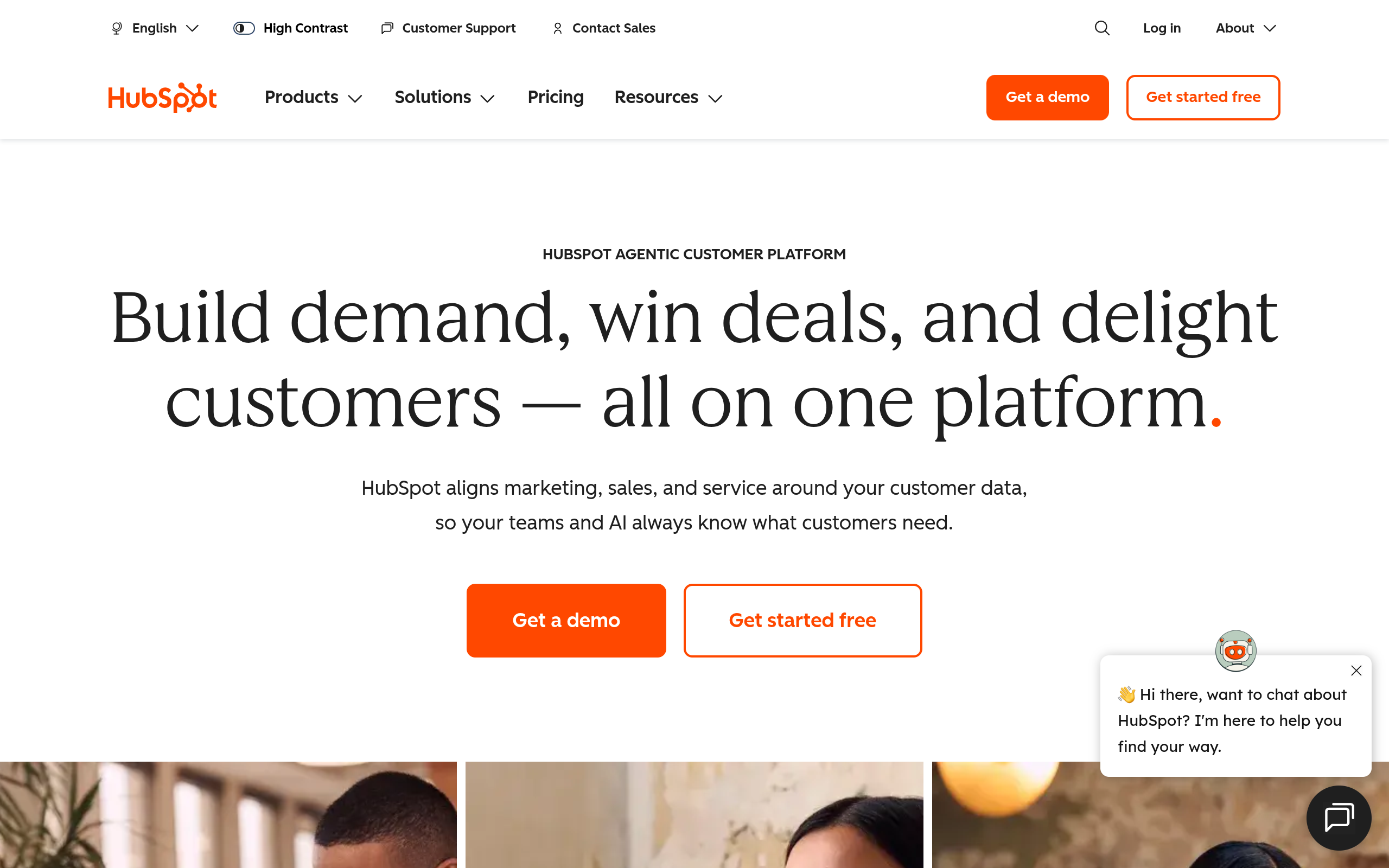
HubSpot CRM's homepage as of October 2026.
HubSpot CRM is built around inbound marketing, visual pipelines, and direct sales engagement. Most teams can adopt it quickly without hiring dedicated outside administrators.
Small teams benefit from generous free foundational features, visual contact tracking, and built-in meeting schedulers. The main limitation is pricing. Marketing tiers increase sharply as your contact database grows, making it best for teams with controlled list sizes.
Zoho CRM
Zoho CRM fits teams that need custom layouts, detailed lead routing, and deep automation at accessible monthly rates. It also connects directly to Zoho's broader suite of business tools.
Its biggest advantage is advanced workflow rules paired with predictable monthly or annual pricing. The interface can feel uneven across add-on modules, but it remains practical for budget-conscious teams that need custom logic.
Power Any Alternative CRM Platform
No matter which CRM you select, Go4Database supplies verified B2B contact records ready for immediate outbound outreach.
Pipedrive
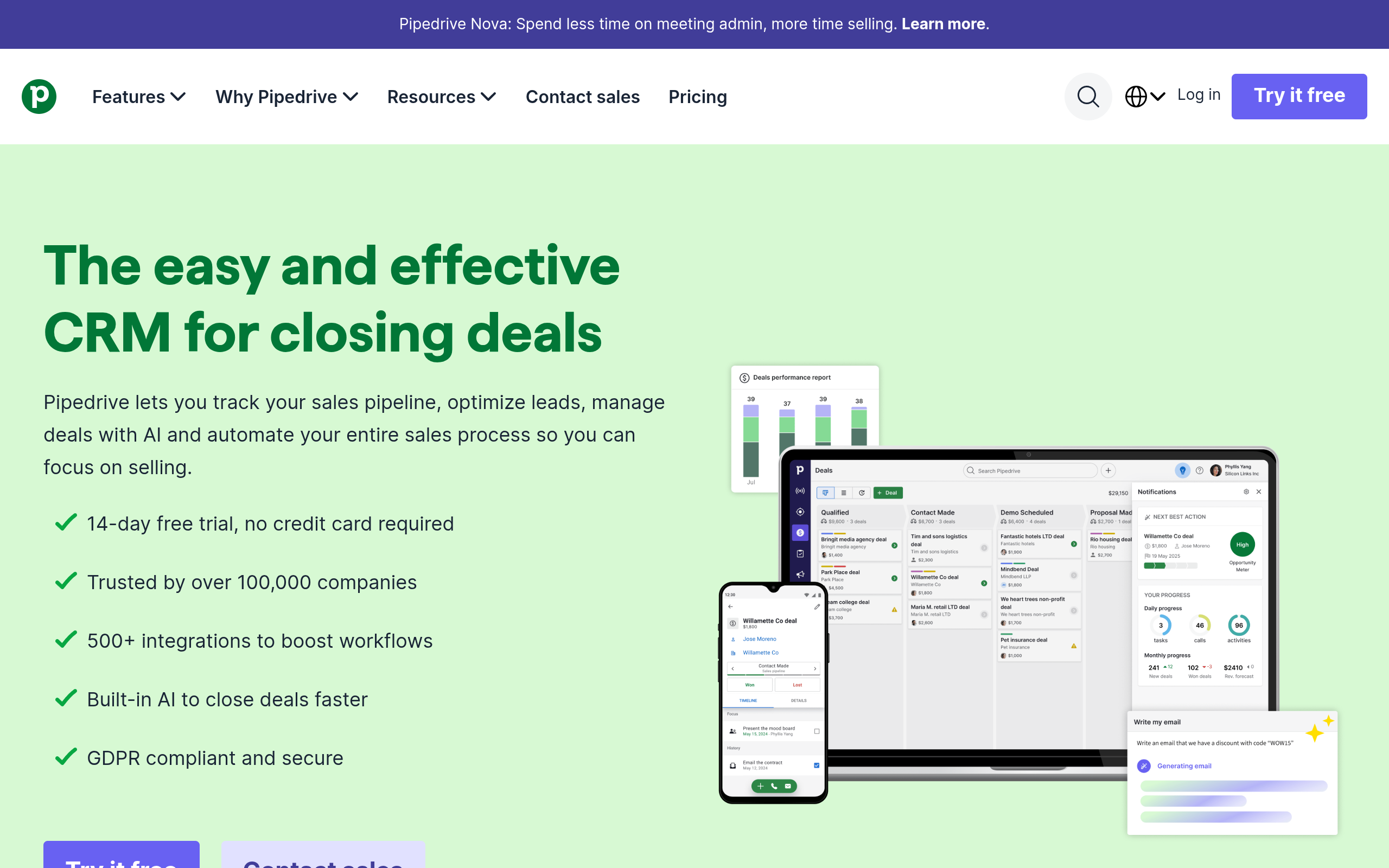
Pipedrive's homepage as of October 2026.
Pipedrive is built around visual, activity-based deal tracking. Its simple kanban layout keeps sales reps focused on the day-to-day actions needed to move qualified deals forward.
Setup usually takes hours rather than months, giving reps intuitive drag-and-drop pipeline tracking and automated reminders. It lacks complex marketing features or helpdesk tools, which works well for lean teams that focus on basic pipeline hygiene.
Making the Right CRM and Data Decision for 2027
Salesforce works well for global corporations with dedicated IT teams and custom technical needs. But solo operators, agencies, and growing sales teams often spend valuable budget on enterprise tiers they do not fully use.
Before committing to a multi-year software contract with storage surcharges and consumption fees, examine your revenue engine. Software does not close deals on its own. Meaningful conversations with qualified buyers do.
Choose a simple CRM your team actually uses, and keep your overhead low. Focusing your budget on reaching active decision-makers with accurate data from Go4Database gives your sales pipeline a much better start.
Frequently Asked Questions
You might have these questions in your mind?