
You can buy the most sophisticated sales software in the world and still find your reps staring at empty contact records on Monday morning. Many founders and sales leaders treat software purchases as instant revenue drivers. They assume signing up for an enterprise platform automatically populates their pipeline with eager buyers. The core distinction in Salesforce vs Go4Database comes down to deal management versus prospecting data. Salesforce manages pipeline and customer interactions once relationships exist. Meanwhile, Go4Database supplies verified business leads and market intelligence to fuel cold outreach. It gives reps the contacts they need before opportunities ever enter the CRM.
Salesforce vs Go4Database is a comparison between an enterprise CRM platform and a specialized B2B contact database. This comparison matters because both tools solve different problems in the sales process. Salesforce manages active deals and pipeline relationships, while Go4Database delivers verified prospect data to fill empty pipelines before sales outreach begins.
In simple terms, one tool organizes your conversations, while the other provides people to contact. Confusing the two leads to wasted budget and stalled outbound momentum.
For further reading, consult HubSpot's marketing blog.
Salesforce vs Go4Database: Key Differences in CRM and B2B Lead Generation
Salesforce's homepage as of October 2026.
Think of this comparison as a choice between an engine and its fuel. Salesforce builds the operational system that tracks customer lifecycles, automates daily tasks, and organizes deals.
Out of the box, Salesforce arrives completely empty. It does not supply cold prospect records, direct phone numbers, or corporate email addresses to help reps start conversations.
This is where external data enters the workflow. According to Gartner research recently, commercial B2B contact data naturally decays at roughly 25% to 30% each year due to turnover and restructuring.
Without fresh records, even a well-configured CRM turns into stale storage. Revenue teams often pair Go4Database and salesforce so they can build outbound momentum without cluttering their core database.
Salesforce
Salesforce Sales Cloud acts as a centralized System of Record. It logs communications, tracks multi-stage sales opportunities, and handles pipeline reporting for established organizations.
The platform supports detailed workflow governance and revenue forecasting through its AppExchange integration network. Limitations include high annual seat fees, technical administration overhead, and the complete absence of outbound prospect records out of the box.
Best for: Established teams requiring formal deal governance, pipeline tracking, and customer relationship monitoring across complex sales cycles.

Build Your Outbound Pipeline With Fresh Data
Source accurate B2B contact records from Go4Database to keep your sales pipeline filled with qualified leads.
Go4Database
Established in 2012, Go4Database supplies corporate email addresses and firmographic records for outbound prospecting. According to Go4Database's published website specifications, the platform lists more than 400 million global business records across roughly 9,000 distinct industry categories.
The platform provides built-in email validation utilities, CSV export options, and access to targeted IT decision-makers data. It does not impose per-seat pricing structures.
Go4Database does not offer native visual deal stages or email sending tools. Sales reps must handle their own staging and export workflow.
Best for: Startups, agencies, and lean sales teams that need verified contact data to prospect without signing multi-year seat licenses.
TL;DR:
Choosing between Salesforce vs Go4Database comes down to whether your sales team needs an operational system to manage deals or verified B2B prospect records to start conversations; pairing pipeline software with Go4Database ensures your sales engine stays fueled with fresh contact intelligence.
Salesforce CRM vs Go4Database B2B Database: Features and Capabilities Compared
Understanding how these platforms differ prevents expensive operational mistakes. Salesforce focuses on managing active relationships through automated triggers, task delegation, and historical communication logs.
In contrast, Go4Database specializes in prospect list discovery. It filters records through firmographic criteria such as company headcount, location, and industry classification.
According to SpendReady's recent enterprise software pricing study, extra Salesforce data storage blocks can cost upwards of $300 monthly for 500 MB. Dumping raw prospecting lists directly into Salesforce creates storage bloat.
Keeping cold contact lists outside your production CRM protects both system speed and your budget. Understanding what is Salesforce helps teams design clean, cost-effective data workflows.
| Operational Dimension | Salesforce Sales Cloud | Go4Database |
|---|---|---|
| Primary Category | Customer Relationship Management (CRM) | B2B Contact Intelligence & Data Provider |
| Starting Price | Starter Suite at $25/user/month (annual billing) | Nano at $35/month; Micro Active at $59/month |
| Contact Data Included | None natively (requires web forms or integrations) | 400M+ business records (per Go4Database) |
| Pipeline Management | Advanced visual pipelines and deal forecasting | None (focuses purely on prospect data delivery) |
| Storage Limits | 10 GB base + 20 MB/user; extra storage blocks cost extra | Credit downloads; no CRM hosting fees for unused rows |
| Cold Email Infrastructure | Restricted under marketing acceptable use policies | Delivers CSV files for secondary outreach engines |
| Contract Commitments | Annual billing per user license | Flexible monthly subscriptions or static list packages |
Pro tip: Keep your production CRM pristine by staging cold outbound lists in an external spreadsheet or staging tool, importing contacts into Salesforce only after they reply positively.
the Two Platforms.com Pricing: Costs, Data Access, and Business Value
According to Salesforce's published recent pricing page, Sales Cloud plans require annual commitments across tiers like Starter Suite, Pro Suite, Enterprise, and Unlimited.
When evaluating Salesforce pricing, every new sales hire needs another recurring user license before booking a single meeting.
By comparison, Go4Database structures its plans around data consumption. Its published options include a Free Trial, Nano ($35/month for 1,500 contacts), and Micro Active ($59/month for 3,000 contacts with 10 user seats).
Let's make this practical. Imagine a three-person outbound team evaluating Go4Database vs Salesforce. Under Salesforce's published Enterprise tier at $175 per user monthly, three seats total $6,300 each year without supplying any prospect leads.
In contrast, allocating about $708 annually for twelve months of Go4Database Micro Active gives that same team up to 36,000 downloadable records for practical sales lead generation.
A complete lead generation guide clarifies how balancing data intelligence and CRM software impacts real pipeline growth.
TL;DR:
While Salesforce requires recurring annual seat licenses that scale with headcount, Go4Database delivers predictable, credit-based data access starting at $35 per month, allowing growing sales teams to fuel their pipeline without committing to enterprise software overhead.
B2B Contact Data and Lead Generation: the Two Platforms.com
Can you use purchased email lists directly inside Salesforce Marketing Cloud? The practical answer is no. Attempting to blast cold prospect lists through native Salesforce marketing automation can lead to account reviews or sending suspensions.
According to Salesforce Help & Legal Documentation, Salesforce marketing tools operate under a Permission-Based Marketing Policy. This policy explicitly restricts importing unconsented third-party contact lists.
Modern outbound sending requires strict technical setup. You must configure an SPF record, which validates sending IP addresses via standard IETF RFC protocols to stop sender forgery.
You also need DKIM cryptographic keys to prove message integrity. That works alongside a DMARC policy verified through standards outlined by the DMARC Working Group.
Published Google Workspace sender guidelines state that bulk senders must keep spam complaint rates below 0.10% and avoid exceeding 0.30%. Meanwhile, corporate recipient environments enforce parallel security protocols, detailed in published Microsoft Defender standards for enterprise exchange servers.
International prospecting requires legal compliance under statutory standards such as the FTC CAN-SPAM Act in the United States. Senders must include transparent physical addresses and functional opt-out mechanisms.
For European outreach, teams must observe GDPR Article 6 requirements explained by the UK Information Commissioner's Office. These include legitimate interest assessments and clear opt-out rights.
Experienced revenue teams structure outbound delivery through a disciplined staging model:
- Source targeted prospect lists using firmographic filters.
- Validate records using real-time email verification utilities.
- Upload contacts into a dedicated cold outreach tool connected to secondary domains.
- Sync only warm, responsive leads into Salesforce Sales Cloud for deal management.
Teams exploring modern marketing lead generation strategies rely on this staging model to protect primary corporate domain reputations from spam complaints.
Pro tip: Never conduct cold outbound outreach from your primary corporate email domain. Configure secondary sending domains with complete SPF, DKIM, and DMARC records to safeguard your operational email traffic.
Salesforce or Go4Database: Which Platform Is Best for Your Sales Strategy
When should a sales team focus on B2B contact data over CRM software? It depends on your primary bottleneck. If reps lack people to call, adding complex software will not fix the revenue problem.
Sourcing targeted prospect records comes first. Understanding how specialized B2B lead generation companies operate helps revenue leaders balance data collection with ongoing pipeline tracking.
Go4Database fits when:
- You run a startup, agency, or lean outbound team that needs direct dials and emails.
- You want predictable, credit-based data access without annual per-seat software contracts.
- You need fresh records to execute multi-channel cold outbound campaigns.
Salesforce fits when:
- You manage complex enterprise sales cycles with multiple stakeholders across departments.
- Your revenue operations require deep customization, custom security roles, and forecasting.
- You already generate sufficient inbound leads and need a centralized System of Record.
Apollo.io
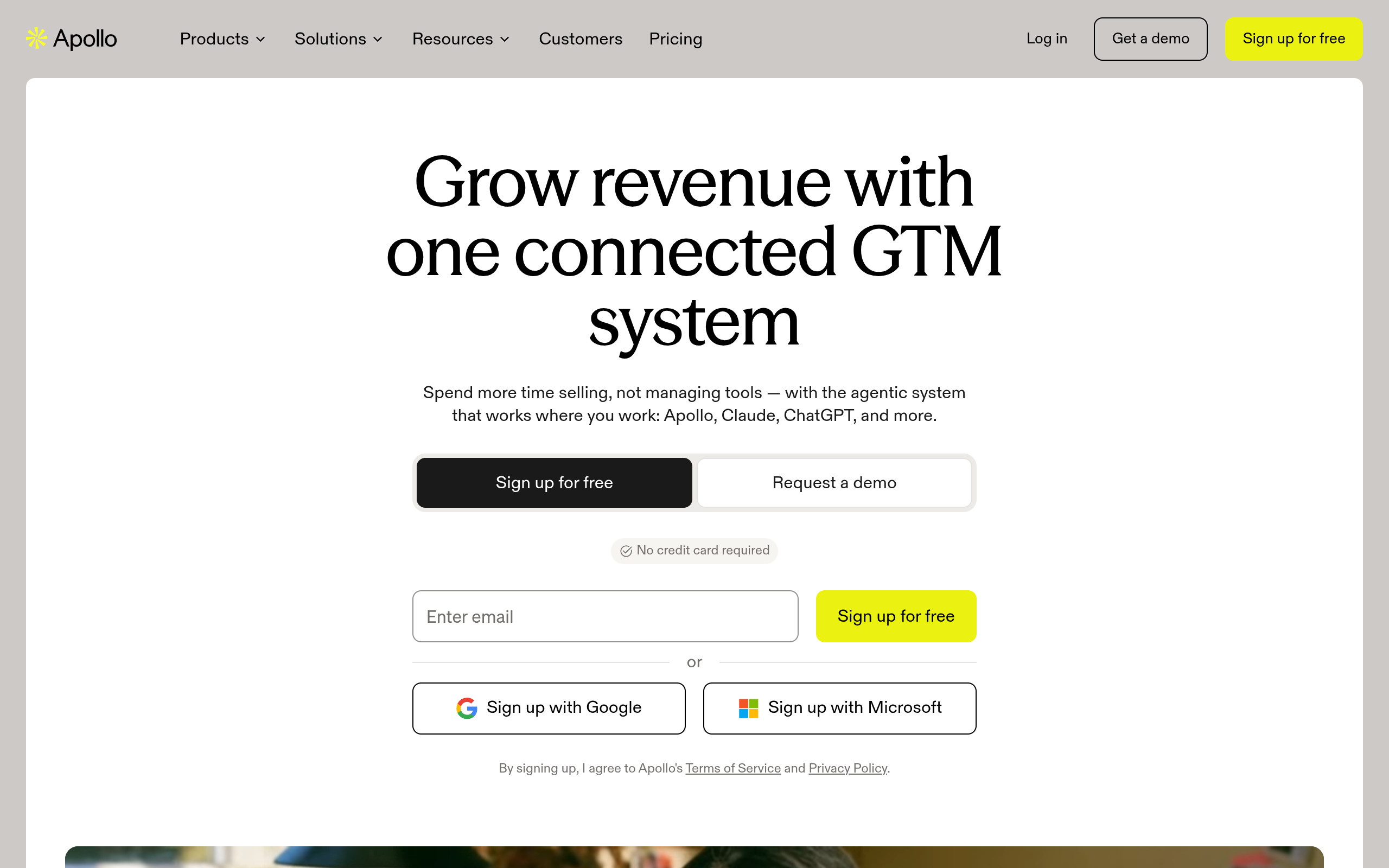
Apollo.io's homepage as of October 2026.
Apollo.io combines a B2B prospecting database with built-in cold email sequencing tools. Entry plans generally start around $49 to $59 monthly, according to its current pricing page.
The platform gives small teams an accessible way to combine prospecting and sequencing in one place. Deliverability can fluctuate, however, when using shared sending infrastructure.
Best for: Lean sales teams seeking contact data and cold outreach sequencing tools in a single dashboard.
Find Prospect Data For Your Sales Strategy
Access verified B2B contact data from Go4Database to fuel outbound sales and connect with decision makers.
UpLead
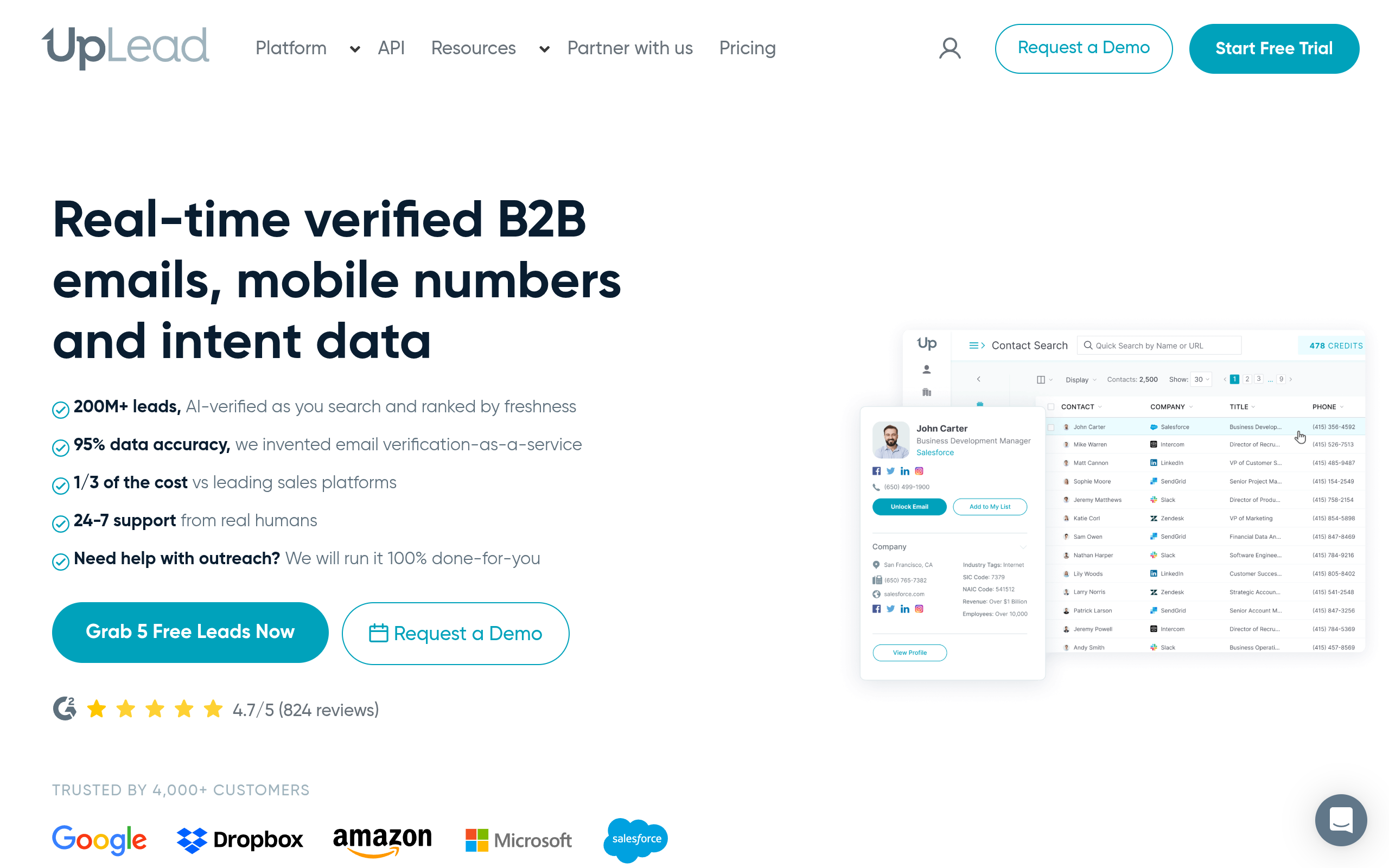
UpLead's homepage as of October 2026.
UpLead verifies B2B contact records in real time before download. Pricing started around $99 monthly according to its recent tiers, paired with a published 95% data accuracy benchmark.
Its main strength is technographic filtering and keeping bounce rates low. The tradeoff is a smaller database footprint, which means higher per-contact costs than bulk providers.
Best for: Outbound teams that focus on low bounce rates and verified email precision over bulk contact volume.
ZoomInfo
ZoomInfo's homepage as of October 2026.
ZoomInfo is a sales intelligence platform that delivers org charts, corporate buying intent signals, and technographic intelligence. According to industry vendor reports recently, annual contracts commonly start at $15,000.
That account mapping is helpful, but seat minimums and multi-year commitments make the platform less practical for early-stage teams. Best for: Mid-market and enterprise sales teams that require corporate intent data and deep organizational mapping.
Target Verified Decision Makers By Job Title
Get verified B2B contact lists from Go4Database filtered by seniority to reach active commercial buyers quickly.
HubSpot
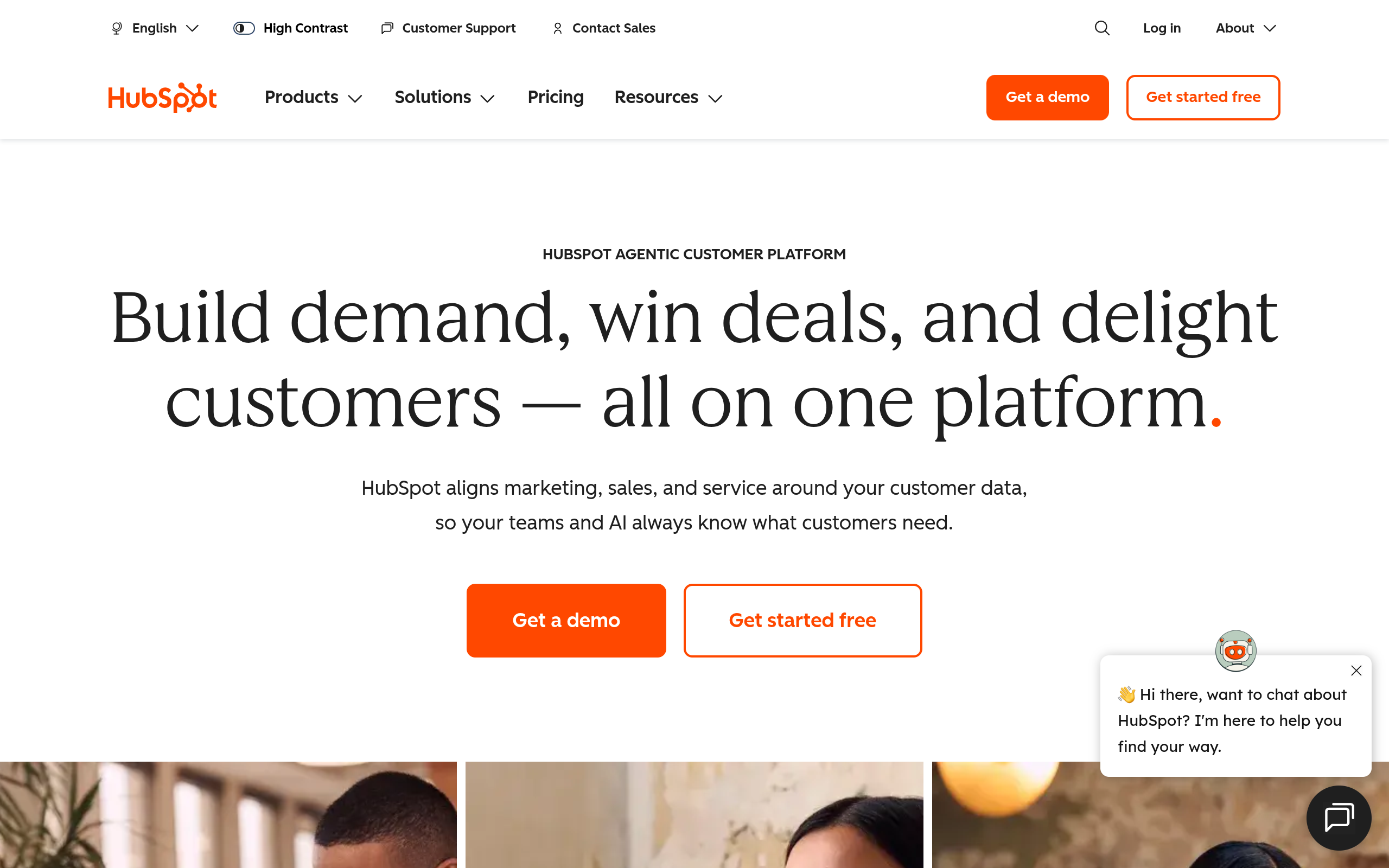
HubSpot's homepage as of October 2026.
HubSpot Sales Hub combines inbound marketing tracking with clear deal pipelines. Based on published recent rates, starter tiers begin around $15 to $20 per seat monthly.
The setup is straightforward, but there is an important limitation. While the platform handles inbound leads well, it does not supply native outbound prospecting records.
Best for: Growing businesses that want an approachable CRM with native inbound marketing tools, without the heavy setup overhead of Salesforce.
If you are weighing pipeline options, compare Salesforce vs HubSpot directly. Looking at alternatives like Salesforce vs Zoho CRM also helps clarify which database structure fits your workflow.
Structuring Your Outbound Growth Stack: Salesforce vs Go4Database
Here is where many teams stumble: they assume buying more software fixes revenue growth. Teams buy enterprise seats and build complex dashboards, yet reps sit idle without direct phone numbers and verified email addresses.
Before committing your budget, diagnose your immediate bottleneck. If your pipeline is empty, spending thousands on pipeline software will simply track inaction.
Start by acquiring accurate prospect records and validating your messaging through disciplined cold outreach. You can deploy a structured CRM like Salesforce once deal volume demands formal pipeline governance.
Frequently Asked Questions
You might have these questions in your mind?