
You can spend months configuring custom objects, pipeline stages, and validation rules in an enterprise CRM. Yet your sales team still misses quota because nobody has accurate phone numbers or email addresses for real buyers. Many founders and sales leaders make this mistake. They assume complex software will solve an outbound revenue problem, only to end up with an expensive, empty database. A practical Salesforce Review examines key features, pricing tiers, and daily trade-offs. The goal is deciding whether the cloud platform fits your operating workflows, data integration needs, and budget requirements.
Salesforce review is an objective evaluation of the platform's core CRM tools, subscription tiers, and setup requirements. It helps sales operations leaders assess total ownership costs, usability, and data integration capabilities before investing budget, ensuring the software actively supports team productivity rather than creating technical bottlenecks.
For growing teams, Salesforce Sales Cloud must justify its steep operating cost and technical overhead. That equation changes quickly when your immediate priority is simply connecting with real decision-makers.
Before committing tens of thousands of dollars to annual contracts, look closely at the true trade-offs. You need to know what you actually receive, what hidden expenses await, and whether your team can realistically adopt it.
Salesforce CRM Features: What Tools and Capabilities Does It Offer
Salesforce Sales Cloud centers on contact management, opportunity tracking, and process automation. Its core engine lets teams track leads from first touch to closed deal using low-code tools like Flow Builder.
Recently, Salesforce shifted focus toward autonomous digital labor through its Agentforce platform. These conversational AI agents handle customer inquiries, summarize sales calls, and qualify inbound leads without human intervention.
Running autonomous agents introduces consumption-based billing models. Salesforce charges $2 per customer conversation. A Help Agent model launched in July 2026 at $2 per verified resolution, alongside metered credits at $500 per 100,000 credits.
Official Salesforce product announcements recently list dedicated Agentforce add-on licenses at $125 per user monthly. For the flagship Agentforce 1 Max Edition, recent product documentation lists pricing at $550 per user monthly.
Data from the PricingSaaS 500 Index, reported by SaaStr, shows consumption-based pricing models across top B2B software vendors surged 126% into 2026. That shift passes computing costs directly to your monthly bill.
In practice, automated outreach tools amplify your existing data quality. Pointing an automated AI agent at outdated records burns metered actions costing roughly ten cents each. Worse, it risks domain blacklisting rather than driving pipeline.
Pro tip: Always test automation workflows on small internal contact samples before activating metered Agentforce actions across your entire database.
Let's make this practical. Software automation cannot compensate for missing contact data. You can search and download verified lists directly through Go4Database.
Salesforce Pros and Cons: Is Salesforce Worth It in 2027
Sales Cloud offers deep architectural flexibility. Enterprise teams can customize screens, build validation rules, and connect external data warehouses through the Zero Copy Partner Network.
Day-to-day user feedback tells a different story. In salesforce reviews reddit threads on r/salesforce, administrators often point to technical debt, messy permission sets, and billing spikes from metered AI credits.
A look through salesforce reviews indeed pages shows similar frustration among frontline users. Account executives often report feeling more like data-entry clerks than sellers while dealing with cluttered layouts.
Benchmarks from the Salesforce State of Sales report show that reps spend less than 30% of their time actively selling. Administrative logging and complex custom objects take up most of their working hours.
Why Do Many Small Sales Teams Struggle With Salesforce Adoption
Small teams often struggle because Salesforce needs dedicated oversight to stay usable. Without a full-time administrator, fields multiply, data decays, and daily user adoption drops.
Reps abandon confusing layouts and revert to private spreadsheets. The platform then becomes an expensive, cluttered record locker that nobody wants to update.
Building a pipeline requires direct conversations with active decision-makers. Spending hours configuring enterprise software cannot replace access to verified prospect data.

Power Your Workflows With Verified Data
Fuel your platform with accurate B2B contact lists from Go4Database to make your automated outreach truly effective.
Salesforce Pricing 2027: Plans, Costs, and Hidden Expenses
The sticker price rarely tells the whole story. According to official Salesforce pricing documentation, Sales Cloud Enterprise lists at $175 per user monthly. Unlimited lists at $350 per user monthly, billed annually.
At the entry level, Starter Suite lists at $25 per user monthly. That tier works for basic setups, but growing teams quickly hit caps on API call volumes, automated workflows, and record storage limits.
Licensing is often just the baseline. RevOps community benchmarks published recently show that software licensing accounts for only 26% to 60% of total CRM ownership costs. Third-party consultants and dedicated system administrators push actual expenses much higher.
Premier Support adds a mandatory 30 percent surcharge on net license fees, according to Salesforce program guidelines updated recently. If you need standard technical assistance without waiting days for forum replies, that cost applies across your contract.
Pro tip: Calculate your three-year CRM budget by multiplying base license quotes by at least 1.8 to account for implementation, support fees, and storage overages.
Instead of committing large budgets to underused software seats, lean teams often support their outbound pipeline with verified business contacts at Go4Database.
Salesforce CRM Ease of Use, Integrations, and Customization Options
Salesforce provides thousands of native integrations through the AppExchange. You can link your billing systems, customer service portals, and email tools into a unified operational console.
Data hygiene also dictates integration success. Senders must keep spam complaint rates below 0.10 percent and avoid exceeding 0.30 percent. That standard comes recently updates in the Google email sender guidelines and Yahoo sender requirements.
Pumping outdated contact lists through automated CRM cadences triggers mailbox throttling and damages domain reputation. Verifying your prospect data before loading campaigns is essential for inbox placement.
Document collaboration recently underwent a major shift. If you are researching an up-to-date quip salesforce review, note that Salesforce officially retired Quip for new accounts in February 2026. Subscription renewals end after March 1, 2027.
Salesforce now routes team collaboration into Slack Canvas and Agentforce. Teams evaluating legacy documentation tools must plan an operational migration toward Slack or external document suites.
What Should Current Teams Do Before Quip Sunsets Completely in 2027
Teams currently using Quip should audit their workspace early to export key document trees and templates. Migrating those materials to Slack Canvas or other cloud suites prevents disruption before renewal deadlines pass.
Next, examine your outbound data connections. Make sure reps run contact records through an external email verifier before loading cold contacts into connected email sequences.
Import Accurate Buyer Contacts Quickly
Connect your customized pipelines with verified prospect records from Go4Database to keep your sales reps selling.
Salesforce Alternatives: How Does It Compare With Other CRM Platforms
Many sales teams realize they do not need enterprise-level architecture to manage everyday customer relationships. Several leading CRM platforms offer more straightforward alternatives.
| CRM Platform | Best For | Starting Base Price (Billed Annually) | Key Strength | Major Limitation |
|---|---|---|---|---|
| Salesforce Sales Cloud | Large enterprises with dedicated developers | $25 to $350+ per user/mo | Deepest customization and app ecosystem | High total cost, steep learning curve, complex pricing |
| HubSpot CRM | Inbound marketing and growing teams | Free to $90+ per seat/mo | Intuitive interface and native marketing alignment | Rapidly escalates in cost as contacts scale |
| Pipedrive | Small teams focused purely on sales pipeline | $14 to $99 per user/mo | Visual deal stages and minimal onboarding | Limited native enterprise reporting and AI depth |
| Zoho CRM | Budget-conscious businesses needing wide app suites | $14 to $52 per user/mo | Affordable breadth across business apps | Clunky interface and fragmented cross-module setup |
HubSpot CRM
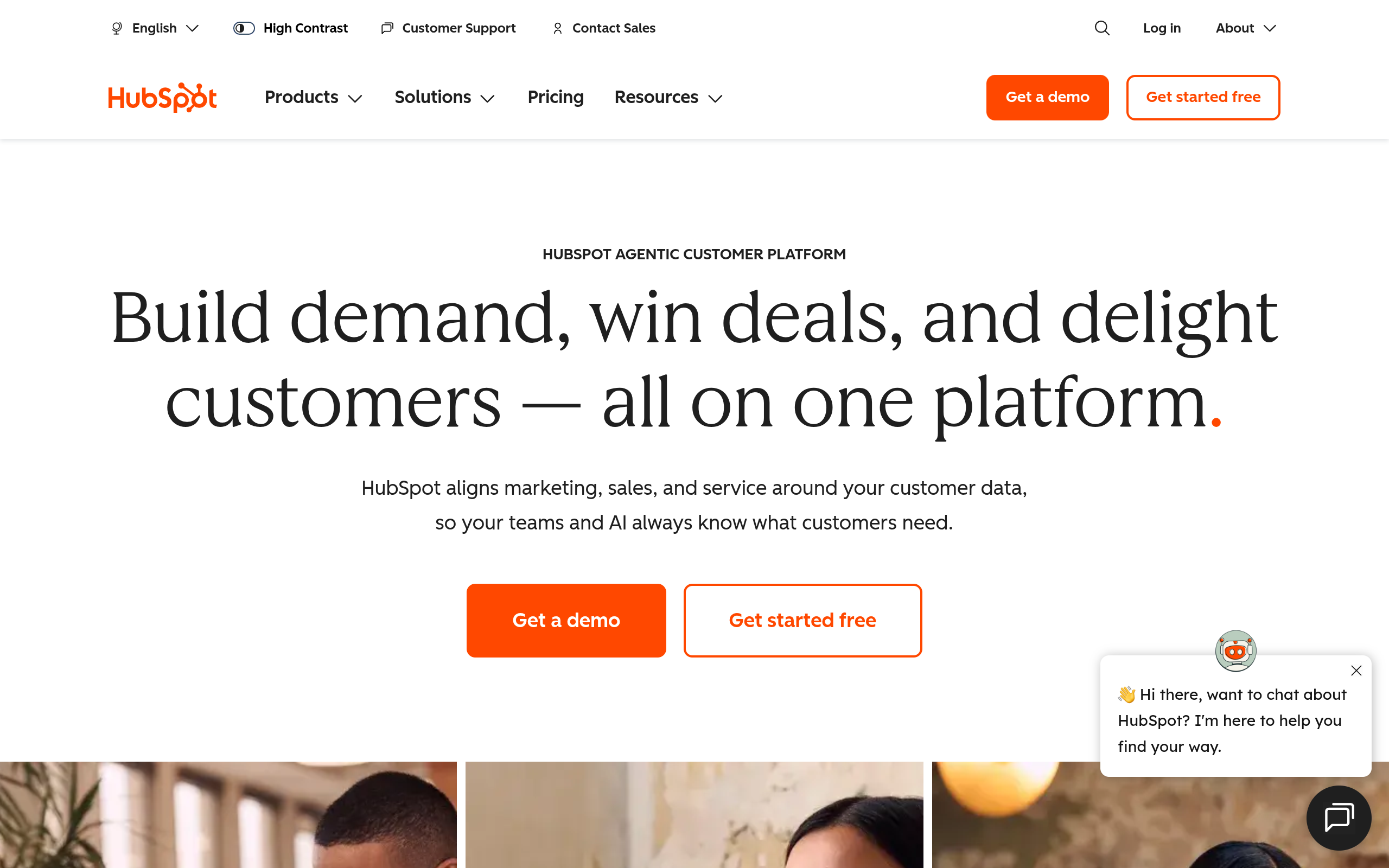
HubSpot CRM's homepage as of October 2026.
HubSpot brings inbound marketing, deal tracking, and customer service into one clean interface. Mid-market teams can run it without dedicated developers, though contact-tier pricing adds up quickly as your list grows.
It works well for growing teams centered on content marketing. Custom reporting and data permissions are simply less flexible than Salesforce once you manage complex partner networks.
Pipedrive
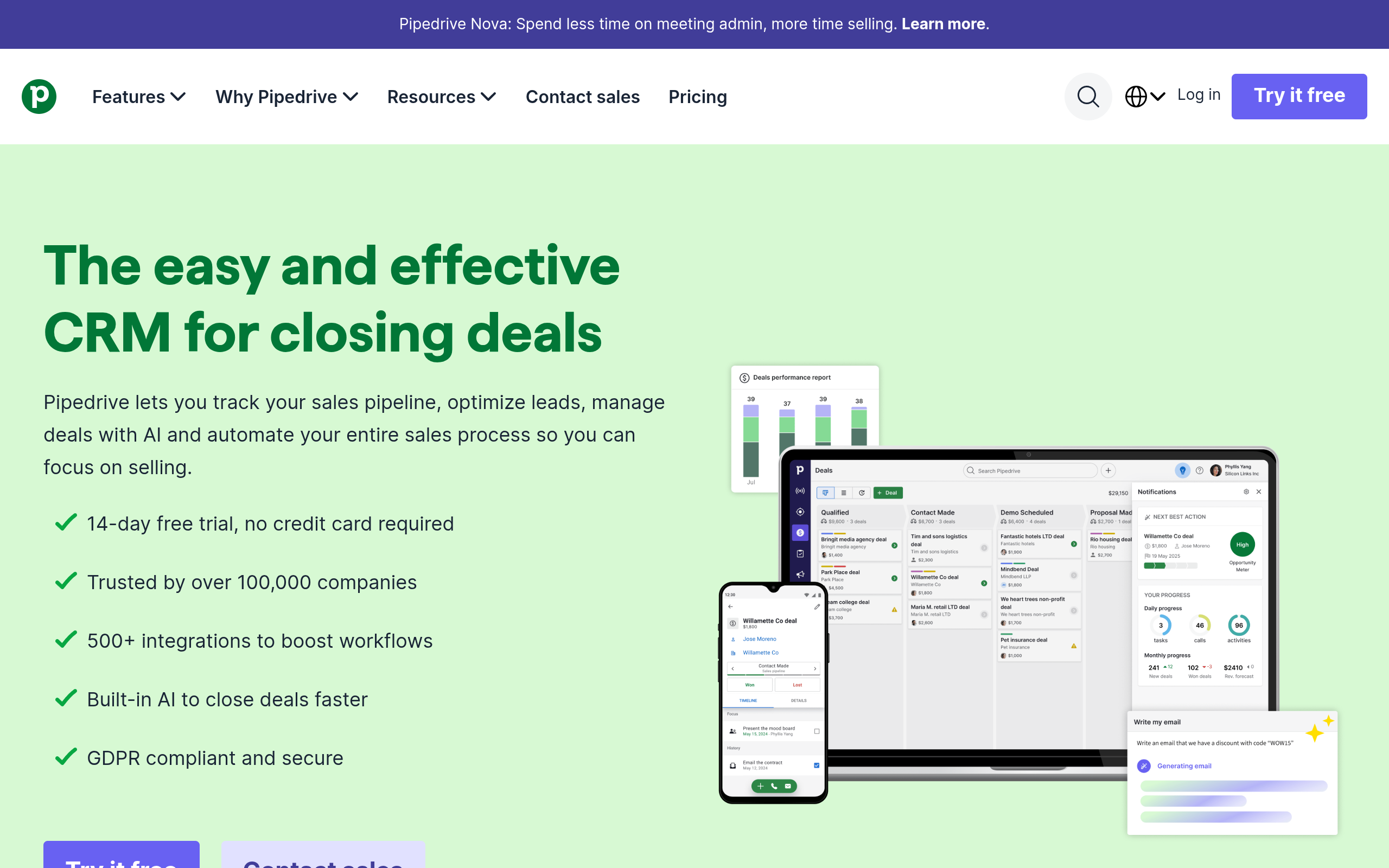
Pipedrive's homepage as of October 2026.
Pipedrive focuses on visual deal stages, email synchronization, and daily sales activity scheduling. Its clean board helps reps track deals with minimal onboarding, making it a practical choice for lean teams.
The trade-off is enterprise depth. Teams that need native customer support ticketing, deep marketing automation, or advanced custom database logic will quickly outgrow that narrower focus.
Zoho CRM
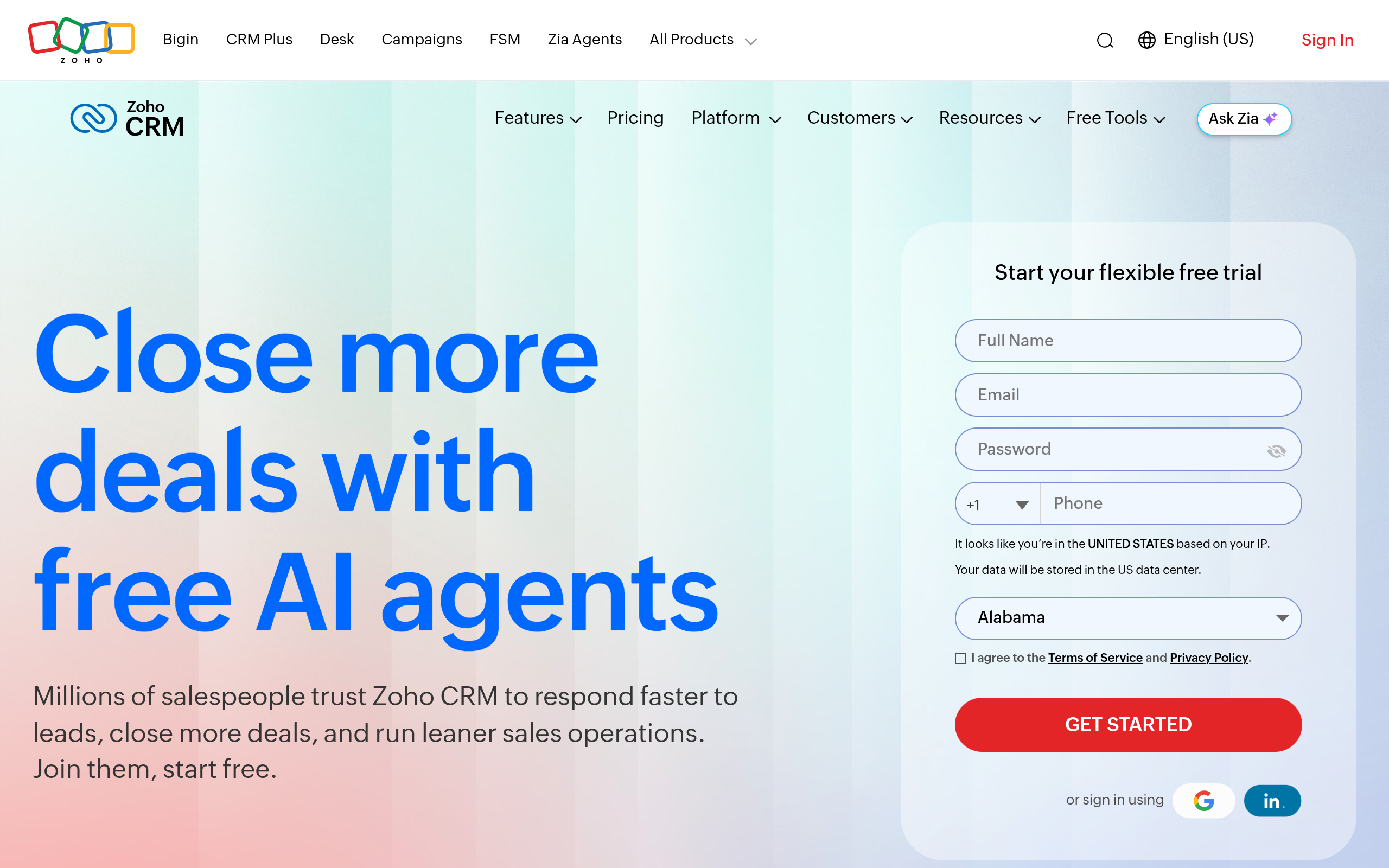
Zoho CRM's homepage as of October 2026.
Zoho CRM provides extensive workflow triggers and customer journey tracking at accessible subscription rates. It connects cleanly with the broader Zoho application suite, giving budget-conscious teams wide functional coverage.
On the other hand, the interface can feel fragmented across different modules, and complex automation often requires custom scripting. It works best for price-sensitive companies that need broad utility without enterprise licensing.
If you evaluate external data enrichment vendors alongside your CRM, compare options like Apollo pricing and our ZoomInfo pricing breakdown. You can also read our Apollo.io review to understand data costs.
There is an important distinction here. Buying more CRM seats does not fix pipeline stagnation if your team lacks direct prospect records. You can use our dedicated email finder to locate decision-makers directly.
At Go4Database, we provide direct access to over 400 million business contacts and 130 million verified mobile numbers across 9,000 industries. Our Free Trial offers 100 contacts monthly for one year without a credit card.
When scaling outreach, our Nano package provides 1,500 contacts for $35 monthly. For larger volume, the Micro Active tier delivers 3,000 contacts for $59 monthly.
Drive Pipeline Growth Across Any CRM
Get fresh, verified B2B prospect datasets from Go4Database that deliver results regardless of which software you choose.
Diagnosing Your Revenue Engine Beyond Platform Selection
A CRM is a storage system, not a growth engine. If your offer fails to resonate or your contact records are invalid, moving from one platform to another changes nothing.
Choose Salesforce if you run an enterprise with dedicated IT developers, specialized compliance workflows, and deep revenue operations teams. For everyone else, keep software light, avoid technical debt, and invest in clean prospect data that drives actual sales conversations.
Frequently Asked Questions
You might have these questions in your mind?