
You can spend three weeks customizing fields in a CRM and still wonder why your sales pipeline looks completely bare on Friday afternoon. Software configuration alone never creates revenue. Evaluating salesforce vs zoho CRM is really about deciding how your revenue team will store, automate, and convert sales pipeline opportunities. You can explore our background at Go4Database to see how clean data feeds sales workflows. Most comparison guides evaluate these platforms in a vacuum based on simple sticker prices. In practice, both systems act as lead ingestion engines handling raw outbound records. Database storage fees, compliance boundaries, and ongoing administrative overhead matter far more.
Salesforce vs Zoho CRM is a software evaluation comparing two leading customer relationship management systems for modern revenue teams. This comparison matters because your choice determines your long term software costs, administrative workload, integration limits, and the ultimate conversion rate of your outbound sales pipeline.
Salesforce vs Zoho CRM: Key Features and Differences Compared
Salesforce's homepage as of October 2026.
The main divide between these tools comes down to software architecture. Salesforce operates as an enterprise platform requiring technical schema design, while Zoho CRM functions as an accessible suite built for fast rollout.
How each platform handles raw prospect lists creates immediate operational differences. In zoho salesforce evaluations, importing high-volume prospect records tests system limits very quickly.
According to Zoho CRM technical documentation, the platform enforces batch-upload limits for CSV imports based on license tier. Standard allows 10,000 records per batch, Professional handles 20,000, and Enterprise supports up to 30,000 records per batch.
Salesforce allows up to 50,000 records at once using its native Data Import Wizard, as detailed in Salesforce Sales Cloud documentation. Larger datasets require technical tools such as the Salesforce Data Loader or third-party bulk connectors.
Salesforce
Salesforce Sales Cloud lets you build custom data models and multi-step processes using Flow. For larger operations, it handles complex territory rules and global account hierarchies better than almost any alternative.
Mature revenue teams gain strict data governance, deep reporting, and thousands of integrations through the AppExchange. The catch is complexity: it requires dedicated administrative support and enforces restrictive baseline data storage limits.
Zoho CRM
Zoho CRM takes a simpler path, focusing on visual pipeline tracking and built-in automation. Teams can configure their stages quickly without writing custom code or hiring dedicated systems engineers.
The platform connects directly across more than 45 business applications in the Zoho product suite. It includes visual Blueprint process mapping, but complex developer scripting relies on a proprietary language called Deluge.
Choosing between zoho or salesforce comes down to structural complexity versus speed. Salesforce supports deep custom modeling for complex teams, while Zoho CRM offers rapid setup for teams syncing records from a targeted B2B contact database.

Test Your CRM With Verified Leads
Power your feature testing with accurate verified B2B contact records directly from Go4Database to accelerate sales.
Salesforce vs Zoho CRM Pricing: Plans, Costs, and Value for Money
Comparing entry-level sticker prices often obscures the true total cost of ownership. Annual contracts, mandatory add-on products, and administrative overhead quickly expand corporate software budgets.
Salesforce lists Enterprise at $175 per user monthly and Unlimited at $350 per user monthly on annual commitments, based on SpendReady documentation. Starter Suite starts at $25 per user monthly, with tier structures detailed in our guide to Salesforce pricing.
Zoho CRM maintains annual subscription pricing across Standard ($14 per user monthly), Professional ($23), Enterprise ($40), and Ultimate ($52), according to Zoho CRM pricing pages.
In zoho crm vs salesforce budget planning, this price gap represents substantial capital over multi-year cycles.
A major hidden operational cost is raw lead storage. According to a storage analysis by GRAX, Salesforce charges roughly $125 per month for an additional 500 MB block of structured database storage.
Zoho CRM provides extra storage blocks of 5 GB for $4 monthly, according to Zoho documentation.
Implementation overhead adds another real expense. Industry surveys by StackCut suggest that roughly 60% of Salesforce implementations exceed initial budgets. Certified administrators alone often command salaries between $70,000 and $120,000 annually.
| Comparison Factor | Salesforce (Sales Cloud) | Zoho CRM |
|---|---|---|
| Starting Plan Price (Annual) | Starter Suite at $25 / user / month | Standard at $14 / user / month |
| Flagship Enterprise Tier | Enterprise at $175 / user / month | Enterprise at $40 / user / month |
| Top-Tier / Unlimited Edition | Unlimited at $350 / user / month | Ultimate at $52 / user / month |
| Additional Data Storage Fee | Approx. $125 / month for 500 MB block | Approx. $4 / month for 5 GB block |
| Built-in AI Availability | Agentforce add-on ($125/user/month) | Zia AI included on Enterprise ($40) & up |
| Admin Support Needed | Dedicated certified admin or consultant | Sales operations generalist or founder |
| Best-Suited Organization Size | 50+ reps with complex data models | 1 to 50 reps wanting lean efficiency |
When looking at overall software spend, weighing zoho compared to salesforce reveals a practical difference. Zoho preserves more budget for hiring and direct customer acquisition.
Salesforce vs Zoho CRM: Sales Automation, Integrations, and Customization
Automation works quite differently in each platform. Salesforce Flow gives operations teams deep logic to build branching triggers across standard or custom objects without writing custom code.
The tradeoff is maintenance complexity. Because Flow interacts directly with production data, a minor logic error can easily overwrite thousands of contact records in seconds.
Zoho Blueprint takes a visual, guided approach. Sales managers map required pipeline stages in a drag-and-drop editor, preventing reps from advancing an opportunity until specific tasks are complete.
Artificial intelligence also brings very different cost structures. Salesforce announcements recently introduced Agentforce AI agent add-on pricing starting at roughly $125 per user monthly for Enterprise and Unlimited tiers.
Zoho includes AI tools by default. It embeds its Zia predictive sales assistant directly into the $40 Enterprise tier, handling lead scoring without requiring extra add-on charges.
There is also cold email compliance to consider. Salesforce compliance policies explicitly note that its core marketing infrastructure prohibits sending commercial emails to third-party or purchased lists.
Legal requirements make this separation critical. Penalties cited by the Federal Trade Commission CAN-SPAM guide can reach up to $53,088 per individual non-compliant email send.
Mailbox providers enforce tight standards as well. Rules in the Google sender guidelines and Yahoo sender best practices mandate keeping spam complaint rates below 0.10%.
The cleanest setup stages cold lists inside a dedicated outreach platform first. You only sync prospect records into your primary CRM once someone replies and shows genuine interest.
Fuel Your CRM Automation Workflows
Fill your automated workflows with verified B2B decision maker contacts from Go4Database to maximize outbound conversion rates.
Salesforce vs Zoho CRM for Small Businesses and Growing Enterprises
Choosing the right platform comes down to your technical bandwidth and pipeline complexity. A small team with a straightforward sales cycle rarely needs enterprise data architecture.
Zoho CRM works well for lean teams and smaller businesses without dedicated technical staff. It lets you import prospect lists, build a working pipeline in an afternoon, and keep monthly software costs manageable.
Salesforce makes more sense for mid-market and enterprise companies with multi-tier sales territories and dedicated database administrators. When multiple departments need real-time syncing across large data warehouses, the platform easily justifies its cost.
Can a small business run outbound campaigns on Salesforce without an administrator
A lean team can certainly launch Salesforce Starter Suite, but moving past basic setups introduces real administrative friction. Once you need custom cross-object reporting, lead routing logic, or data deduplication, managing Salesforce without an experienced administrator becomes difficult.
HubSpot Sales Hub
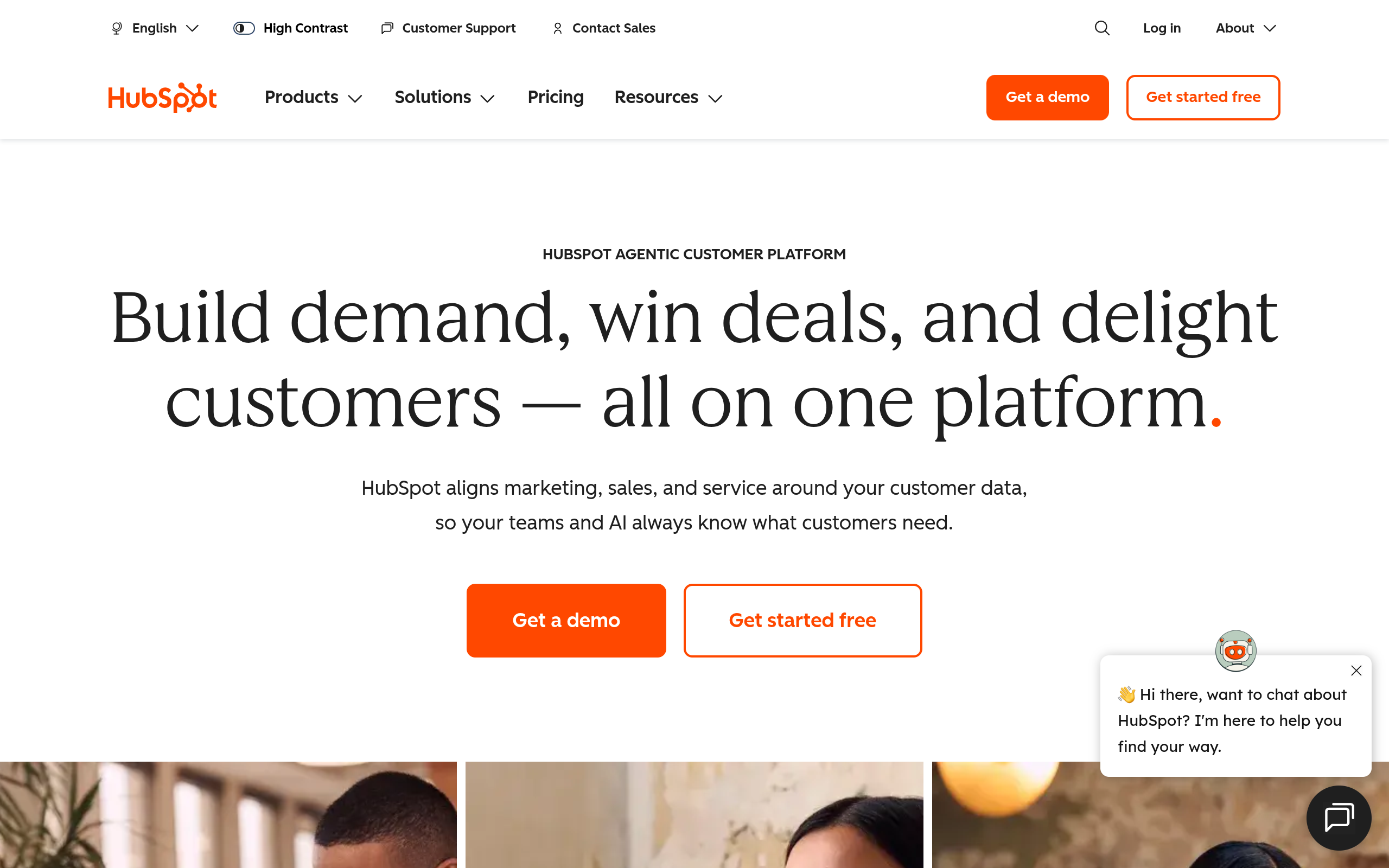
HubSpot's homepage as of October 2026.
If user adoption and inbound alignment are top priorities, HubSpot Sales Hub is easy for reps to use every day. It connects cleanly with marketing activity, though pricing rises quickly as contact lists grow.
Apollo.io
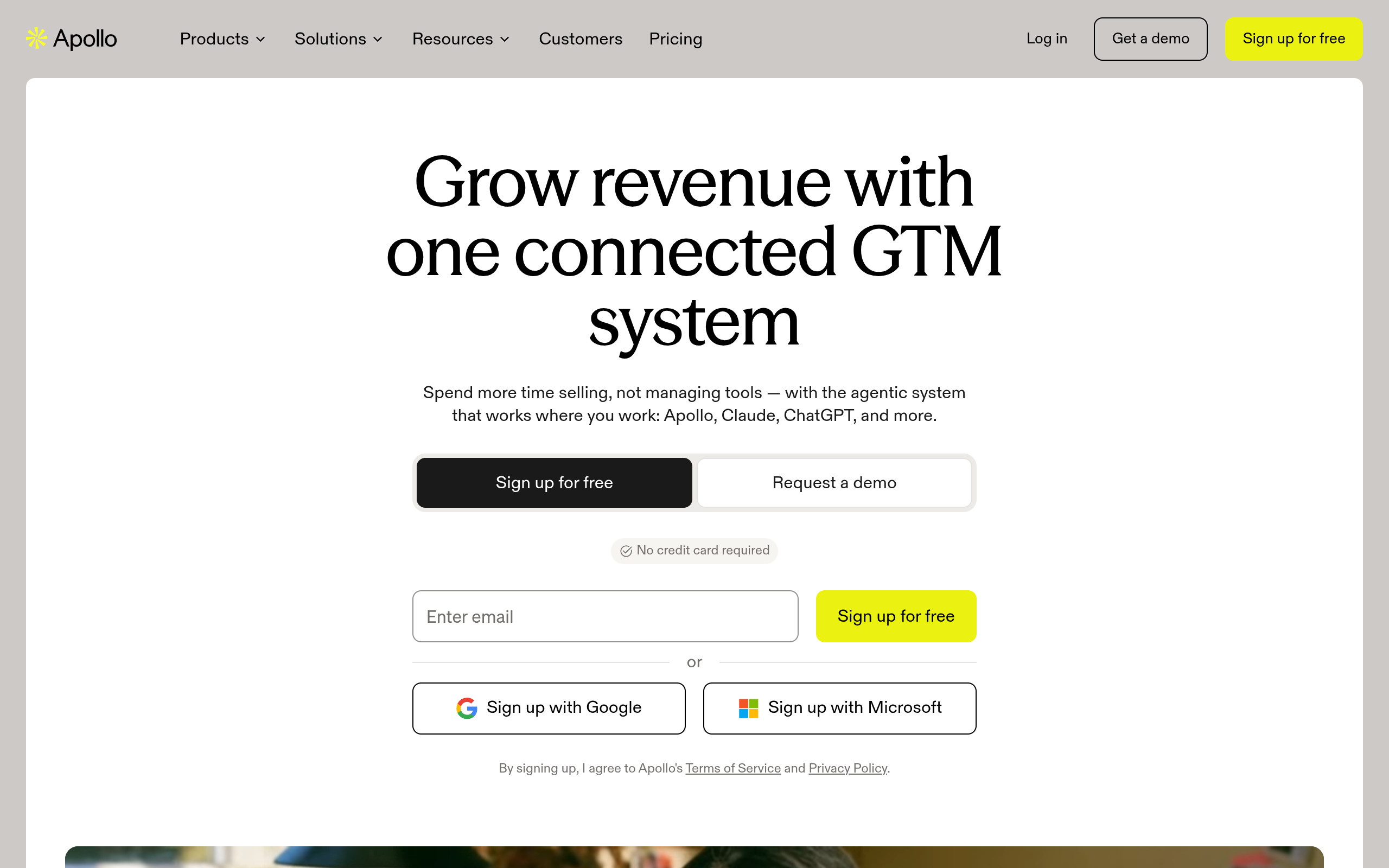
Apollo.io's homepage as of October 2026.
Teams focused heavily on outbound prospecting often turn to Apollo.io because it combines contact data, email sequencing, and basic deal tracking in a single subscription. It lacks the deep governance needed for complex multi-stage enterprise sales deals.
Pipedrive
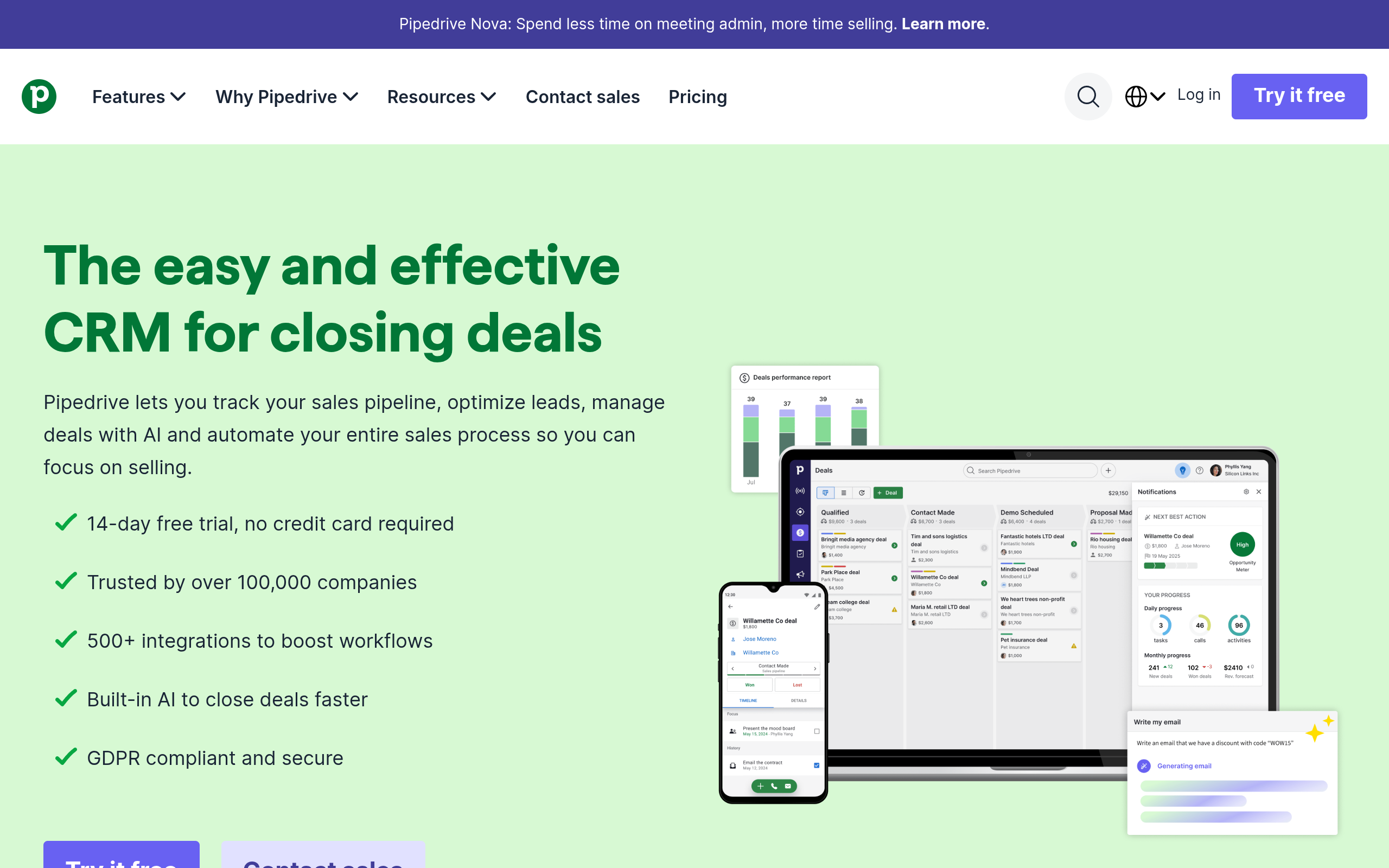
Pipedrive's homepage as of October 2026.
If your team prefers an activity-based visual pipeline, Pipedrive provides a simple Kanban board with very little setup friction. It lacks advanced built-in marketing automation, but it keeps small teams focused on daily selling activities.
Scale Your Pipeline With Clean Data
Equip your growing team with verified B2B contact lists from Go4Database to drive consistent sales pipeline revenue.
Salesforce vs Zoho CRM: Pros, Cons, and Which CRM Should You Choose
When weighing salesforce and zoho, remember that these platforms serve very different operational priorities. Salesforce is essentially an application development environment built around complex internal processes.
Zoho CRM is an out-of-the-box productivity suite built for day-to-day selling. Teams often choose it for fast setup, practical functionality, and keeping software overhead manageable.
Salesforce fits organizations that value deep customization and strict governance over cost efficiency. If your team manages dozens of territories and custom ERP integrations, it handles that operational complexity well.
Any CRM remains an empty database without verified prospect data. Deals close because sales reps talk with the right decision-makers, not because a pipeline has elaborate workflow automation.
Compiling raw, unverified lists also eats into expensive CRM storage limits. Sourcing clean contact datasets directly helps teams avoid paying for bad storage.
For example, according to Go4Database's site, Go4Database states it lists more than 400 million business contacts, 130 million mobile numbers, and 845 targeted category lists across 9,000 industries.
Choosing Your Pipeline Foundation
The choice between these platforms depends on your operational resources. If your organization manages complex subsidiary reporting and can budget for a full-time certified administrator, Salesforce provides the enterprise depth you need.
If you are a founder, freelance operator, or agile sales leader wanting reliable deal tracking, rapid deployment, and predictable software costs, Zoho CRM is much easier to manage. You get solid pipeline tools without the heavy overhead.
Pick the platform that matches your administrative bandwidth today. Avoid overpaying for database storage, and focus your team on feeding the pipeline with verified prospect records.
Frequently Asked Questions
You might have these questions in your mind?