
You can buy a top-tier CRM and still end up with an empty pipeline. Many founders assume enterprise software creates sales momentum on its own. In practice, expensive seats and empty databases only burn capital. In the broader debate of Salesforce vs Microsoft Dynamics, each platform serves a distinct purpose. Salesforce delivers deep cloud customization for growing sales teams, while Dynamics pairs CRM with ERP workflows and direct Microsoft 365 integration. While both systems organize sales pipelines, smaller teams often pair them with verified external B2B contacts from Go4Database. That approach feeds customer acquisition without inflating enterprise infrastructure overhead.
Salesforce vs Microsoft Dynamics is a head to head enterprise CRM evaluation that helps revenue leaders choose the right sales platform. This comparison matters because analyzing licensing tiers, workflow automation, and data storage costs reveals real business value, preventing organizations from overpaying for complex software.
Before committing to multi-year contracts, diagnose your actual bottleneck. The real question is whether your team genuinely lacks software capabilities or simply needs accurate prospect data and consistent sales execution.
Salesforce vs Microsoft Dynamics 365: Key Features and Differences
Both platforms track deals, manage contacts, and structure pipelines. Yet they rely on different technical foundations, which shapes how your sales team works every day.
How each system handles customer data matters. Deciding between salesforce vs microsoft dynamics 365 usually comes down to whether you want deep customization or direct office integration.
Salesforce runs on an independent cloud environment supported by its AppExchange ecosystem with over 7,000 applications. Dynamics 365 connects directly with Microsoft 365 tools like Excel, Teams, and Outlook through its centralized Dataverse storage engine.
Salesforce Sales Cloud
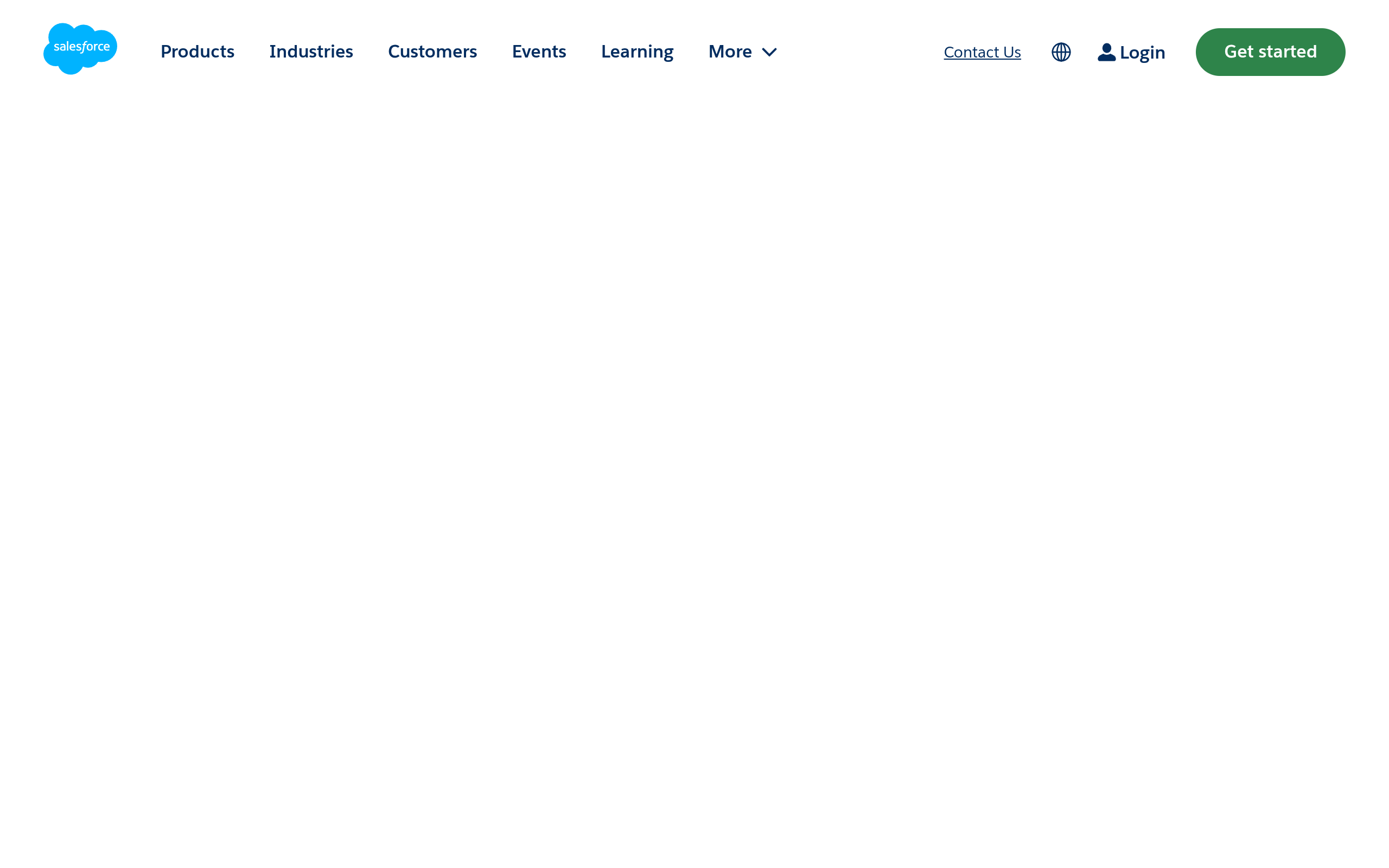
Salesforce Sales Cloud's homepage as of October 2026.
Salesforce Sales Cloud acts as a central system of record for revenue teams. It provides visual deal pipelines, process automation through Salesforce Flow, and flexible data modeling.
Finding certified administrators and third-party connectors is straightforward. However, the platform requires dedicated management resources, charges high seat fees, and keeps default storage allocations tight.
It suits scaling mid-sized teams. It works best when you need customized deal stages, tailored validation logic, and flexibility across third-party software.
Microsoft Dynamics 365 Sales
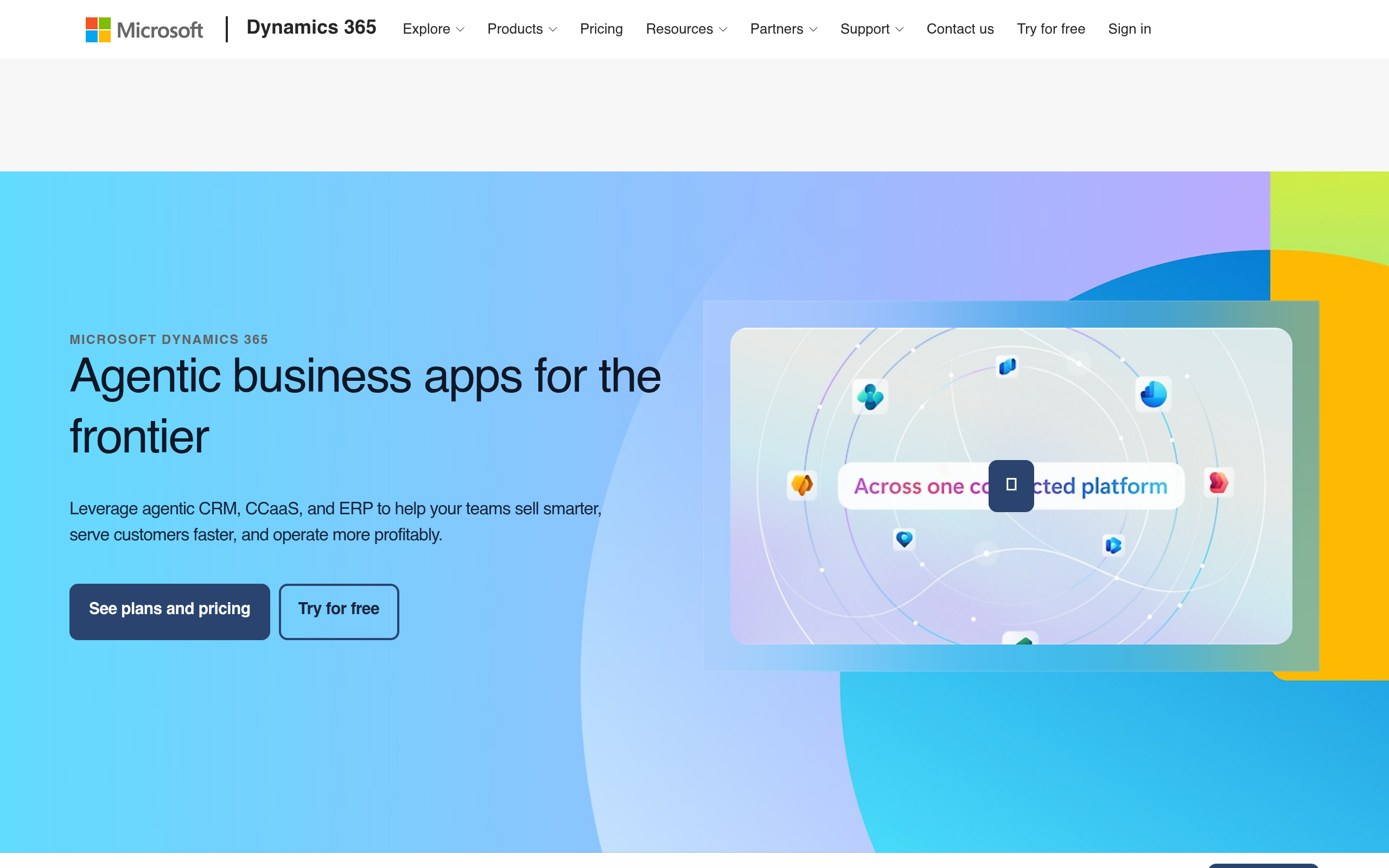
Microsoft Dynamics 365 Sales's homepage as of October 2026.
Microsoft Dynamics 365 Sales is built natively on Microsoft Dataverse. It connects structured CRM records directly into everyday desktop tools like Outlook, Teams, and Excel.
Sales reps can update records inside spreadsheets and handle routine approvals through Microsoft Power Automate. The Base-plus-Attach licensing model also lowers the cost of adding secondary business applications.
The interface can feel dense for non-technical teams, and deployment often involves specialized partners. It fits organizations already running Microsoft 365 that want an integrated sales stack without paying separate standalone seat fees.
TL;DR:
Salesforce offers deep custom data modeling, while Dynamics 365 delivers native Microsoft workplace integration. Successful teams pair either platform with verified records rather than storing raw cold prospect lists inside expensive primary tables.
Salesforce vs Dynamics 365 Pricing: Plans, Costs, and Value Compared
Comparing entry-level tiers rarely reveals the true operating expense. When teams evaluate microsoft dynamics crm vs salesforce, they often overlook enterprise API access, custom automation, and storage fees.
Published plans on Salesforce's official pricing page recently list Starter Suite at $25 and Pro Suite at $100. Enterprise runs $175, Unlimited is $350, and Agentforce 1 Sales reaches $550 per user monthly.
Lower tiers restrict custom rules, pushing growing teams toward Enterprise. A practical look at those tier limits is covered in our breakdown of Salesforce pricing options.
Recently, the published Microsoft Dynamics 365 licensing guide lists Sales Professional at $65 and Sales Enterprise at $105. Sales Premium costs $150, while Relationship Sales is $162 per user monthly.
Microsoft's recent commercial updates adjusted baseline Microsoft 365 E3 to $39 and E5 to $60 monthly. When you compare microsoft dynamics and salesforce, add-on tools quickly reshape your total spend.
Licensing research published by Alphavima recently notes how attach pricing works. A rep with a primary Sales Enterprise license can attach Customer Service for an estimated $20 per month.
Replicating that dual setup in Salesforce requires buying separate Sales and Service Cloud licenses. That requirement can easily double the base software cost for that user.
Storage fees represent another recurring expense. Technical analysis from GRAX published recently explains that extra Salesforce data storage costs roughly $125 monthly for a 500 MB block. That amounts to an estimated $3,000 per GB each year.
By comparison, the official Power Platform licensing guide lists extra Microsoft Dataverse database capacity at $40 per GB monthly. Storing unvetted prospect lists in primary tables can quickly drain your budget.
| Commercial Factor | Salesforce Sales Cloud (Enterprise) | Microsoft Dynamics 365 Sales (Enterprise) |
|---|---|---|
| Published Base Price | $175 per user/month (annual billing) | $105 per user/month (annual billing) |
| Cross-App Add-Ons | Clouds sold as separate full seats | Base-plus-Attach ($20/user/mo per secondary app) |
| Default Storage Model | 10 GB file + 2 GB/user; 1 GB data/user | 30-45 GB Dataverse database + user pools |
| Extra Database Storage | ~$125/month per 500 MB (~$3,000/GB/year) | $40 per GB/month (Dataverse capacity) |
| Inbox Integration | Add-on syncing plugins and connectors | Native real-time integration with Outlook |
| Workflow Automation | Salesforce Flow builder | Microsoft Power Automate workflows |
Pro tip: Keep cold prospecting lists in an external warehouse and sync only active, engaged contacts to avoid expensive CRM storage penalties.
Comparing microsoft dynamics 365 vs salesforce shows that Dynamics 365 delivers lower license costs and far cheaper storage expansion. That pricing gap matters once your contact records multiply.
If you want another benchmark, compare standard rates against Salesforce vs Zoho CRM before finalizing an annual contract.

Control CRM Spending with Targeted Prospect Data
Feed your sales pipeline affordably using verified B2B contact data from Go4Database without upgrading expensive CRM seat tiers.
Salesforce vs Microsoft Dynamics 365 CRM: Sales and Marketing Capabilities
Salesforce and Dynamics manage visual pipelines, deal probability stages, and automated reminders smoothly. The differences surface in their artificial intelligence tools and list governance policies.
Salesforce documentation lists its Agentforce assistant through Flex Credits priced at $500 per 100,000 credits. Standard agent tasks consume an estimated 20 credits each.
Dynamics 365 includes core Copilot summaries in Sales Enterprise. For advanced features, Microsoft 365 Copilot is available for $30 per user monthly.
Teams often assume a CRM doubles as an outbound cold outreach engine. Mixing cold prospecting with primary marketing automation can harm your domain reputation.
Sender compliance rules remain strict across both systems. Published compliance documentation from Salesforce Trust confirms that its marketing platforms prohibit imported, rented, or third-party purchased lists.
Microsoft sets strict thresholds as well. Documentation on Microsoft Learn updated recently notes that Dynamics 365 Customer Insights can flag accounts if hard bounces exceed 8% or spam complaints reach 0.30%.
Mailbox providers enforce similar rules. According to Google and Yahoo's recent bulk sender guidelines, senders must keep reported spam complaint rates below 0.10% and avoid reaching 0.30%.
Blasting unverified cold contacts through your main CRM risks your company sending domain. A safer outbound workflow routes cold lists through dedicated delivery tools first.
Sourcing verified direct-dial contacts from reliable vendors ensures reps reach real decision-makers. Teams can confirm deliverability using an email verifier before launching cadences.
This workflow protects your domain and ensures reps push only qualified leads into Salesforce or Dynamics.
TL;DR:
Neither CRM permits sending cold bulk marketing campaigns directly through native marketing modules. Top teams run cold outreach in specialized sales tools, syncing only responsive prospects into their core pipeline.
Salesforce vs Dynamics 365: Integration, Customization, and Scalability
Connecting your CRM to lead databases and outreach tools looks simple on paper. When comparing microsoft dynamics 365 crm vs salesforce, the practical difference usually comes down to ongoing technical maintenance.
Salesforce allows deep customization using Apex code and Lightning Web Components. Teams can build custom objects and granular permission rules to match complex enterprise sales workflows.
The tradeoff is administrative overhead, since custom code requires dedicated specialists to maintain. Teams looking for a lighter setup often consider a Salesforce alternative instead.
Dynamics 365 takes a different approach by relying on low-code Power Platform connectors. Non-technical administrators can build functional approval triggers and routing workflows using Power Automate.
Platform updates documented by ServerSys recently expanded baseline storage. Default Dataverse capacity for Dynamics 365 Sales Premium tenants reached 45 GB of Database storage and 60 GB of File storage.
Pro tip: Verify email deliverability before importing lead batches to keep bounce rates well below vendor thresholds, such as Microsoft's documented 8% limit.
Your team's existing software directly shapes integration speed. Salesforce AppExchange offers ready-to-use connectors for almost every prospecting database and dialing utility.
Dynamics 365 takes a different approach. It works best around Microsoft Teams calls, Outlook scheduling, and live Excel spreadsheets.
Power Your Integrated Workflows with Fresh Leads
Import verified B2B contact data from Go4Database directly into your custom CRM workflows to accelerate lead generation.
Salesforce vs Microsoft Dynamics 365: Which CRM Is Best for Your Business
Selecting the right CRM depends on your existing infrastructure, budget, and technical capacity. The choice usually comes down to how your team works each day.
Salesforce fits best when your company runs on non-Microsoft tools like Slack and Google Workspace. It is also worth considering if you require deeply tailored sales pipelines.
That option makes sense if you employ a dedicated CRM administrator. Your operational budget must also comfortably accommodate Salesforce's published enterprise tier of $175 per user monthly.
Dynamics 365 fits best when your staff already uses Microsoft 365 daily across Teams, Outlook, and Excel. It is also ideal if you need cross-department tools and prefer saving money through $20 Attach licenses alongside pooled Dataverse storage.
Credible Alternatives to Consider
If neither enterprise platform matches your operational needs, consider these alternatives:
HubSpot Sales Hub fits mid-market teams that need quick rep adoption and clean marketing alignment. We examine the practical trade-offs in our Salesforce vs HubSpot comparison.
Apollo.io blends prospecting data and email sequences without enterprise database overhead. Our Apollo pricing breakdown explains how the credit limits and tiers scale.
Zoho CRM gives budget-conscious teams broad features and predictable seat pricing. Our Salesforce vs Zoho CRM comparison highlights how their core capabilities stack up.
Build Pipeline Faster Regardless of Platform
Whichever platform you select, verified B2B contact data from Go4Database keeps your sales team focused on winning accounts.
Fueling Your CRM: Outbound Growth with Go4Database
A sophisticated CRM deployment will not generate revenue if reps lack accurate contact information. Outbound teams waste hours tracking down direct numbers instead of closing opportunities.
According to Go4Database's site, the directory lists over 400 million global business records across 845 B2B industry categories. Reps can target key decision-makers using direct mobile numbers and verified email addresses, avoiding gatekeepers.
You can pinpoint specific buyers using an email finder tool to support your outreach. Flexible data plans help teams scale outbound prospecting without signing restrictive multi-year contracts.
According to Go4Database's published plans, entry options start with a free trial providing 100 contacts monthly for one year without a credit card. That allows teams to test coverage before committing budget.
Paid plans include the Nano tier at $35 monthly for 1,500 contacts. The Micro Active tier is $59 monthly for 3,000 contacts and up to 10 users, backed by a 30-day money-back guarantee.
Smart sales operations stage high-volume prospecting records externally. Sourcing verified lists keeps your CRM storage clean and your sender reputation intact. Only sync engaged prospects into Salesforce or Dynamics once they express genuine buying interest.
Diagnosing Your Revenue Engine Beyond Software Selection
Software subscriptions do not generate revenue on their own. Founders often spend months debating CRM features when their actual challenge is vague targeting or outdated contact data.
A sales platform only amplifies the strategy and information you feed it. That is why auditing your pipeline workflow matters before signing an annual contract.
If your organization lives inside Outlook and Teams, Dynamics 365 delivers direct workflow continuity and strong Attach pricing. If you need deep custom objects and run multi-cloud tools, Salesforce remains a reliable enterprise choice.
Protect your capital by keeping raw prospect databases outside expensive CRM storage tables. Validate your target audience, equip reps with accurate B2B contact data, and use your CRM for closing deals and growing customer relationships.
Frequently Asked Questions
You might have these questions in your mind?