
You can spend three months configuring deal stages, and your pipeline can still sit empty. Choosing between enterprise sales software often feels like deciding which administrative routine you prefer to manage each morning. Both systems organize pipelines, track communications, and store customer records. In practice, sales teams often pair them with external prospecting data from Go4Database to supply reps with active accounts. Salesforce vs Hubspot comes down to a clear structural trade-off. Salesforce delivers deep customization built for complex workflows, while HubSpot focuses on an intuitive setup designed for rapid team adoption.
Salesforce vs HubSpot is a software comparison between two leading customer relationship management platforms to determine which system fits an organization. This decision matters because Salesforce provides granular customization for intricate enterprise processes, while HubSpot delivers an accessible platform designed for rapid adoption, directly affecting operational costs, team productivity, and revenue operations.
Software alone never closes a deal. When evaluating Salesforce against HubSpot, the real decision is balancing everyday usability against deep technical flexibility.
Salesforce vs HubSpot CRM: Key Features and Differences Compared
Salesforce's homepage as of October 2026.
HubSpot started as an inbound marketing tool and expanded into a unified customer platform. Salesforce began as a sales database and grew into a broader operating engine for global organizations.
That architectural difference shapes daily work. It affects how reps log calls and how managers review pipelines. A setup that feels simple for a small team can easily feel restrictive to an enterprise developer.
HubSpot
HubSpot runs on a unified codebase that combines marketing, sales, and customer service. It emphasizes quick onboarding, visual deal tracking, and built-in calendar scheduling so sales reps can begin working without long technical training.
The platform includes Breeze AI assistants for draft composition, contact summaries, and automated pipeline updates. View-only seats also let internal stakeholders review pipeline reports without taking up paid user licenses.
The main limitation appears as your database expands. According to HubSpot's published fee schedules, mandatory professional onboarding packages and escalating marketing contact tiers can significantly increase annual renewal costs.
HubSpot suits growing businesses that need an intuitive interface for inbound sales and simple outbound sequences. It works reliably without hiring an in-house database administrator.
Salesforce
Salesforce Sales Cloud serves organizations managing multi-layered sales cycles, complex account hierarchies, and custom data rules. It provides a flexible foundation for teams that need strict operational governance.
The platform includes configurable relational objects, fine-grained field permissions, and autonomous Agentforce assistants to support deal tracking. Teams can also access thousands of verified third-party business applications through the enterprise Salesforce AppExchange directory.
Deploying Salesforce generally requires specialized administrative talent or external consultants. When organizations neglect ongoing maintenance, complex field structures often frustrate sales reps and slow down daily record entry.
This setup suits mature sales teams that need advanced territory management rules and strict administrative oversight across multiple divisions. The underlying difference between both platforms comes down to their database models and configuration requirements.
| Capability / Metric | HubSpot (Sales Hub) | Salesforce (Sales Cloud Enterprise) | Go4Database Role |
|---|---|---|---|
| Primary Architectural Focus | Unified interface with minimal setup friction | Customizable relational data engine | Direct data provider supplying verified B2B contacts |
| AI Architecture | Breeze AI embedded copilots | Agentforce autonomous agents and Flex Credits | Verified contact enrichment feeding sales agents |
| Contact Data Pricing Model | Tiered fees for stored marketing contacts | Charges for relational storage blocks, not contact count | Flat-rate export plans with predictable monthly allotments |
| Cold List Ingestion Policy | Restricts third-party lists in marketing email tools | Restricts unconsented bulk email in marketing tools | Supplies verified lists for direct 1-to-1 sales outreach |
| Typical Implementation Time | 1 to 4 weeks | 2 to 6 months | Immediate self-service CSV download |
In simple terms, HubSpot prioritizes daily usability, while Salesforce provides deeper custom architecture.
Yet an empty database cannot close deals, which is why Go4Database supplies verified B2B contact lists to keep outbound sales pipelines active.

Need verified decision makers for your pipeline
Populate your new CRM with accurate, verified B2B contact lists from Go4Database to keep sales reps selling.
Salesforce vs HubSpot Pricing: Plans, Costs, and Value for Money
Software price tags rarely match the final contract total. As outlined in the HubSpot Pricing Catalog, their model centers on Core Seats.
Pricing runs roughly $20 per seat monthly on Starter and between $90 and $100 per seat monthly on Professional.
HubSpot pricing documentation also indicates an upfront onboarding fee of roughly $1,500 for Sales Hub Professional and $3,000 for Marketing Hub Professional. That requirement creates immediate overhead before a team sends its first email.
Salesforce approaches seat licenses differently. As documented on the Salesforce Sales Pricing directory, published list prices show Sales Cloud starting near $25 per user monthly for Starter Suite, $80 for Pro Suite, and $165 for Enterprise under annual contracts.
Pro tip: Calculate third-party consulting fees and required onboarding costs alongside per-seat licenses before signing any multi-year software agreement.
Is sales force vs hubspot pricing transparent for lean sales teams
Neither vendor offers simple, linear pricing as your operational database expands. Revenue teams evaluating the two platforms often encounter unexpected maintenance penalties as contact volumes increase.
According to HubSpot's published rate cards, Marketing Hub Professional begins near $800 monthly for an initial baseline of 2,000 marketing contacts. Additional batches of 5,000 marketing contacts cost roughly $225 to $250 each month.
According to technical Salesforce Documentation, the platform provides an organization baseline of 10 GB for relational data storage, adding between 20 MB and 120 MB per user license. Extra 500 MB data storage blocks can cost upwards of $125 monthly.
Examining the tier structures in Salesforce pricing shows how quickly storage and administrator hours add up. Meanwhile, HubSpot relies on mandatory setup fees and contact tier increases.
Lean teams bypass this contact bloat by storing master prospect files externally with Go4Database. They import active, engaged leads into their CRM only after an account shows verified interest.
Salesforce vs HubSpot Sales and Marketing Automation Capabilities
Both vendors invest heavily in artificial intelligence to automate routine sales tasks. A report from the Salesforce Newsroom outlines how Salesforce bundles Agentforce autonomous agents, Slack collaboration, and Tableau analytics into core software tiers.
Salesforce ties Agentforce pricing to usage alongside standard user seats. Public release notes list rates around $2 per customer conversation, or $500 per 100,000 Flex Credits. Internal employee-assist agent licenses start near $5 per user monthly.
HubSpot counters with Breeze AI copilots embedded across contact records. The system uses these assistants for message composition and workflow triggers during daily sales tasks.
There is an important distinction here. When comparing hubspot crm vs salesforce automation, you must separate marketing sequences from direct sales outreach.
The published HubSpot Acceptable Use Policy prohibits using marketing email tools for purchased, rented, or third-party contact lists. It requires verifiable first-party opt-in consent, and Salesforce Marketing Cloud enforces similar standards against unconsented marketing lists.
According to the Google Postmaster Guidelines, bulk senders must authenticate domains with SPF, DKIM, and DMARC. Senders must also provide one-click unsubscribe links and keep spam complaint rates below 0.10% without reaching 0.30%.
Federal standards under the FTC CAN-SPAM Compliance Guide also require valid physical business addresses and clear message identification. Commercial email senders must also ensure the timely processing of opt-out requests.
Pro tip: Keep bulk marketing automation restricted to inbound subscribers, and route outbound sales conversations through dedicated 1-to-1 mailboxes.
Neither platform permits bulk email blasts to third-party lists through marketing automation modules. Verified business records obtained from an email finder tool belong in personal, one-to-one sales cadences rather than mass marketing newsletters.
This distinction protects your sender reputation. Outbound sales teams use Go4Database verified contacts inside direct 1-to-1 cadences while reserving marketing automation software strictly for opted-in leads.
Fuel your automated sequences with accurate data
Acquire verified B2B prospect records from Go4Database to ensure your automated outreach campaigns reach real decision makers.
Salesforce vs HubSpot Integration, Customization, and Scalability
Salesforce remains the benchmark for complex relational object modeling. When a business relies on usage billing, multi-year contracts, or parent-subsidiary accounts, the platform handles those structures cleanly.
That technical depth comes with governor limits that restrict database queries and API calls over rolling 24-hour windows. These boundaries protect system health, but they require administrators who know how to design efficient integration queries.
HubSpot provides standard record properties, custom objects on higher tiers, and prebuilt integrations. It supports typical business models well, though teams with niche architectures, such as a specialized property CRM platform, can hit property limits.
When should you connect hubspot with salesforce instead of picking one
Many growing revenue teams choose not to make this an either-or decision. Running hubspot with salesforce lets marketing build campaigns in HubSpot while enterprise sales reps work inside Salesforce.
The native hubspot salesforce connector syncs contact records, activity history, and deal stages. According to integration documentation on Zapier's CRM Integration Guide, these workflows help teams pass marketing-qualified leads into dedicated enterprise sales pipelines.
This hybrid setup requires clear field mapping and deduplication rules to avoid data errors. Teams often check records through an email verifier before syncing, ensuring invalid addresses never consume sync bandwidth or duplicate across platforms.
Salesforce vs HubSpot: Which CRM Is Best for Your Business in 2026
Deciding between salesforce or hubspot comes down to team resources and the complexity of your sales process. Neither platform is universally better. The right choice simply depends on what your pipeline requires.
Scenario Breakdown: When Salesforce Fits vs When HubSpot Fits
HubSpot fits when a lean team, startup, or regional business needs a pipeline running within days. It works well for teams focused on inbound leads that prefer not to hire a full-time database administrator.
Salesforce fits when an enterprise manages multi-stage sales cycles, strict territory assignments, and complex permissions. It works well for teams that have dedicated technical administrators to configure custom workflows.
Real-World Alternatives: Apollo.io, Brevo, and Zoho CRM
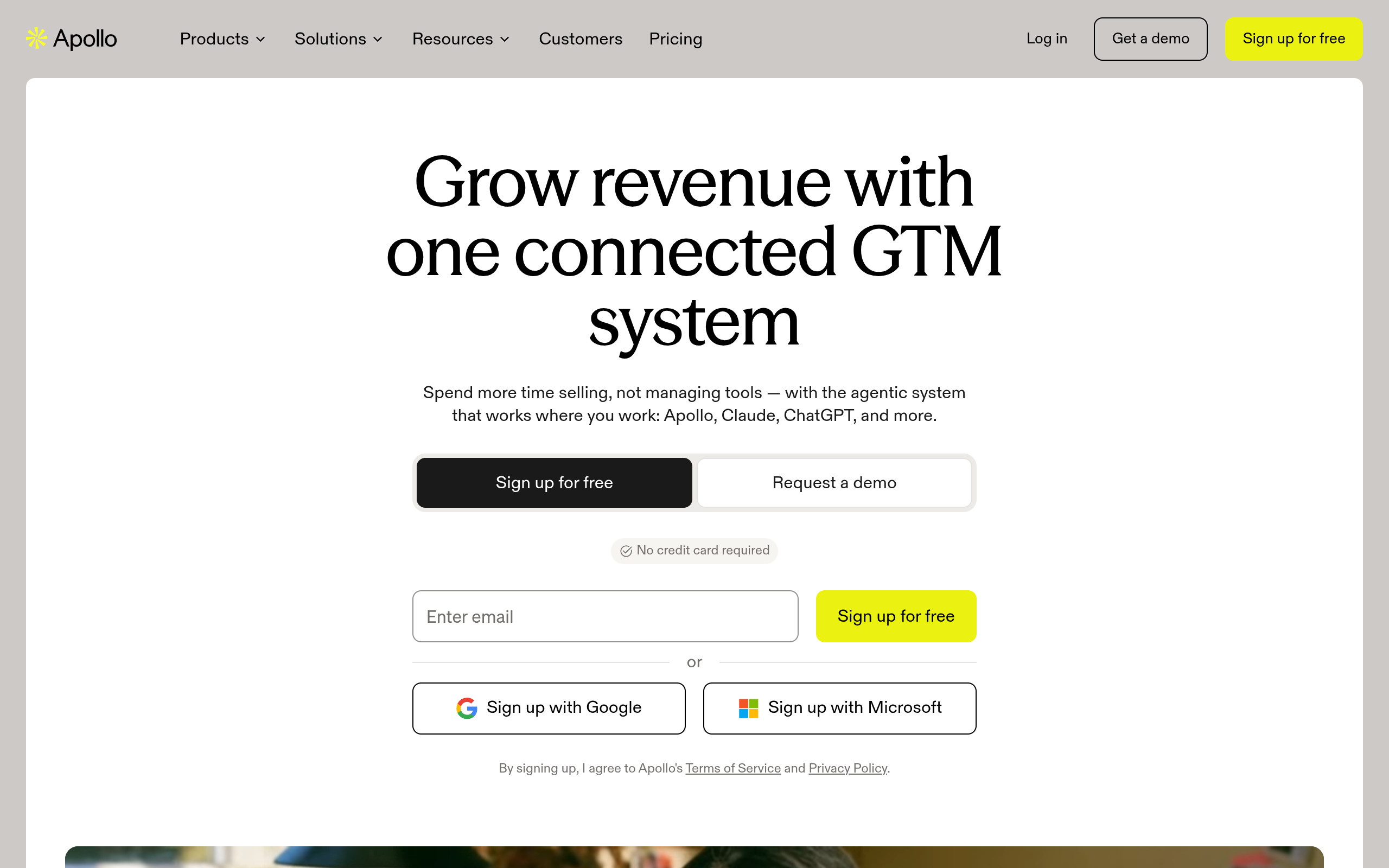
Apollo.io's homepage as of October 2026.
Apollo.io
Apollo combines an outbound contact database with multi-channel sales sequences. It gives sales development reps a direct way to find prospects and run cold email cadences in one place.
This setup works well for outbound teams that want list building and email sequencing in a single interface. One thing worth remembering is that data accuracy can vary across niche industries.
Brevo
Brevo focuses on campaign delivery and charges based on email volume rather than stored contacts. Its sales pipeline tools are simpler than dedicated CRMs, but the trade-off keeps costs predictable.
It suits smaller teams that need contact storage without per-contact pricing penalties. You only pay for the emails you actually send each month.
Support your CRM choice with clean prospects
Equip your chosen platform with fresh, verified B2B contact datasets from Go4Database to drive immediate business growth.
Zoho CRM
Zoho CRM provides workflow automation, custom module creation, and developer scripting at an accessible cost. The published Zoho CRM Pricing Comparison shows custom object capabilities at lower subscription rates than traditional platforms.
The interface can feel less cohesive than HubSpot. Though, it serves teams that need custom relational databases and developer workflows without paying premium license fees.
If you want to evaluate other options, take a look at our guide to selecting a Salesforce alternative for your revenue stack.
The Missing Piece: Diagnosing Your Revenue Engine Beyond Software Selection
Teams often overlook a simple truth during software evaluations. Pipeline problems rarely stem from the CRM interface itself. They usually trace back to outdated contact data, vague ideal customer profiles, and empty call queues.
A customized Salesforce deployment or a tidy HubSpot pipeline will not generate revenue on its own. Reps still need direct phone numbers and verified email addresses for active decision-makers to get traction.
Before spending months configuring database fields, pair your chosen software with reliable B2B data. According to Go4Database's site, the provider states it lists more than 400 million business contacts, offering clean records to help sales teams connect.
Frequently Asked Questions
You might have these questions in your mind?