
You can spend thousands of dollars on enterprise software and still end up with an empty sales pipeline. Software only records sales activity. It never creates customer demand on its own. Without steady input, this salesforce crm software simply functions as an empty database. It needs accurate, reliable prospect records before it can produce meaningful value for your team. Small teams often connect their workspace with verified data on Go4Database. Supplying your pipeline with validated direct dials, current emails, and decision-maker profiles keeps reps from wasting hours on dead contacts.
Salesforce is cloud customer relationship management software designed to track pipeline activity and customer interactions. It gives sales, marketing, and support teams one shared place to store account records. This matters because centralizing customer data prevents lost deals, streamlines internal communication, and helps growing businesses manage buyer journeys efficiently.
Before committing budget or signing a multi-year contract, it helps to understand how the platform operates. Long-term value depends on what it costs to maintain and whether your team has the data to make it useful.
What Is Salesforce CRM and How Does It Work
At its core, the salesforce crm tool links separate business records inside a single relational database. When a new prospect enters your system, the platform creates an account for the company and contact records for individual buyers.
According to the IDC Worldwide Semiannual Software Tracker, Salesforce captured 20.0% worldwide CRM market share, holding the top spot for over a decade. Independent reviews on Gartner also consistently place its sales execution tools among market leaders.
Reports filed with the SEC and highlighted on Salesforce Investor Relations show full-year Fiscal 2026 revenue of $41.5 billion. That reflects roughly 10% year-over-year top-line growth driven by enterprise cloud adoption.
There is an important distinction here. An operational salesforce crm functions as a system of record for known history, while cold prospecting requires separate outbound tools to find new accounts.
Storing customer records will not help your team if you lack valid phone numbers or verified emails. You need accurate prospect data before any CRM can produce meaningful pipeline reports.
How Does the Salesforce Cloud Architecture Connect Customer Data
The underlying salesforce cloud architecture connects multiple specialized products into a shared database. Sales Cloud, Service Cloud, and Marketing Cloud all draw from this unified structure.
When an account executive updates an opportunity stage in Sales Cloud, customer support agents can view those contract terms inside Service Cloud. That shared visibility keeps post-sales teams aligned.
Data Cloud acts as a central engine that continuously harmonizes customer interactions from external software and billing platforms. If you import inaccurate records with missing titles, bad data spreads across every team dashboard.
Feeding your pipeline with verified b2b accounts on Go4Database prevents your reps from chasing invalid contacts. Good data keeps your reporting clean and your sales outreach focused.
Pro tip: Create required field validation rules for job titles and direct phone numbers before your team imports any lead list into Sales Cloud.
TL;DR:
Salesforce links accounts, deals, and service requests across business teams, but its reporting value depends on the quality of the contact data you put into it.
Key Salesforce Features for Sales, Marketing, and Customer Service
The primary value of salesforce software comes from operational automation, deal visibility, and cross-departmental record tracking. Visual pipeline boards give managers a practical way to inspect deal velocity and monitor close dates across individual reps.
Running bulk cold outreach directly through primary CRM mailboxes introduces serious technical risks. Under bulk sender requirements updated by Google and Yahoo recently, teams must keep spam complaint rates below 0.10% and avoid crossing 0.30%.
Meeting those thresholds requires strict email authentication standards like SPF, DKIM, and DMARC. Sending unverified cold emails through your primary CRM domain can trigger domain blacklisting and quietly damage your corporate deliverability.
There are also send limits to consider. A recent benchmark report by Najar.ai notes that Salesforce Starter Suite caps marketing email sends at 2,000 messages per month, charging a $10 surcharge per additional 1,000 emails sent.
What Are the Key Automation Tools Inside Salesforce Cloud
Flow Builder provides a visual interface for automated administrative tasks. You can build rules that reassign stagnant leads or create follow-up tasks when deals enter negotiation stages.
Salesforce also offers autonomous software workers through Agentforce. A recent pricing breakdown by UpperEdge shows that the tool uses consumption pricing rather than standard flat tiers.
Charges run roughly $2 per customer conversation, $125 per user monthly for internal employee agents, or Flex Credits billed at $500 per 100,000 actions.
In practice, small teams must monitor these usage tiers closely. Automated workflows save valuable hours, but agent consumption can lead to unexpected operational bills if left unchecked.

Fuel Your Salesforce Features With Fresh Leads
Power your automated workflows with verified B2B contact data from Go4Database to keep your sales reps productive.
Top Benefits of Salesforce for Business Growth and Customer Management
When configured properly, the platform gives leadership clear visibility into sales pipelines and past client touchpoints. Teams can spot where prospects stall and forecast revenue based on realistic deal velocity.
A recent web deployment analysis by TechnologyChecker.io across 36,143 companies using Salesforce components revealed that 31.4% have 10 or fewer employees. Lean teams often adopt it early to build disciplined operational habits.
A common mistake is assuming that buying a CRM automatically creates sales growth. If sales reps do not know who their ideal buyers are, software cannot save the quarter.
The system only reflects the prospecting habits and contact data you feed into it. Clean records turn pipeline software into a dependable operational asset.
How Go4Database Solves the Empty CRM Dilemma
An empty CRM creates an immediate productivity problem. Sales reps often spend hours manually searching for names on professional networks instead of talking to buyers.
Supplying them with verified prospect lists shifts that time back to actual outreach. On Go4Database, you can access over 400 million business contacts, 130 million verified mobile numbers, and coverage across 9,000 industries.
You can run targeted searches and check contact details with an email finder. From there, confirm deliverability using an email verifier, then import clean lists directly into your pipeline fields.
Pro tip: Run every external list through verification software before mapping fields to prevent email bounces from harming your CRM domain reputation.
TL;DR:
Salesforce organizes your customer records and clarifies revenue forecasting, but software cannot generate outbound sales without verified contact data for active decision-makers.
Salesforce Pricing Plans: Costs, Editions, and Features Compared
The real cost of software rarely matches the headline price. Published list pricing for Sales Cloud starts at $25 per user monthly for Starter Suite and $100 for Pro Suite. Enterprise runs $175, while Unlimited editions cost $350.
For teams evaluating salesforce for small business, Starter Suite offers an accessible starting point, but flexibility is limited. According to technical guides on Salesforce, programmatic API access requires Enterprise or a paid add-on for Pro Suite.
Implementation creates another major expense. Benchmarks compiled by Carly AI show that first-year mid-market costs regularly exceed basic licenses by 1.5x to 2x. That gap usually comes from onboarding, data deduplication, and consulting fees.
| CRM Platform / Edition | Monthly User Cost | Programmatic API Access | Monthly Marketing Email Limits | Administrative Setup Complexity |
|---|---|---|---|---|
| Salesforce Starter Suite | $25 / user | No (Locked) | 2,000 messages ($10/k overage) | Low to Moderate |
| Salesforce Pro Suite | $100 / user | Paid Add-on | Tiered add-on packages | Moderate |
| HubSpot CRM Starter | $15 - $20 / user | Yes (Standard caps) | List-based sending limits | Low |
| Zoho CRM Standard | $14 - $20 / user | Yes (Included) | Daily system credits | Moderate |
HubSpot CRM
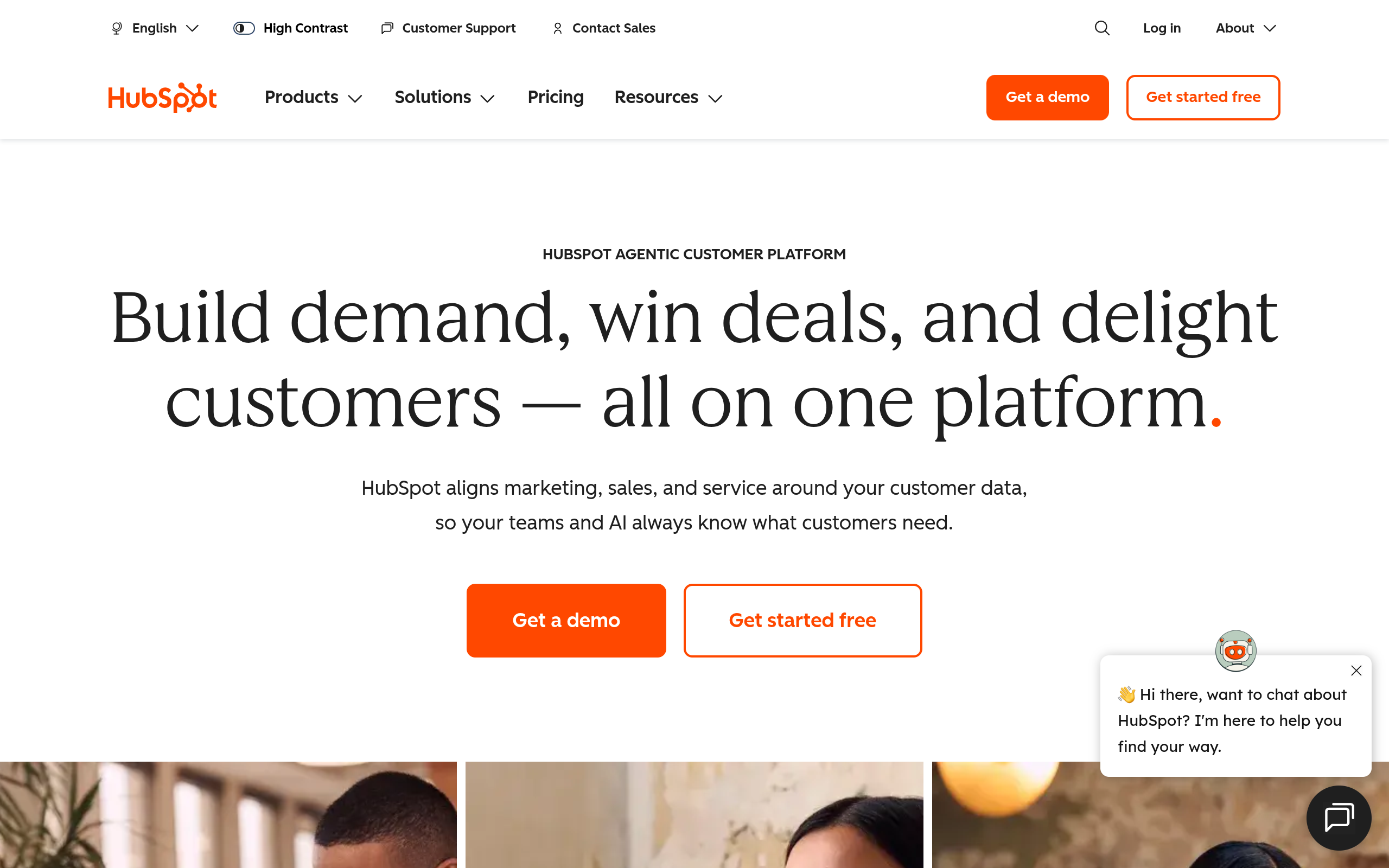
HubSpot CRM's homepage as of October 2026.
HubSpot CRM pairs inbound marketing tools with visual pipeline tracking and built-in meeting links. It works well for teams that want a quick setup without dedicated technical staff.
It handles content-driven lead tracking and basic pipeline reporting cleanly. The practical tradeoff is that marketing costs rise steeply as your contact database expands over time.
Maximize Your CRM Investment With Accurate Data
Protect your software budget by sourcing verified B2B contact data from Go4Database instead of paying high data fees.
Zoho CRM
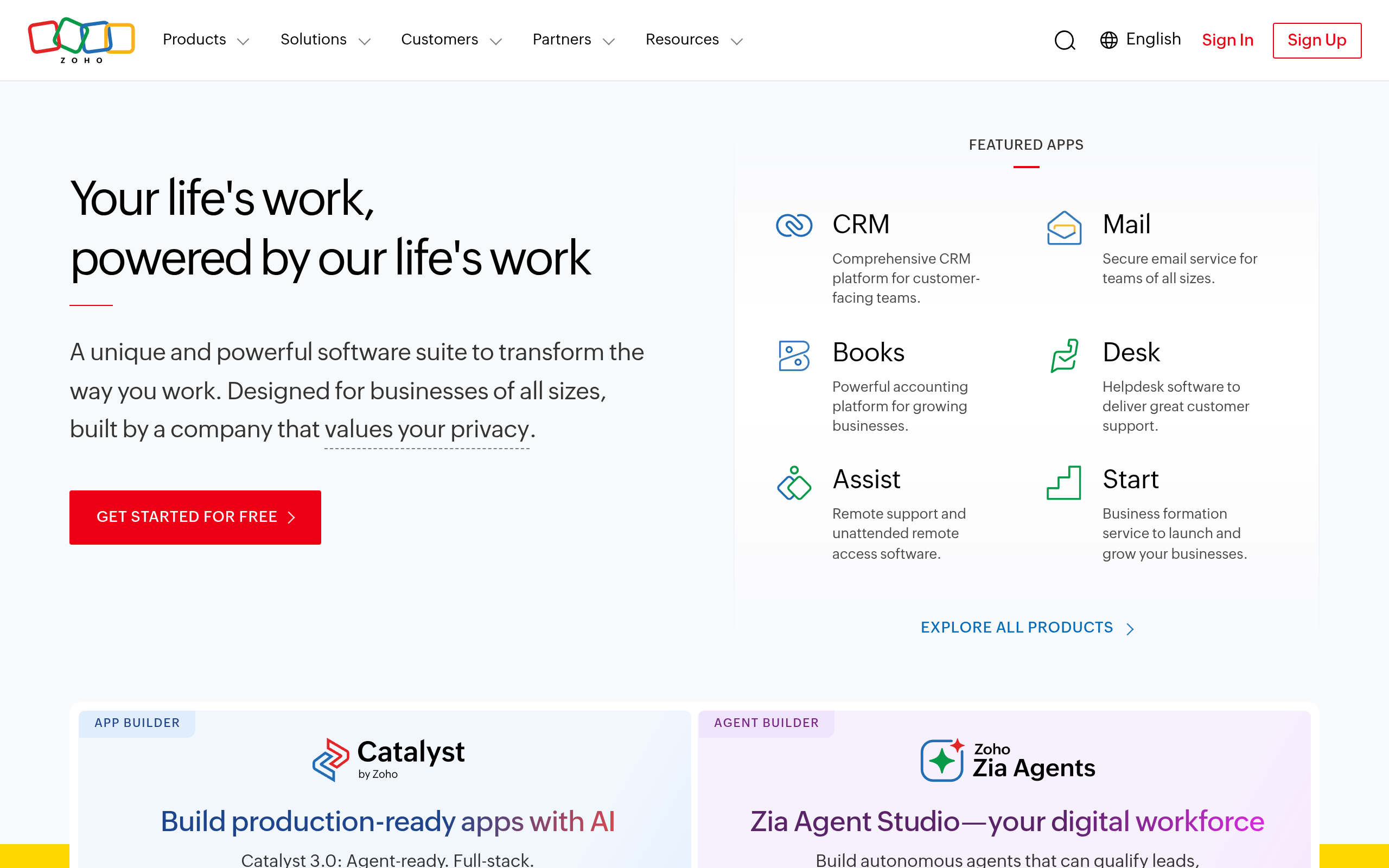
Zoho CRM's homepage as of October 2026.
Zoho CRM gives budget-conscious teams deep customization and sensible workflow automation. You get visual pipeline stages, custom field mapping, and native connections to the broader Zoho application suite.
The settings and menus can feel crowded to navigate at first. Even so, the combination of accessible pricing and dependable baseline automation makes it a practical choice for smaller teams.
Pipedrive
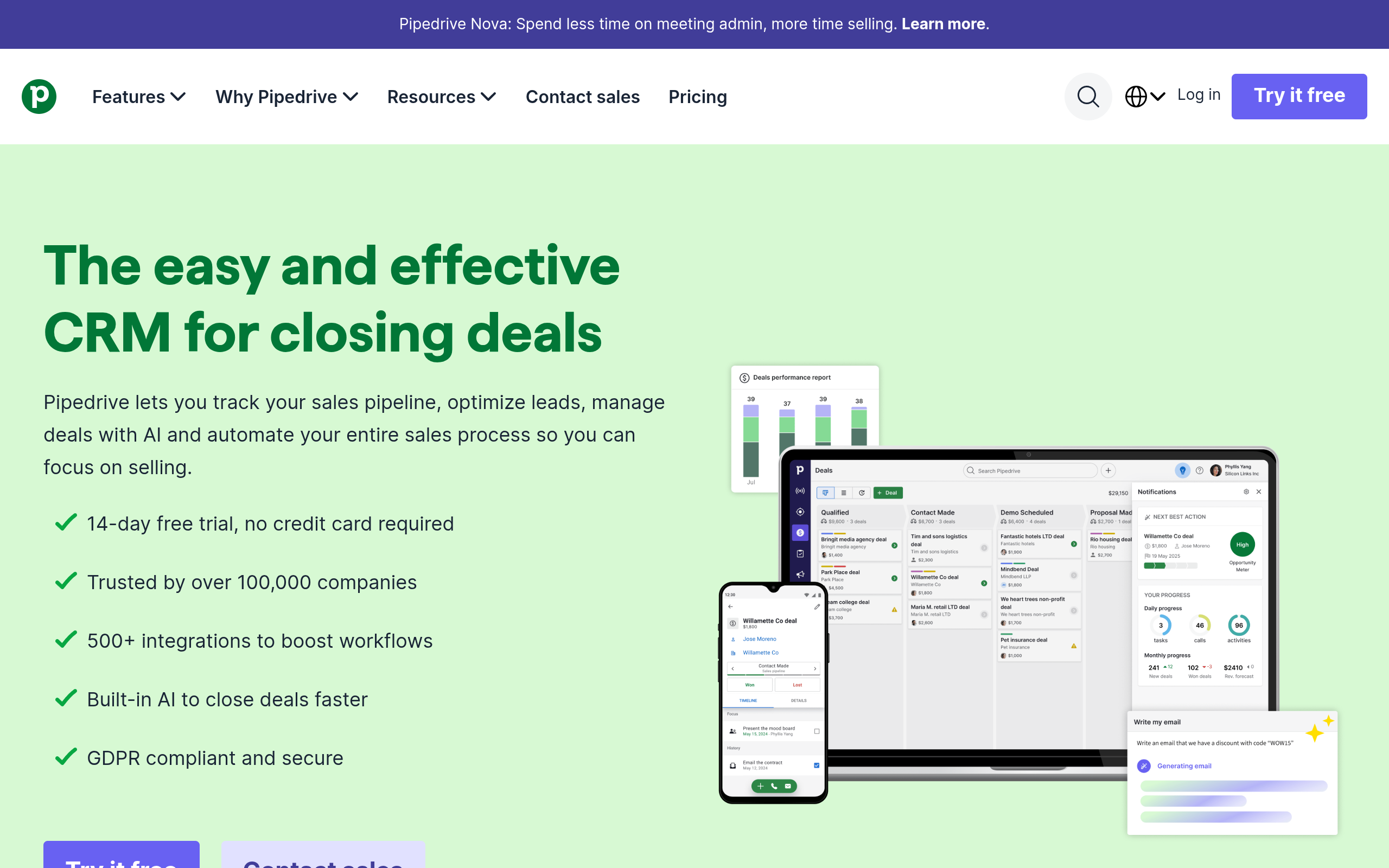
Pipedrive's homepage as of October 2026.
Pipedrive focuses strictly on sales activity and visual pipeline management. The interface requires little training, helping reps log calls, track daily tasks, and follow up on active deals quickly.
It intentionally leaves out complex marketing automation. That makes it practical for lean sales teams, solo consultants, and closers who want clean pipeline tracking without heavy administrative work.
Common Salesforce Use Cases: Which Businesses Should Use Salesforce
Enterprise organizations with multi-product catalogs, layered sales territories, and dedicated customer teams get real value from the platform. Built-in security settings allow global companies to manage record visibility across hundreds of regional representatives.
B2B professional services firms also benefit when managing longer client engagements. After closing a deal, account managers can pass implementation scopes directly to support teams without losing critical project history.
The right choice depends on your actual workflow. If your sales process relies on simple transactional deals, basic tools or spreadsheets may serve you better than maintaining expensive enterprise infrastructure.
Fill Your Target Accounts With Direct Contacts
Equip your outreach team with verified B2B contact data from Go4Database tailored to your ideal customer profile.
When Is Salesforce Overkill for Solo Founders and Lean Teams
Complex enterprise software becomes a liability when administrative maintenance distracts you from selling. Configuring custom objects, updating permission sets, and troubleshooting automations can easily consume dozens of hours each month.
If you are a solo consultant or run a three-person agency targeting a us startups mailing list, your main bottleneck is booking meetings.
Spending Enterprise-tier licensing rates near $175 per user monthly before having consistent sales conversations puts your budget in the wrong place.
Evaluating platform capabilities against apollo pricing, zoominfo pricing, or lusha pricing benchmarks helps balance software costs with data budgets. It pays to build your prospecting habit first before investing in enterprise database licenses.
TL;DR:
Salesforce excels for complex organizations handling multi-stage deals, but solo founders needing immediate pipeline should focus on acquiring verified prospect records before paying for enterprise CRM licenses.
Diagnosing Your Growth Engine: Beyond Software Subscriptions
Software alone never closes a deal; clear value propositions and consistent outreach do. When outreach campaigns fail, the issue is rarely your choice of database software.
The breakdown almost always stems from targeting the wrong accounts, using irrelevant messaging, or contacting outdated email addresses. Storing bad contact information in an expensive CRM will not produce closed sales.
Let's make this practical. Before committing to long-term contracts, clarify your ideal customer profile and secure verified direct contact details. Platforms like Go4Database can supply direct phone numbers and verified emails before teams expand into heavier CRM platforms.
Build a simple daily sales routine first. Once deal volume creates genuine administrative friction in basic spreadsheets, adopt advanced CRM software to organize the revenue you have already created.
Frequently Asked Questions
You might have these questions in your mind?