
You can build an outreach list with thousands of verified names and still struggle to generate sales pipeline. Many founders watch their open rates suddenly slide below fifteen percent and blame their copywriting.
Email deliverability is the ability of an email to reach a recipient's primary inbox rather than bouncing or getting routed to spam. It matters because it determines whether your outreach actually reaches real decision makers, giving your team the chance to be seen, protect domain reputation, and generate pipeline.
Usually, the issue is not your pitch. Mailbox providers have simply started routing your messages straight to junk folders instead of the inbox.
For solo founders and lean outreach teams using go4database to acquire verified B2B contacts, that distinction matters. Reliable deliverability ensures your messages actually reach active decision-makers.
Authenticating domains, protecting sender reputation, and managing subscriber lists form the technical foundation. Applying modern email deliverability best practices protects your domain and keeps your campaigns visible.
What Is Email Deliverability and Why Does It Matter
Many senders confuse delivery rate with inbox placement. A ninety-nine percent delivery rate simply means the receiving server accepted your message during the initial server handshake.
Server acceptance does not ensure your email landed in front of a prospect. The message can still drop directly into spam or quarantine.
According to the Validity Deliverability Benchmark Report (2024/2025), roughly one in six marketing and sales emails never reach the inbox. That keeps global inbox placement near eighty-four percent.
Mailbox providers evaluate every incoming message against strict filtering standards. Data from MailReach and Validity in 2025 shows Microsoft Outlook and Hotmail environments remain the most stringent.
Outlook recorded an average inbox placement rate of only 75.6 percent, compared to Gmail at 87.2 percent.
Landing in junk silences your pipeline and wastes your team's time. When you source clean, verified prospect data through go4database, you protect your sender score from early bounce spikes.
TL;DR:
Delivery only confirms server acceptance, while true inbox placement determines if prospects see your messages. Clean data prevents early reputation damage.
Pro tip: Track your real reply rates alongside open rates to spot inbox placement drops early.
How to Improve Email Deliverability and Inbox Placement
Protecting your sender reputation requires keeping your outreach separate from your everyday business email. As a rule, never send cold outbound campaigns from your primary corporate domain.
Register dedicated secondary domains and redirect their web traffic back to your main website. In practice, this setup protects your core brand communications if outbound campaigns run into spam flags.
Google and Yahoo enforce strict complaint thresholds. In their 2024 sender guidelines, both providers stated senders must keep spam complaint rates below 0.10% and never reach 0.30% in Google Postmaster Tools.
According to Google sender guidelines reported by MailCleanup in 2026, sending 5,000 or more messages per day to personal accounts permanently classifies a domain as a bulk sender. This status does not expire if your volume drops later.
How Can Senders Test Their Inbox Placement Before Launching
Before launching a campaign, test your setup with a dedicated email deliverability tester. These tools send test emails to seed accounts across Google Workspace, Microsoft 365, and Yahoo.
A seed test shows whether your messages reach the primary inbox, promotions tab, or spam folder. You can also look into specialized email deliverability services to automate testing and monitor health metrics across your secondary domains.
Mail-tester
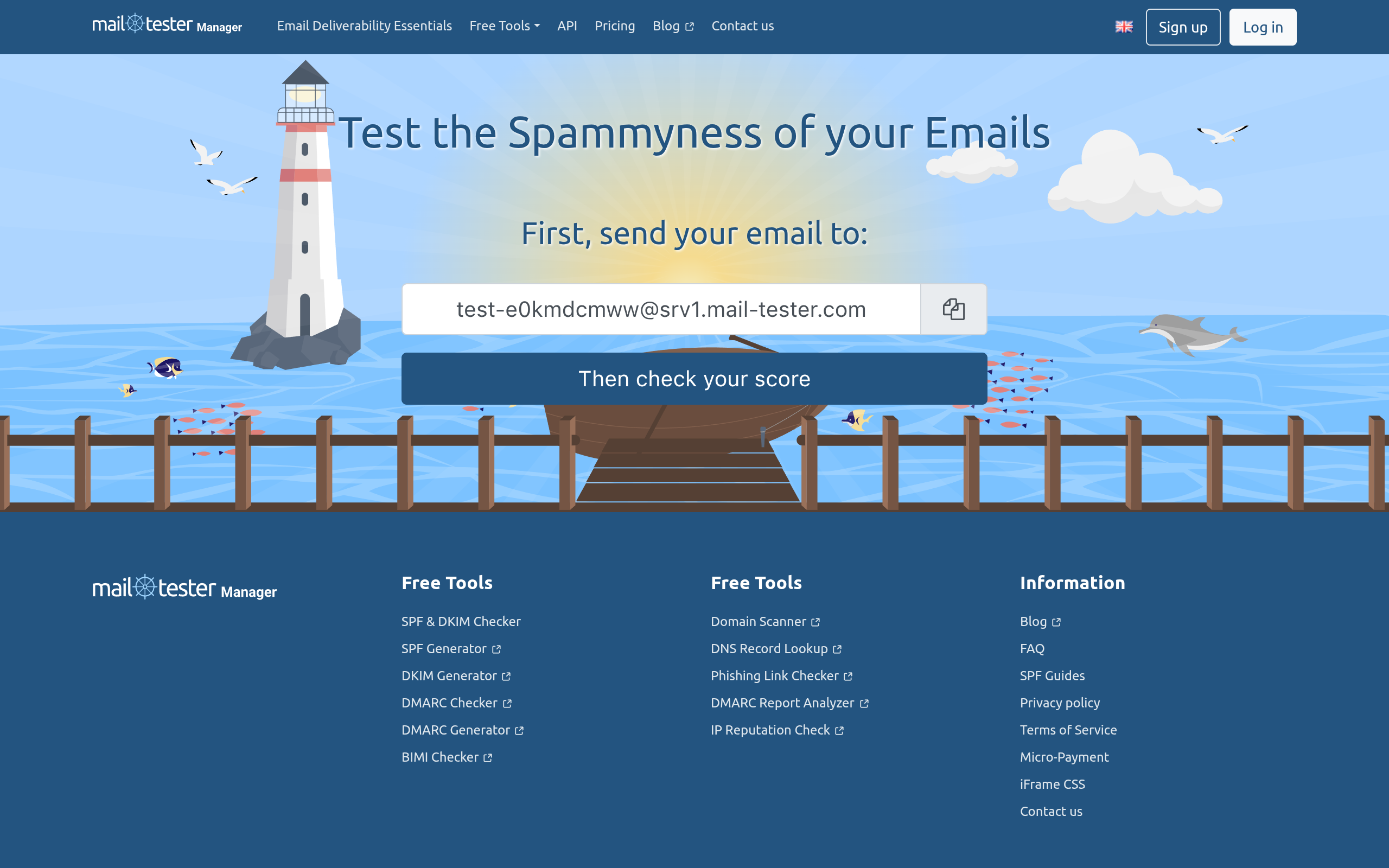
Mail-tester's homepage as of October 2026.
Mail-tester gives senders a quick score for outbound messages. You send a test email to a temporary address generated by the platform, which checks your technical headers and SpamAssassin rules.
- Provides an instant score from zero to ten
- Checks SPF, DKIM, and reverse DNS records
- Identifies IP listings on public blocklists
- Tests only a single mailbox rather than seed networks
- Does not track recipient engagement trends over time
Best for: It works best for quick, cost-effective checks of DNS records before sending campaigns.

Reach Primary Inboxes With Verified Contacts
Protect your inbox placement by sourcing fully verified B2B contact data directly from Go4Database.
GlockApps
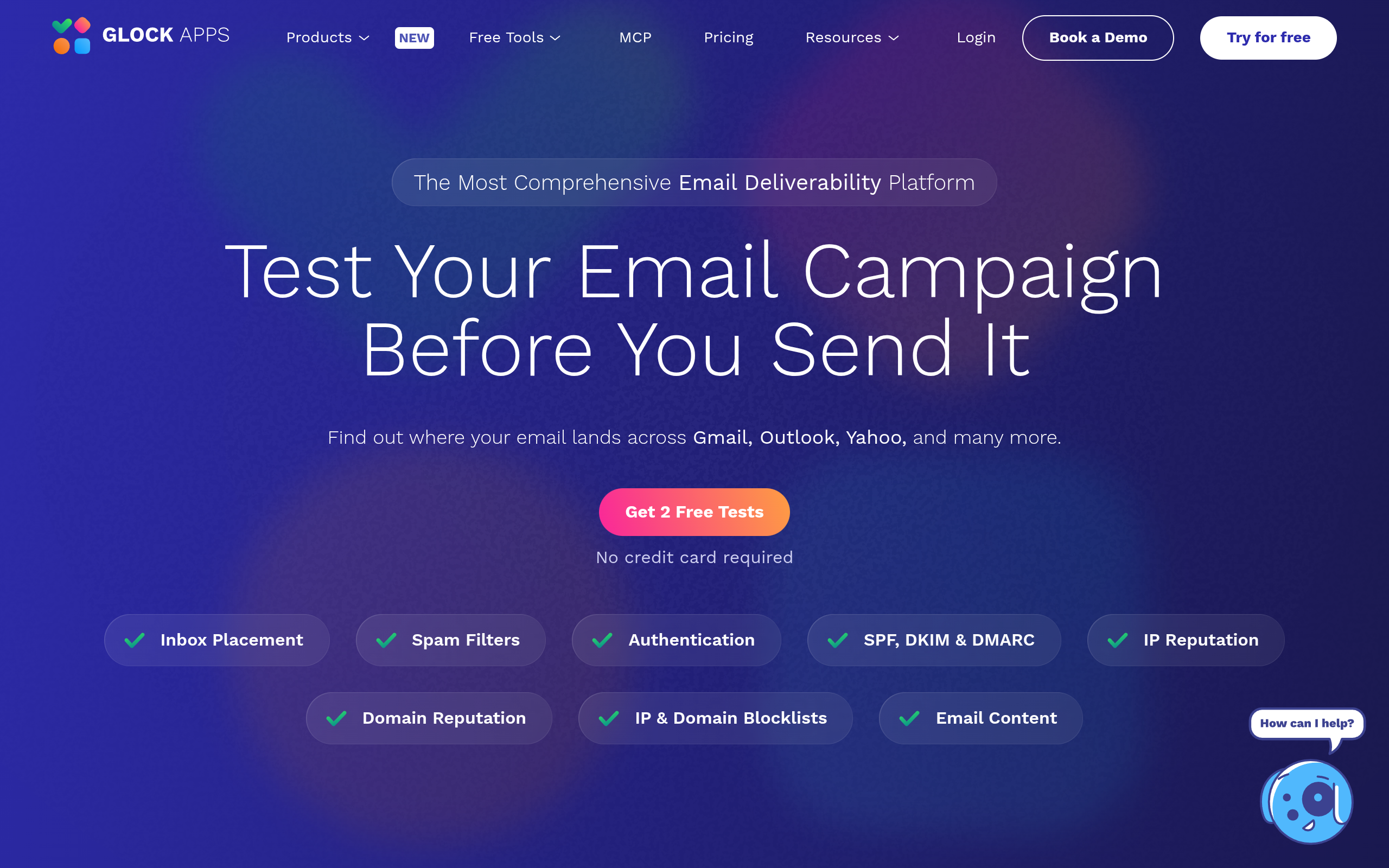
GlockApps's homepage as of October 2026.
GlockApps tests inbox placement across dozens of global mailbox providers. It sends test emails to active consumer and business inboxes to show real tab placement. When issues arise, it generates remediation advice from automated email deliverability experts.
- Reports detailed placement across Gmail, Outlook, and Yahoo
- Monitors automated DMARC analytics and DNS health
- Identifies specific spam filter triggers
- Presents a steeper learning curve for beginners
- Requires a higher monthly subscription fee
Best for: growing teams that need clear visibility into Microsoft and Google inbox placement.
Warmup Inbox
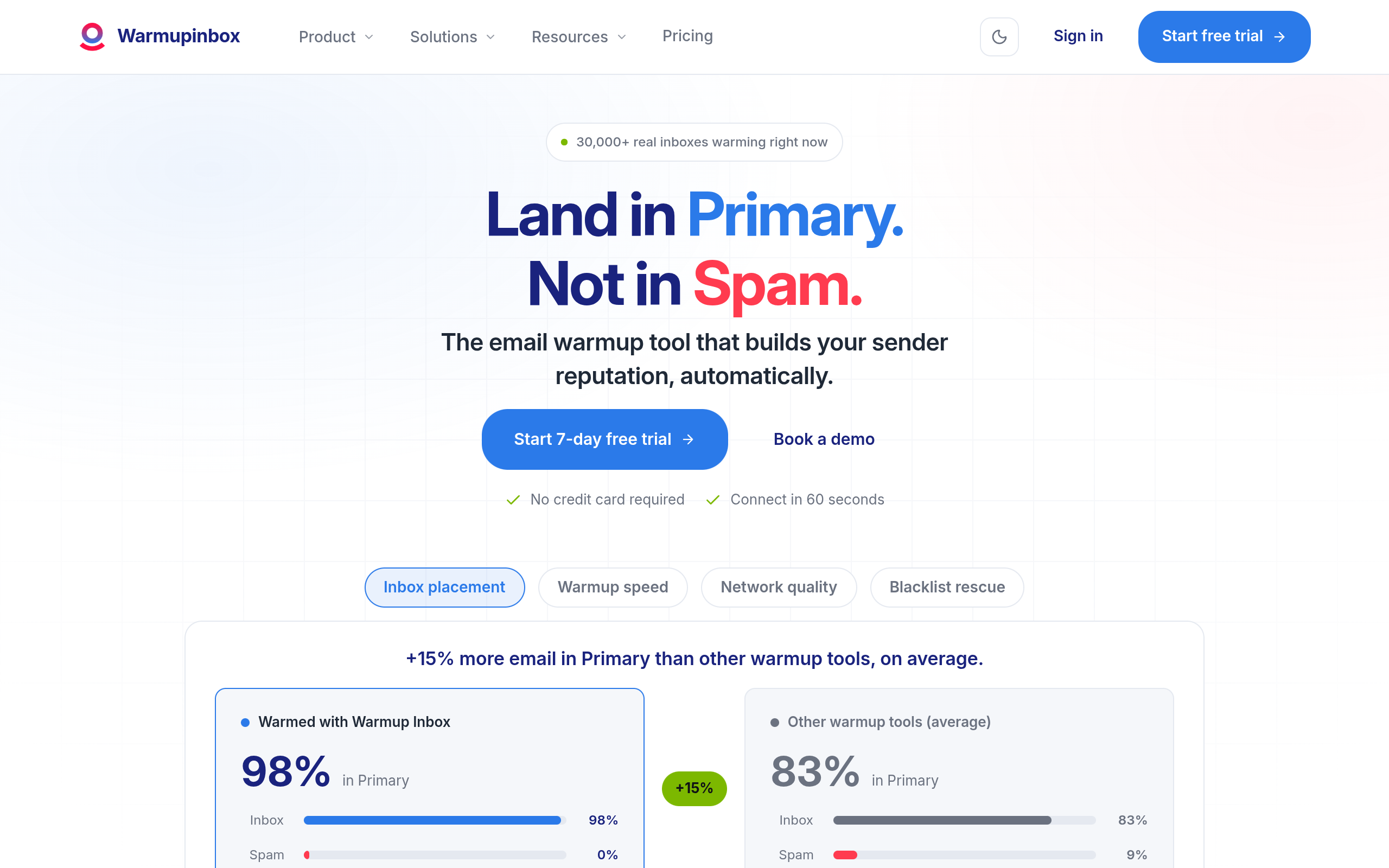
Warmup Inbox's homepage as of October 2026.
Warmup Inbox builds domain reputation through an automated peer network. It sends, opens, and pulls messages from spam folders to create positive engagement signals for email filters.
- Runs continuous peer-to-peer sending routines automatically
- Rescues flagged messages from spam folders
- Includes real-time domain health monitoring
- Cannot resolve underlying DNS authentication errors
- Cannot overcome poor copy or bad prospect data
Best for: automated warm-up routines on new domains.
Tool Comparison: Deliverability Testers and Services
| Platform | Primary Function | Inbox Placement Testing | Automated Warm-up | Best For |
|---|---|---|---|---|
| Mail-tester | Single-message spam test | No (Single mailbox) | No | Fast, budget-friendly DNS and spam rule checks |
| GlockApps | Multi-provider seed testing | Yes (Complete seed lists) | No | Granular inbox versus spam placement auditing |
| Warmup Inbox | Automated sender reputation | Yes (Network monitoring) | Yes | Continuous automated mailbox warm-up and recovery |
TL;DR:
Isolate your outbound domains, maintain low complaint numbers, and audit your sending placement before scheduling outbound sequences.
Best Practices for Email List Hygiene and Verification
Data quality directly decides whether your domain survives. Many teams assume list degradation happens slowly, but contact details decay surprisingly fast.
Salesforce and HubSpot data quality studies from 2024 showed that B2B database contacts decay twenty-five to thirty percent annually due to job changes and company restructurings. Left unmanaged, an aging list creates an immediate bounce hazard.
Before sending any campaign, run your list through three verification steps. Check syntax errors first, confirm valid domain records next, and finish with real-time SMTP handshakes to ensure each mailbox exists.
Catch-all servers present a specific risk here. They accept incoming mail at the gateway, but invalid addresses will still bounce later during internal routing.
Starting your outreach with verified B2B leads from go4database helps filter out high-risk contact records. go4database states it lists more than 400 million business contacts, helping teams connect with verified decision-makers safely.
Pro tip: Remove contacts that generate hard bounces immediately to keep your overall bounce rate below two percent.
How SPF, DKIM, and DMARC Improve Email Deliverability
Mailbox providers demand verifiable identity proof. In their 2025 State of Email Deliverability report, Sinch Mailgun noted that 50 percent of global senders overhauled their sending architecture and DNS authentication to meet new standards.
SPF is a DNS record that tells inboxes which servers may send email for your domain, preventing unauthorized relays. DKIM then adds an encrypted signature to your message header, proving nobody tampered with the email during transit.
DMARC unites both standards by telling receiving servers how to treat messages that fail authentication checks. Even so, Fortra benchmark data from 2025 revealed that 63 percent of domains publishing DMARC remain parked at "p=none", providing reporting visibility without enforcement.
There is an important distinction here: passing checks is not enough on its own. Senders must also achieve identifier alignment, meaning the domain in your visible "From" address must match your DKIM signing domain.
Following stricter enforcement, Valimail and Google recorded 265 billion fewer unauthenticated emails reaching inboxes in 2024. Senders must also follow RFC 8058 guidelines by supporting a functional one-click unsubscribe header.
Pair Proper Authentication With Clean Contact Data
Keep bounce rates low alongside technical records by choosing verified B2B contact lists from Go4Database.
Common Email Deliverability Issues and How to Fix Them
When open rates drop below fifteen percent, mailbox providers may be filtering your outreach into spam folders. Start by checking your domain reputation on Google Postmaster Tools and reviewing your bounce logs.
What Should You Do When Your Emails Trigger SMTP 550 Error Codes
An SMTP 550 code points to a permanent failure, such as an unavailable mailbox or a policy block. In May 2025, Microsoft began returning error codes like 550 5.7.515 for unauthenticated or unaligned high-volume traffic.
When you see these errors, pause your active sequences immediately. Check public blacklists like Spamhaus and audit your DNS records for alignment errors.
Basic setup issues usually resolve with self-serve tools. For severe domain damage or persistent blocklisting, though, you may need specialized email deliverability consulting to fix the root cause.
TL;DR:
Fix 550 errors by pausing campaigns, verifying DNS alignment, and removing unverified contacts from your outreach queues.
Pro tip: Never increase sending volume after an open rate drop; reduce volume until inbox placement stabilizes.
Conclusion
Reaching real inboxes in 2026 takes steady technical care rather than occasional quick fixes. You do not need an enterprise IT team, but you must respect basic mailbox rules.
Start by setting up your authentication records, warming secondary domains patiently, and sourcing clean contact records through go4database. That consistent discipline keeps your sender reputation intact.
Scale Outreach With Accurate B2B Leads
Power your outreach campaigns with accurate B2B contact data from Go4Database and safeguard your inbox rates.
What to Fix Before You Send Another Sequence
A 99% delivery rate does not necessarily mean your prospects actually saw your message. Mailbox providers frequently accept an incoming email at the server level, marking it delivered, only to route it straight into a quarantine or spam folder.
When open rates suddenly crater, the reflex is often to rewrite subject lines or send to a broader list. Increasing send volume while your domain reputation is slipping only speeds up the damage.
The fix usually is not another automated warm-up tool. It comes down to basic list hygiene, because stale corporate addresses and outdated records produce the hard bounces and spam traps that trigger filtering algorithms.
If your team is expanding into new accounts, sourcing verified contact records through platforms like go4database helps ensure you avoid abandoned domains. Even then, clean data only helps if your SPF, DKIM, and DMARC records are properly verified.
Resist the urge to overhaul your entire sales stack by Friday. Instead, pull your unengaged contacts from the past ninety days, and pause sends to any address that has not interacted in six months.
Explaining to leadership that your list size shrunk by twenty percent can feel uncomfortable. But landing in two hundred actual inboxes will always generate more pipeline than routing two thousand messages directly into spam filters.
Next Steps for Your Outbound Campaigns
Take a moment to audit your sending domains and authentication records before launching your next sequence. Sourcing accurate data from go4database helps your team reach relevant decision-makers without putting sender reputation at risk.
Frequently Asked Questions
You might have these questions in your mind?