
You review your monthly software invoice and notice an unexpected increase. You did not launch extra campaigns, hire new staff, or upgrade your plan tier.
Mailchimp pricing is a tiered subscription model based on contact list size and monthly email send limits. Understanding Mailchimp pricing matters because costs scale automatically as your audience grows, meaning businesses often pay for inactive contacts or face sudden fee jumps when crossing subscriber thresholds into higher tiers.
Your email tool simply billed you more because your contact list grew quietly in the background. This situation happens to small teams and founders every week.
In simple terms, Mailchimp Pricing charges businesses based on audience size and send volume. Beyond the base rates, the real expense often includes overlooked costs like inactive contacts, audience overage fees, and required tier upgrades.
Most marketing platforms advertise an accessible starting rate. With Mailchimp pricing, fees scale according to stored audience numbers and monthly email volume rather than active subscribers alone.
Rather than billing solely for outgoing campaigns, this structure charges accounts for every stored record. Teams targeting verified decision-makers through our directory at go4database find it helpful to filter list sizes before syncing data into their sending tools.
Understanding how this billing structure works in practice helps reveal where unexpected charges hide. That clarity makes it much easier to protect your overall marketing budget.
1. How Much Does Mailchimp Cost in 2026? Pricing Plans Explained
The baseline structure for mailchimp plans relies on contact tiers combined with monthly send volume caps. In simple terms, your invoice depends on the size of your database just as much as your sending frequency.
The entry-level mailchimp essentials plan starts at $13 per month for 500 contacts with a 10x send multiplier. Meanwhile, the Standard plan begins at $20 per month for 500 contacts with a 12x multiplier (Mailchimp Pricing, 2026).
That send multiplier sets your monthly email allowance. If you store 1,000 contacts on Essentials, for example, you can send up to 10,000 emails that month.
Costs scale sharply as your audience grows. At 5,000 contacts, Essentials jumps to $75 per month and Standard reaches $100 per month. That makes Mailchimp roughly 2.5 times more expensive at that volume than competitors like MailerLite (JustPricing Review, 2026).
Your software invoice rises even if you send only one newsletter a month. That happens because you pay for database storage rather than campaign activity.
The entry-level mailchimp free plan offers very limited utility for growing teams. Mailchimp limits free tier accounts to 250 contacts and a maximum of 500 email sends per month, with a strict daily cap of 250 sends.
That allowance is down sharply from the historic 2,000-contact threshold (EmailTooltester, 2026). It serves as a brief product sandbox rather than a long-term growth engine, and most teams outgrow it quickly.
Understanding your true mailchimp cost requires looking past advertised promotional rates. Paying high platform fees to store unverified contacts quickly inflates your monthly software tier.
Teams can curate their audience first rather than absorbing those penalties. Reviewing custom business contact lists directly on our platform ensures you only import qualified records into a paid sending tool.
TL;DR:
Base subscription tiers scale non-linearly as contact lists grow, turning initial $13 fees into $75 to $100 monthly overhead once an audience passes 5,000 records.
2. Mailchimp Pricing Plans Compared: Free, Essentials, Standard, and Premium
Different stages of business call for different tools, but software tiers often lock basic capabilities behind artificial gates. Knowing where those lines sit keeps you from paying for features your team will never touch.
How Do Mailchimp Paid Plans Differ Across Tiers
The main difference between mailchimp paid plans comes down to automation limits. The Essentials tier allows only basic sequences up to four steps, leaving out branching logic, dynamic content, and send-time optimization.
Marketers who need responsive lead nurturing sequences have to choose Standard. That requirement increases baseline software overhead right away.
Here is how the core tiers compare side by side:
| Plan Tier | Starting Monthly Price (500 Contacts) | Price at 5,000 Contacts | Monthly Send Limit | Advanced Journey Automation | Audience Segment Limits |
|---|---|---|---|---|---|
| Mailchimp Free | $0 | Not Available (Capped at 250) | 500 / month (250 / day) | None (Single-step only) | 1 Audience |
| Essentials | $13 / month | $75 / month | 10x Contact Limit | Basic (Up to 4 steps) | 3 Audiences |
| Standard | $20 / month | $100 / month | 12x Contact Limit | Full Conditional Branching | 5 Audiences |
| Premium | $350 / month | $350 / month (Base) | 15x Contact Limit | Full + Custom Journey Logic | Unlimited Audiences |
The mailchimp free tier cuts off email support after 30 days. Solo business owners who run into technical issues after month one must troubleshoot alone or upgrade to a paid subscription.
In practice, the Standard plan is the real starting point for regular campaigns. Useful tools like multivariate testing and predictive segmentation remain locked until you reach this tier.

Cut software costs with verified B2B data
Get verified B2B contact lists from Go4Database so you only pay email tiers for qualified buyers.
According to Mailchimp published pricing documentation (Mailchimp Pricing, 2026), the Premium tier begins at $350 monthly. It mainly serves high-volume teams that need dedicated onboarding and phone support.
Pro tip: Export and archive inactive subscribers every quarter to prevent your audience size from bumping your account into a higher billing tier.
3. Hidden Mailchimp Costs: Contact Limits, Add-Ons, and Extra Fees
When list growth goes unmanaged, real invoices often exceed base plan estimates by 20% to 40% (Retainful TCO Study, 2026). A few specific billing mechanics drive those sudden price increases.
Why Does Mailchimp Charge for Inactive and Unsubscribed Contacts
Mailchimp counts subscribed, non-subscribed, and unsubscribed contacts as billable records across your audiences. Only records you manually archive, clean, or permanently delete are excluded from billing totals (Mailchimp Official Documentation, 2026).
This creates an unexpected cost for contacts who explicitly opted out of your messaging. They remain on your monthly bill until you actively remove them.
Audience segmentation also multiplies your costs. Saving identical email addresses across separate Mailchimp audiences causes duplicate billing. The platform calculates allowances per audience record instead of per unique email address (Mailchimp Help Center, 2025).
Monthly billing uses the peak contact total reached at any point during your 30-day billing cycle (Mailchimp Billing Support, 2026). A temporary surge pushes your account into a higher tier for the entire cycle.
Crossing contact limits or monthly send multipliers triggers automated add-on contact blocks charged directly to your card (Mailchimp Terms of Service, 2026).
Transactional emails also require separate credit blocks starting at $20 per 25,000 sends (Mailchimp Product Terms, 2026). These add-on charges come on top of your base marketing subscription.
Sender standards from Google and Yahoo require bulk senders to keep spam complaint rates below 0.10% and never reach 0.30% (Google Workspace Sender Guidelines, 2024-2025). They also require senders to offer simple one-click unsubscribes.
As unsubscribed contacts accumulate from normal list churn, they quietly increase your monthly bill. You continue paying for them unless you archive them manually.
TL;DR:
Hidden charges accumulate through duplicate audience records, billable unsubscribed profiles, transactional add-on blocks, and peak snapshot billing calculations.
4. Mailchimp Pricing for Small Businesses: Is It Worth the Cost
Mailchimp works well for consumer e-commerce brands running Shopify stores. Pre-built cart abandonment templates and frequent repeat purchases justify paying ongoing storage fees for active online shoppers.
For B2B outbound prospecting, the platform creates real operational friction. Mailchimp enforces an Acceptable Use Policy that requires explicit prior opt-in consent and restricts cold outreach (Mailchimp Acceptable Use Policy, 2026).
Senders who import cold prospecting lists risk audience freezes or account suspension. When you identify new accounts using a searchable B2B database, you need tools built particularly for direct outreach rather than inbound newsletters.
Paying monthly fees just to hold passive contacts quickly drains budget. Small sales teams benefit from separating contact sourcing from delivery software to keep storage costs lean and flexible.
TL;DR:
Mailchimp serves consumer inbound shops effectively, but its contact-storage pricing and strict sending rules make it inefficient for outbound B2B teams.
5. Mailchimp Alternatives: Affordable Email Marketing Tools to Consider
When contact storage limits drive up your bill, alternative platforms offer clearer, more predictable pricing for growing businesses.
Brevo
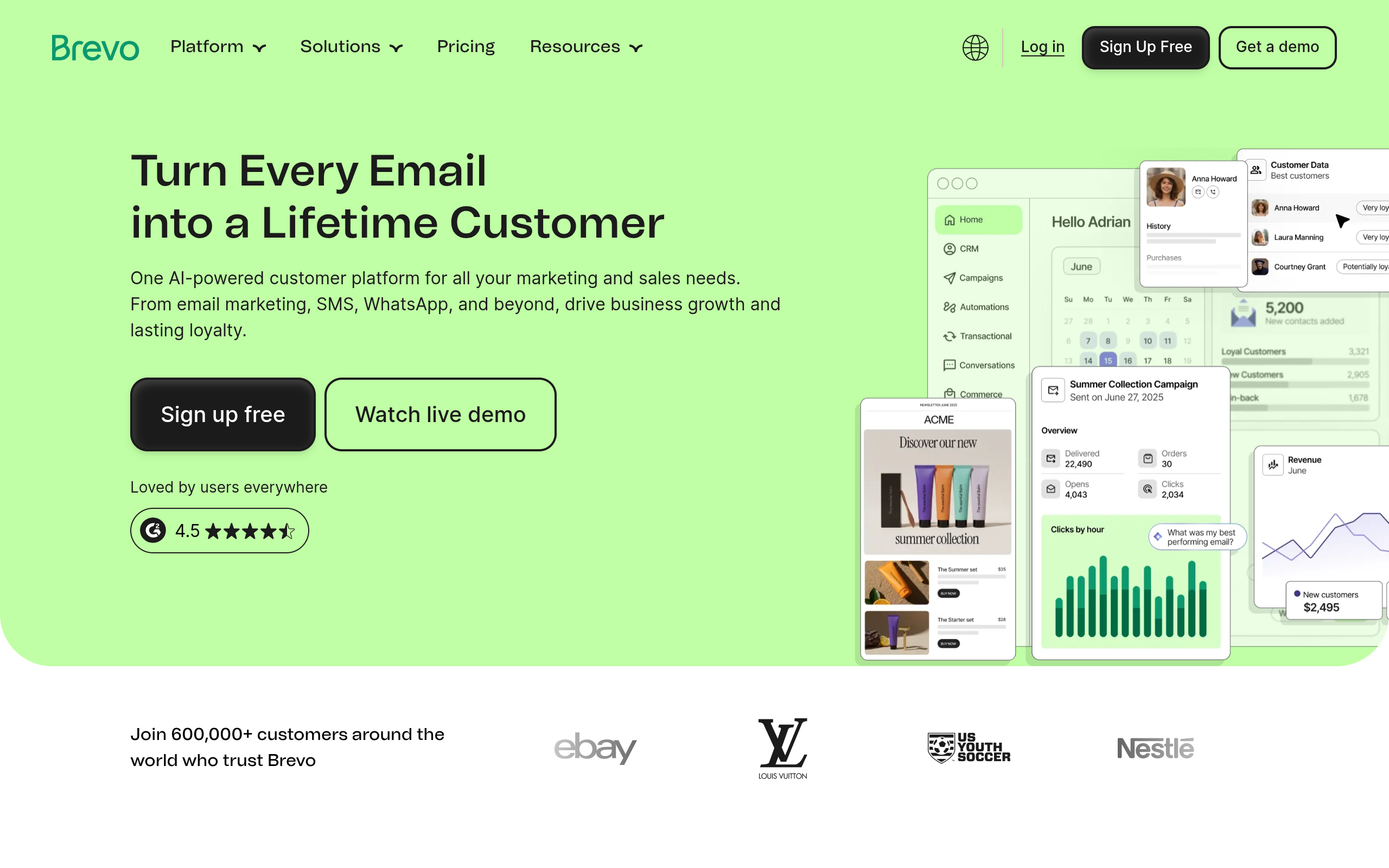
Brevo's homepage as of October 2026.
Brevo bills based on monthly email send volume rather than stored audience size. This means you can keep your entire contact list across all plans without paying storage penalties.
The platform also includes SMS and WhatsApp messaging. That keeps software expenses down if your team sends targeted messages at lower frequencies.
There are tradeoffs, though. Daily sending limits apply to the free plan tier, and the template designer offers fewer styling options compared to Mailchimp.
Brevo works best for small businesses and B2B teams with large contact databases who send occasional newsletters and want to avoid audience size fees.
Stop paying recurring fees for cold contacts
Go4Database delivers accurate B2B contact records directly to you without recurring monthly platform storage penalties.
MailerLite
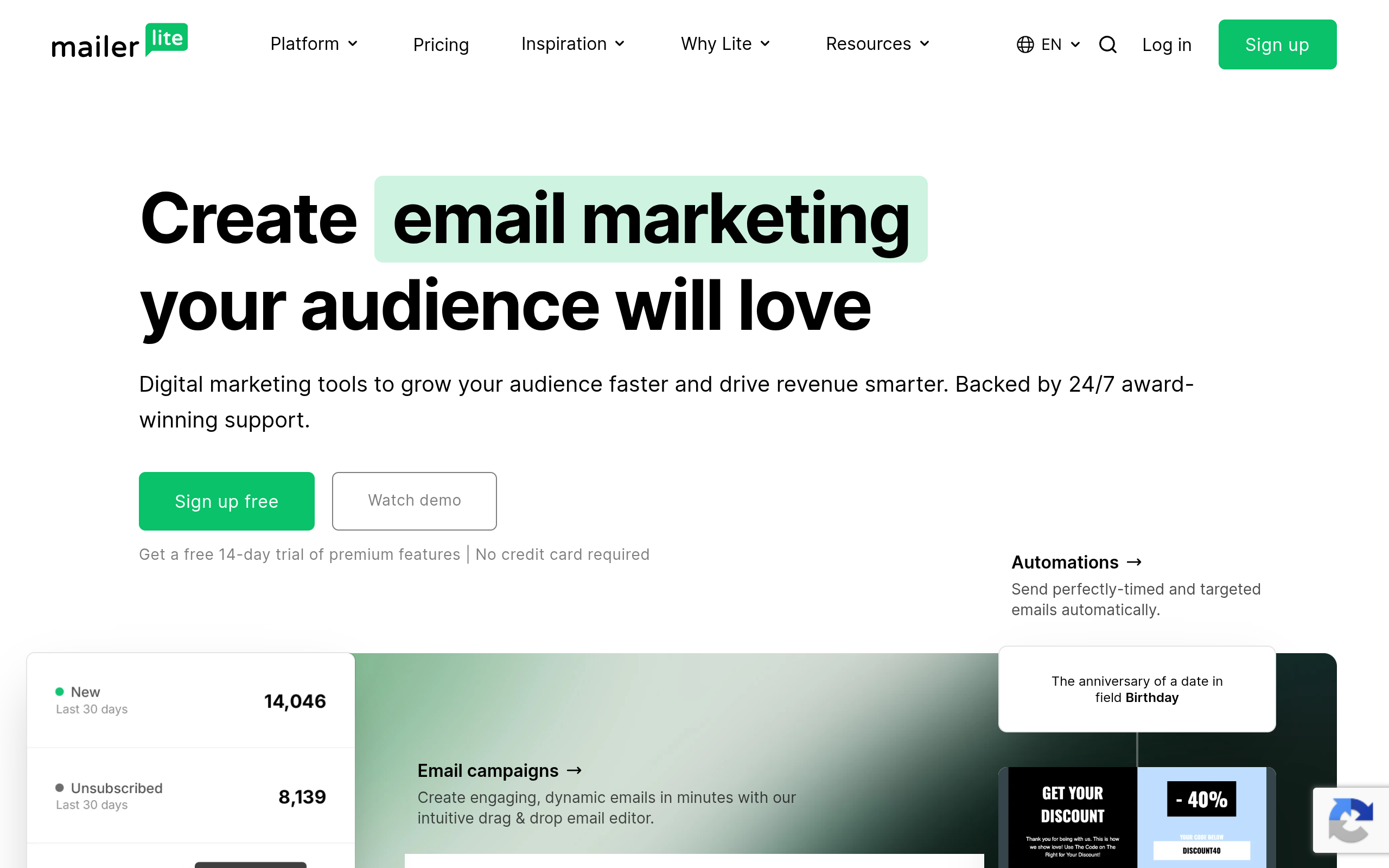
MailerLite's homepage as of October 2026.
MailerLite is built for creators, agencies, and small teams wanting simple automation and predictable billing. At 5,000 contacts, it costs less than half of what Mailchimp charges.
Even entry-level tiers include multi-trigger visual workflows. Just as helpful, automatic deduplication means you never pay twice for the same contact across different lists.
There are tradeoffs, of course. New accounts face a strict manual domain review before sending, and you get fewer native enterprise CRM connections.
It works best for freelancers, creators, and small service agencies who need straightforward automations without surprise overage charges on their monthly invoice.
ActiveCampaign
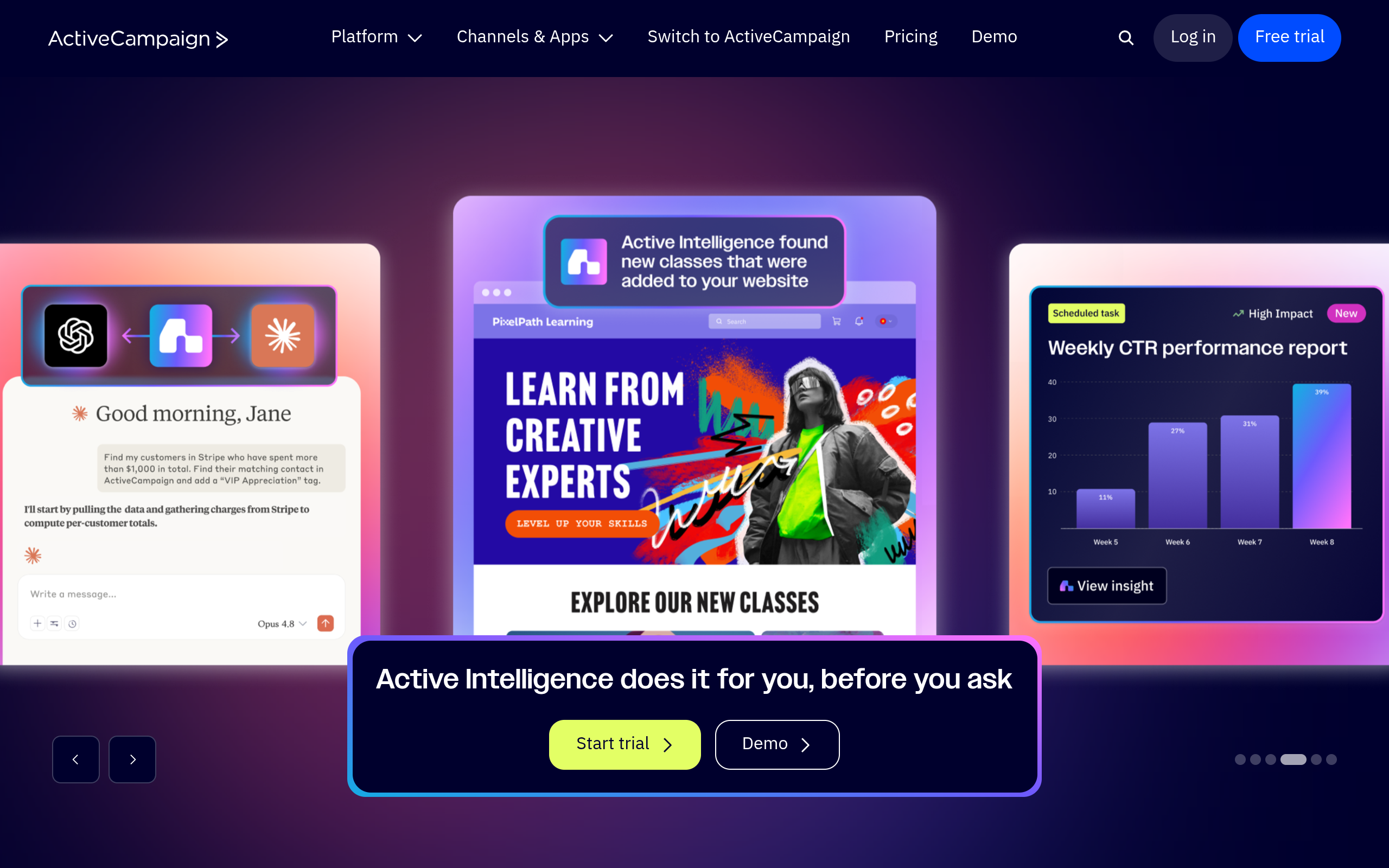
ActiveCampaign's homepage as of October 2026.
ActiveCampaign pairs email automation with a built-in CRM pipeline. It tracks buyer journeys from the first message click straight through to a closed deal.
Its visual builder supports multi-step conditional automations triggered by prospect behavior. Teams also get built-in deal stages and detailed lead scoring tools.
The main trade-off is complexity. Dedicated implementation takes time, the starting price is higher, and there is no permanent free tier option.
It suits growing B2B companies that need advanced lead nurturing. It works best when your team relies on pipeline tracking and multi-stage CRM workflows.
Pro tip: Test sending platforms on monthly billing cycles first before committing to annual contracts that lock in rigid contact limits.
Aligning Your Data Strategy With go4database
Software platforms are simply delivery tools. Campaigns succeed or fail based on data quality, sender reputation, and audience relevance.
Paying monthly storage fees for cold contacts inside an email tool adds up fast. Sourcing verified decision-maker records through direct B2B prospecting tools lets you build pipeline without inflating your delivery tier.
On go4database, the directory covers over 400 million verified business profiles across 9,000 industries. Teams can source direct-dial phone numbers and verified email addresses without paying recurring monthly fees just to keep records in storage.
You can filter prospects by job title, location, and company headcount. Downloading records only when needed keeps you from paying platform penalties for passive contacts.
Options on go4database include a Free Trial of 100 contacts or Nano at $35 per month for 1,500 contacts. Larger teams can use Micro Active at $59 per month for 3,000 contacts across 10 users.
Every tier comes with a 30-day money-back guarantee. Sourcing contacts this way keeps your outreach flexible while your sending software stays at its lowest billing tier.
Reach qualified buyers without paying audience penalties
Access verified B2B email lists from Go4Database to connect with active buyers on any marketing platform.
Next Steps for Your Email Marketing Budget
Unexpected software expenses rarely come from high sending volume. They happen when you store uncleaned records, pay for opted-out contacts, or get bumped into higher pricing tiers.
Take an hour to audit your audience lists this week. Archive inactive contacts, remove unengaged addresses, and merge separate audiences so you never pay for duplicate records.
It also helps to keep your primary database separate from your email software. Upload only verified, active contacts when you are actually ready to send.
Frequently Asked Questions
You might have these questions in your mind?