On this page 6 sections
- 1. How Does a Business Email Address Build Customer Trust
- 2. Benefits of Using a Professional Business Email for Sales
- 3. How Business Email Communication Improves Customer Relationships
- 4. Best Practices for Business Email to Increase Sales and Engagement
- 5. How to Choose Verified Business Email Addresses for Better Outreach
- Diagnosing Your Deliverability and Data Alignment
You spend two full days polishing an outbound proposal. You check every line, verify your pricing, and hit send, only to hear complete silence. Most founders assume the prospect simply disliked the pitch.
Business email is a dedicated communication system that uses your custom company domain name instead of a generic public mail service. It matters because it immediately signals company legitimacy to corporate spam filters and buyers, protecting your sender reputation while establishing the professional credibility needed to win sales.
More often, the prospect never saw the note. Sending commercial proposals from a free consumer inbox creates an immediate roadblock with corporate mail security.
In simple terms, Business Email uses a dedicated company domain rather than a generic provider. It establishes company legitimacy and builds buyer trust during early sales conversations.
Corporate filters often route consumer webmail away from the primary inbox. Even when an email gets delivered, skeptical buyers hesitate to open attachments from unverified senders.
Technically, a business email relies on a domain-authenticated address tied to your website. That setup confirms you actually represent the company you claim to work for.
Operating a verified inbox protects your sender reputation over time. When you download prospect lists through our database at Go4Database, reaching those decision-makers depends on having this foundation in place.
Machine trust always comes first. Security algorithms inspect your technical setup before any human reader ever sees your subject line. If those gateway checks fail, your message lands straight in the junk folder.
1. How Does a Business Email Address Build Customer Trust
Brand credibility depends directly on domain ownership. Buyers naturally look for proof that an unfamiliar sender represents an established business.
Over 85% of surveyed business decision-makers and consumers agree, according to a 2025 study by Verisign and Nifty Solutions. They view a company using a domain-specific business email address as significantly more credible than one using a free public account.
Corporate buyers review cold pitches through a lens of risk. When you send quotes from an unbranded inbox, the buyer wonders whether your business actually exists or could disappear tomorrow.
A custom domain answers those doubts right away. It shows you invested in a permanent digital presence.
The global base of email users reached an estimated 4.6 billion as reported by Forbes Advisor in 2026. Custom business domains remain the standard communication channel for formal vendor evaluation and procurement contracting.
Pro tip: Match your sender display name exactly to your corporate role so corporate security scanners do not flag your messages as impersonation attempts.
Why Free Inboxes Trigger Buyer Skepticism and Filter Rejection
Corporate mail servers routinely filter generic consumer addresses. Many firewalls even attach warning banners to messages from free providers, cautioning employees not to click links or open attachments.
Filtering rules tightened further after sender updates from Google and Yahoo in 2024 and 2025. Mail systems now routinely turn away commercial messages that lack verified domain ownership.
Federal trade standards follow this same principle. Compliance guidance from the FTC CAN-SPAM Act guidelines also emphasizes clear sender identification on all commercial outreach.
Using a branded domain allows you to publish technical records verifying who sent the message. You protect your company name from spoofing while giving prospective partners confidence in your emails.
TL;DR:
Branded inboxes eliminate suspicion, validate corporate permanence, and ensure outbound pitches reach executive desks without security flags.
2. Benefits of Using a Professional Business Email for Sales
Dedicated email infrastructure directly lifts sales velocity. Research from SalesHive and GTM 80/20 in 2026 revealed that verified custom-domain sales campaigns achieve average reply rates between 3.4% and 7.2%. Unauthenticated or free accounts regularly land below 1%.
Closing speed improves alongside reply volume. Outreach data compiled by Forbes and Sopro across 2025 and 2026 indicates that email-sourced B2B deals convert roughly 11% faster than broader outbound channels. That holds true when sender legitimacy is verified up front.
Many founders look for a free business email workaround through cheap web hosts. Yet these budget hosting plans frequently pool accounts on low-reputation IP ranges that lack basic sending controls.
Saving six dollars a month might seem harmless. In practice, it costs you thousands in lost sales opportunities when your outreach lands in spam folders.

Reach Verified Buyers From Your Company Inbox
Fuel your outbound sales campaigns by sourcing verified B2B contact data directly from Go4Database today.
Evaluating Business Email Service Providers for Outbound Sales
Choosing the right business email service sets your technical foundation. You need a reliable setup that supports active sales outreach while protecting inbox deliverability.
Google Workspace
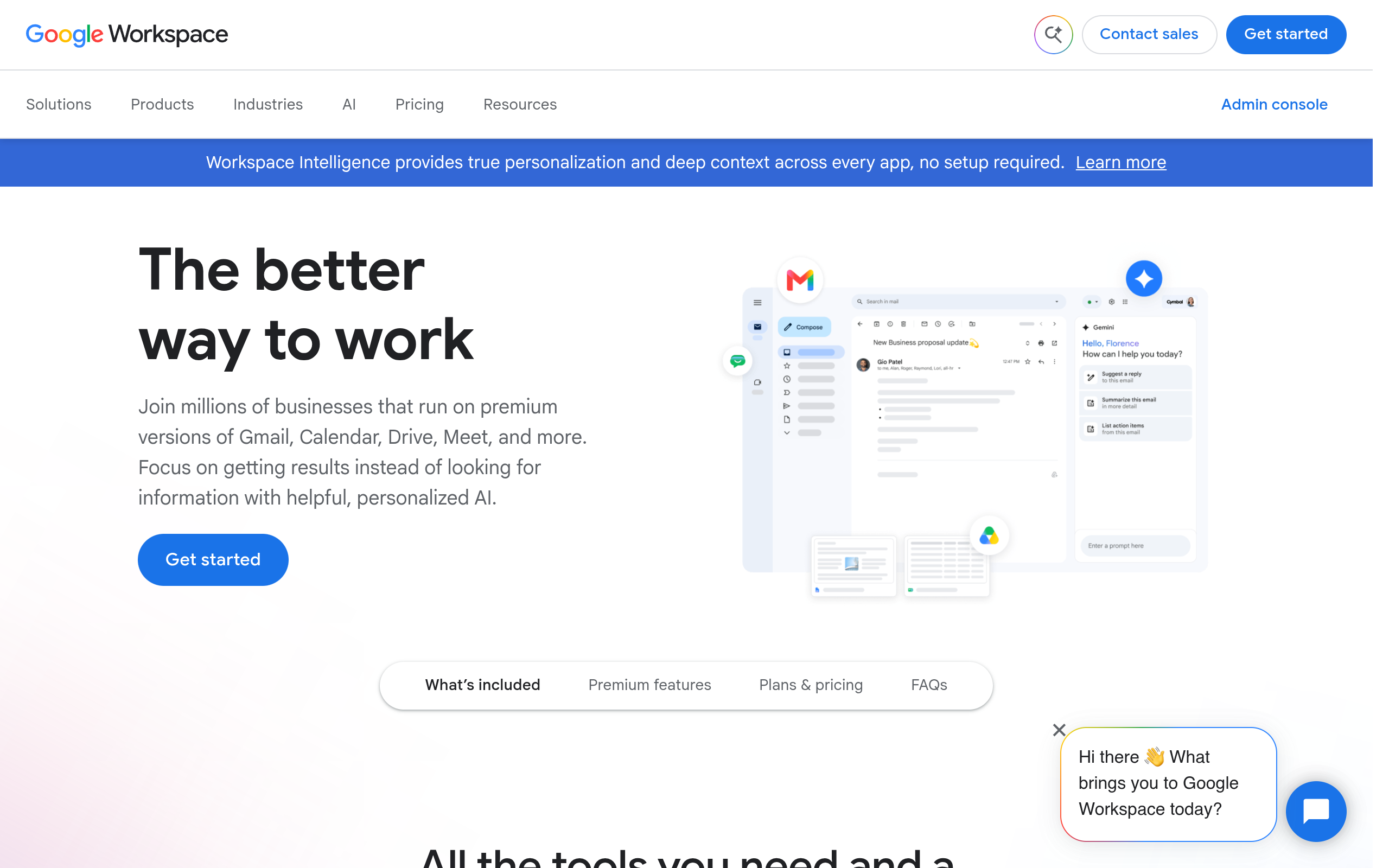
Google Workspace's homepage as of October 2026.
Google Workspace runs on custom domains and connects cleanly with everyday productivity tools and sales extensions. Sales reps already know the interface, which saves training time.
Teams also get direct access to Google Postmaster Tools. However, higher monthly seat costs and sudden sending pauses during complaint spikes can make rapid scaling difficult.
The platform suits early-stage startups and modern sales teams that need dependable google business email deliverability.
Microsoft 365
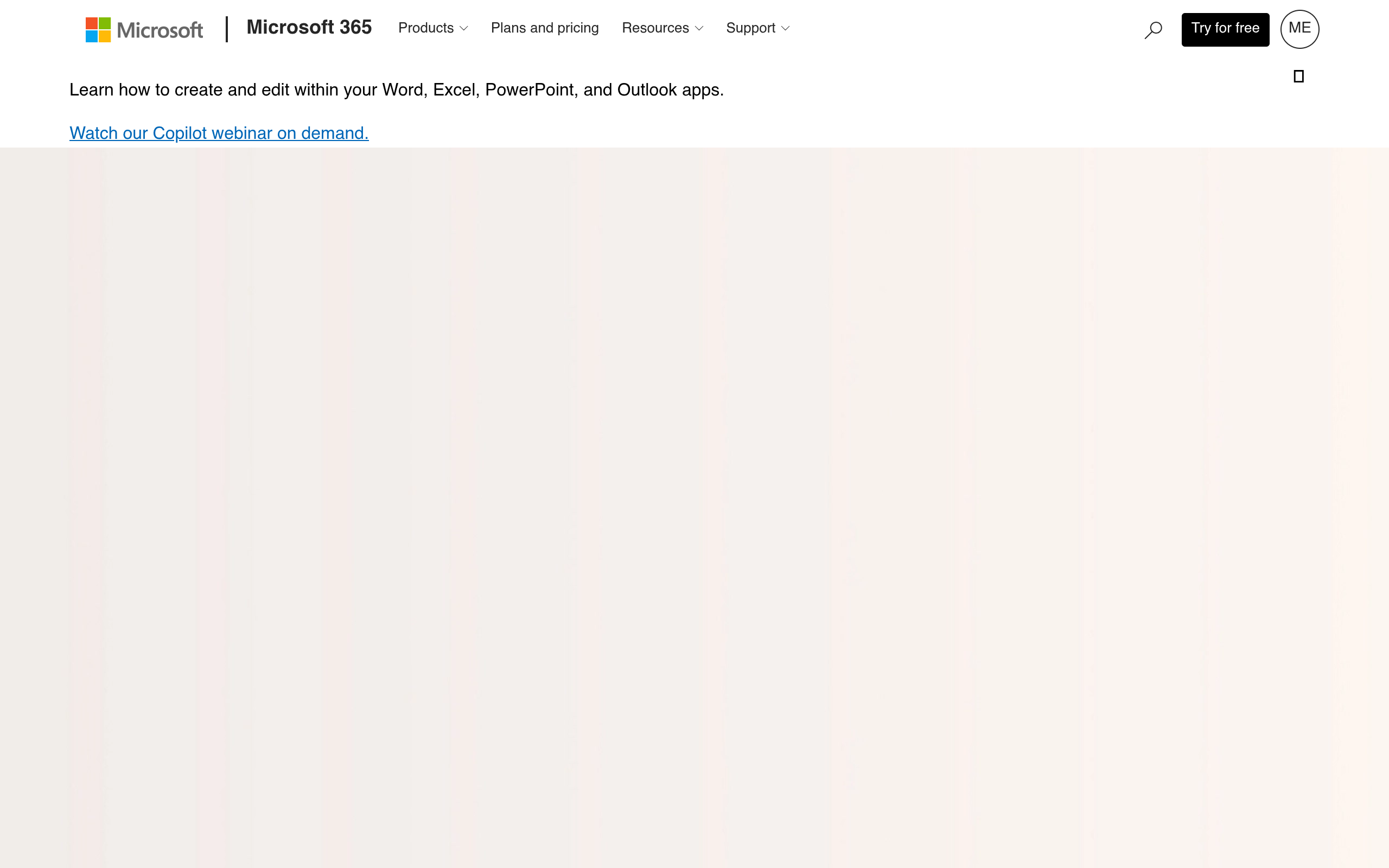
Microsoft 365's homepage as of October 2026.
Microsoft 365 runs custom domain email on enterprise Exchange Online servers. As technical documentation from Microsoft Learn explains, it provides detailed tenant security and native authentication routing.
Delivery is dependable when prospecting enterprise Outlook environments. The administrative panels present a steep learning curve for non-technical founders. Still, it works well for B2B consultancies and professional service firms selling directly to enterprise procurement offices.
Zoho Mail
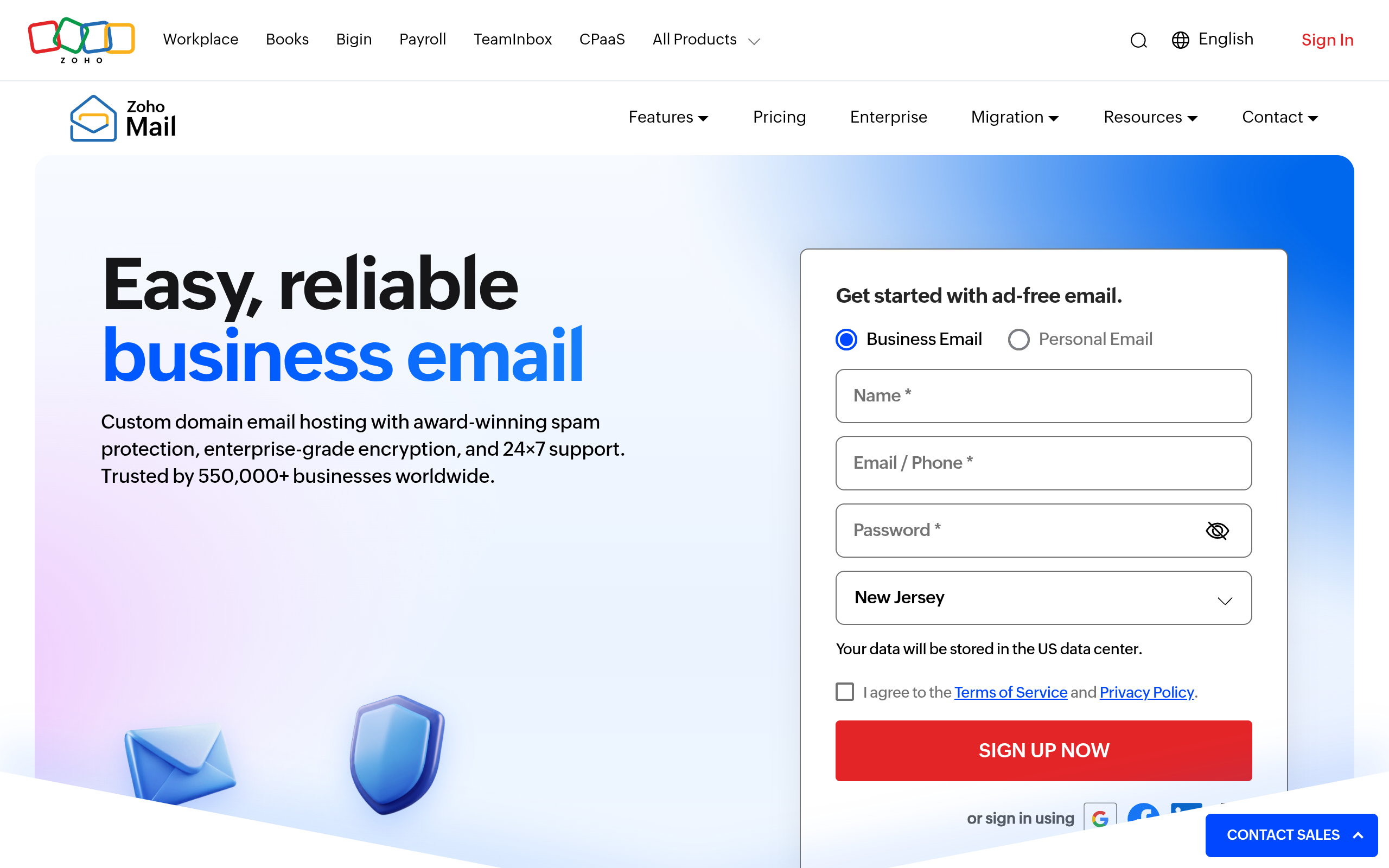
Zoho Mail's homepage as of October 2026.
Zoho Mail provides budget-conscious teams with dedicated email hosting under custom domains. It includes simple administrative tools alongside affordable pricing tiers and an ad-free interface.
Newer sending domains on shared pools can experience slower warm-up periods when contacting strict enterprise filters. That makes the platform a practical fit for bootstrapped solo operators and lean agencies needing professional inboxes on a strict budget.
| Business Email Hosting Provider | Starting Price (Per User/Month) | Outbound Reliability | Key Security & DNS Features | Best Use Case |
|---|---|---|---|---|
| Google Workspace | $6.00 | Excellent | Native DKIM wizard, Postmaster tools | Early-stage startups, modern outbound workflows |
| Microsoft 365 | $6.00 | Excellent | Enterprise Exchange routing, tenant security | B2B consultancies targeting enterprise corporations |
| Zoho Mail | $1.00 | Good | Custom domain mapping, security suite | Bootstrapped solo operators, lean operations |
3. How Business Email Communication Improves Customer Relationships
Clear communication structures ongoing account management. A deliverability study by Validity shows that global inbox placement averages around 84%, meaning roughly one in six business messages fails to reach the primary inbox due to domain reputation issues.
Tracking customer engagement through open rates has also become unreliable. Research from Litmus in 2026 confirms that Apple Mail Privacy Protection affects roughly 49% of tracked opens, making direct replies a far more dependable signal of customer interest.
Inbox volume is also climbing fast. GTM 80/20 reported in 2026 that over 58% of B2B revenue teams use AI-assisted email composition. Decision-makers receive dozens of automated notes every day, making domain history and authentic messaging vital for standing out.
Maintaining clean account records in our internal B2B contact directory helps sales teams verify current job titles so conversations always start with the right counterpart.
Pro tip: Separate your customer service communication channels from cold prospecting domains to ensure existing clients never miss an operational update.
TL;DR:
Branded domain messaging preserves relationship history, builds commercial trust, and protects team communication from spam filtering.
4. Best Practices for Business Email to Increase Sales and Engagement
Protecting your technical setup comes down to authentication. Benchmarks published by Dmarcian in 2025 confirm that major mailbox providers now require full SPF, DKIM, and DMARC alignment on all outbound commercial systems.
Delivery also depends on feedback loops. Google and Yahoo guidelines require senders to keep spam complaint rates below 0.10% and avoid reaching 0.30% in dashboards like Google Postmaster Tools. Crossing that threshold hurts your domain reputation quickly.
Scale Email Campaigns With Clean Prospect Lists
Boost your email engagement rates by acquiring accurate, verified B2B prospect records from Go4Database.
Configuring Reliable Business Email Hosting
Solid business email hosting starts with three core DNS records set up at your domain registrar. As Cloudflare Learning explains, these records tell receiving servers how to authenticate your incoming messages.
First, add Sender Policy Framework (SPF) records to list the server IP addresses authorized to send your mail. Next, add DomainKeys Identified Mail (DKIM) keys to verify that message headers are not altered in transit.
Finally, establish Domain-based Message Authentication (DMARC) policies. This record tells receiving mailboxes what to do with messages that fail SPF or DKIM checks, directing them to monitor, quarantine, or reject unauthorized traffic.
You should never run high-volume sales campaigns from your primary corporate domain. Register separate secondary domains for outbound prospecting instead. This preserves your main domain for core client communication if deliverability runs into trouble.
Connect With Qualified B2B Decision Makers
Improve sales outreach results using accurate B2B contact lists verified directly by the Go4Database team.
5. How to Choose Verified Business Email Addresses for Better Outreach
Configuring your sending domain is only part of the work. If messages land in abandoned inboxes, bounce rates spike. High bounce rates signal careless sending to mail providers and quickly erode your sender score.
Contact records decay naturally as employees switch companies or change titles. To maintain strong deliverability, teams need to filter prospect lists through a reliable B2B contact directory before sending a single campaign message.
Clean contact lists protect your sender reputation over time. Across go4database, the platform catalogs over 400 million business contacts across 9,000 industries, giving teams access to verified corporate records.
Teams running multi-channel campaigns can also access over 130 million mobile numbers across those records. Validating lists with integrated verification tools before exporting keeps bounce rates low and domain scores healthy.
Under published go4database platform pricing for 2026, you can start with a 100-contact free trial. It lasts for one full year without requiring a credit card.
Teams ready for larger volumes can select the Nano plan at $35 monthly for 1,500 contacts, or the Micro Active plan at $59 monthly for 3,000 contacts. Both plans include a 30-day money-back guarantee.
TL;DR:
High response rates require pairing an authenticated sending domain with thoroughly validated recipient lists to keep hard bounces near zero.
Diagnosing Your Deliverability and Data Alignment
When outbound sales efforts stall, founders often blame their copywriting or assume their pricing is off. The issue is usually technical. Sending unauthenticated messages from poor infrastructure to decaying contact lists quietly kills results.
Audit your DNS records and configure proper authentication headers across your secondary sending domains. Always verify contact data before launching your next campaign.
When you pull verified records through our search filters at go4database, clean data is only half the battle. A solid technical setup gives your outreach the best opportunity to convert.
Frequently asked questions
Does using a business email guarantee inbox delivery?
Can I use a free email account for B2B sales?
What is the maximum safe email complaint rate?
What is the difference between email hosting and domain registration?
How often should sales contact lists be verified?