On this page 6 sections
- What Are the Best AI Apps for iPhone in 2027
- Top AI Productivity Apps for iPhone Users to Save Time
- Best AI Writing, Chatbot, and Content Creation Apps for iOS
- How AI Apps for iPhone Improve Work, Business, and Daily Tasks
- How to Choose the Right AI Productivity App for Your iPhone
- Turning Daily Mobile Habits into Real Revenue
You can fill your phone with software and still spend half your working day typing notes by hand. Most mobile tools act like digital paper. They wait for you to tap tiny virtual keys while you rush between customer meetings. Real productivity happens when your phone listens, organizes your tasks, and helps you take action before you reach your desk. In simple terms, the right setup gives solo operators and sales teams hours of focus back each week. In 2027, these mobile tools use generative models to help users save time and organize information. The focus is practical: accelerate your day-to-day productivity directly on your smartphone.
The best AI apps for iPhone are specialized iOS applications that automate complex business workflows and handle daily task management on mobile devices. These tools eliminate repetitive manual busywork, allowing busy professionals to capture notes, organize schedules, and execute key projects directly from their phones with minimal friction.
What Are the Best AI Apps for iPhone in 2027
The best ai apps for iphone handle transcription, communications, and administrative workflows directly on iOS devices. Mobile software has shifted away from conversational novelties toward practical workflow automation.
According to a recent Sensor Tower report, global time spent in mobile generative AI tools expanded to tens of billions of hours. Business professionals increasingly rely on mobile hardware to run entire outreach operations.
The productivity impact is measurable. A recent study by McKinsey revealed that 80% of business professionals credit generative AI with measurably improving their individual output, while 50% noted faster decision speeds.
Connecting these tools with clean records from our b2b contact database lets you run pipeline outreach from anywhere. Modern mobile systems make that kind of workflow practical.
What Makes a Mobile AI App Worth Installing Over Native iOS Tools
Apple added external model routing into iOS, allowing the system to send complex queries to outside models. Because built-in tools already rewrite text and summarize basic alerts for free, standalone apps must solve deeper workflow problems.
In practice, a third-party tool earns screen space only when it connects to your customer records or team wikis. Capturing multi-speaker audio cleanly in a busy meeting room is another solid reason to keep one.
Which iPhone Workflows Benefit Most from On-Device Intelligence
Modern phones now process sensitive requests locally using small language models. A recent Omdia survey found 33% of hybrid enterprise organizations plan to move more artificial intelligence workloads onto mobile hardware to safeguard context and cut latency.
Voice capture and agenda sorting gain the largest boost. You get instant action summaries without draining your battery or sending raw audio across cellular networks.
TL;DR:
The best mobile tools solve actual business bottlenecks rather than creating novelty text, giving you hours of executive time back.
Top AI Productivity Apps for iPhone Users to Save Time
Typing on a phone slows you down during busy travel days. A recent Lifehack Method study found that direct generative tool usage saves workers an average of 5.4% of working hours, or roughly 2.1 hours per week.
Ambient audio recorders, smart mailboxes, and dynamic calendars capture these details in the background. That keeps your attention where it belongs: on the client conversation.
| App Name | Primary Category | iOS Integration Style | Free Tier Availability | Best Workflow Match |
|---|---|---|---|---|
| Otter.ai | Audio Transcription | Live Mic & Calendar Sync | Generous Free Tier | In-person meeting records |
| Granola | Ambient Note-Taking | Audio & Calendar Context | Free Starter Credits | Sales call action items |
| Notion | Knowledge Management | Widgets & Share Sheet | Free Basic Account | Mobile project databases |
| Perplexity AI | Conversational Search | Siri Shortcuts & Voice | Free Daily Queries | Real-time prospect research |
| Superhuman | Email Inbox Management | Push Triage & Lock Screen | Paid Only (Trial) | Rapid executive inbox triage |
| Motion | AI Calendar Scheduling | Dynamic Timeline Widget | Paid Only (Trial) | Automated daily agenda shifting |
Otter.ai
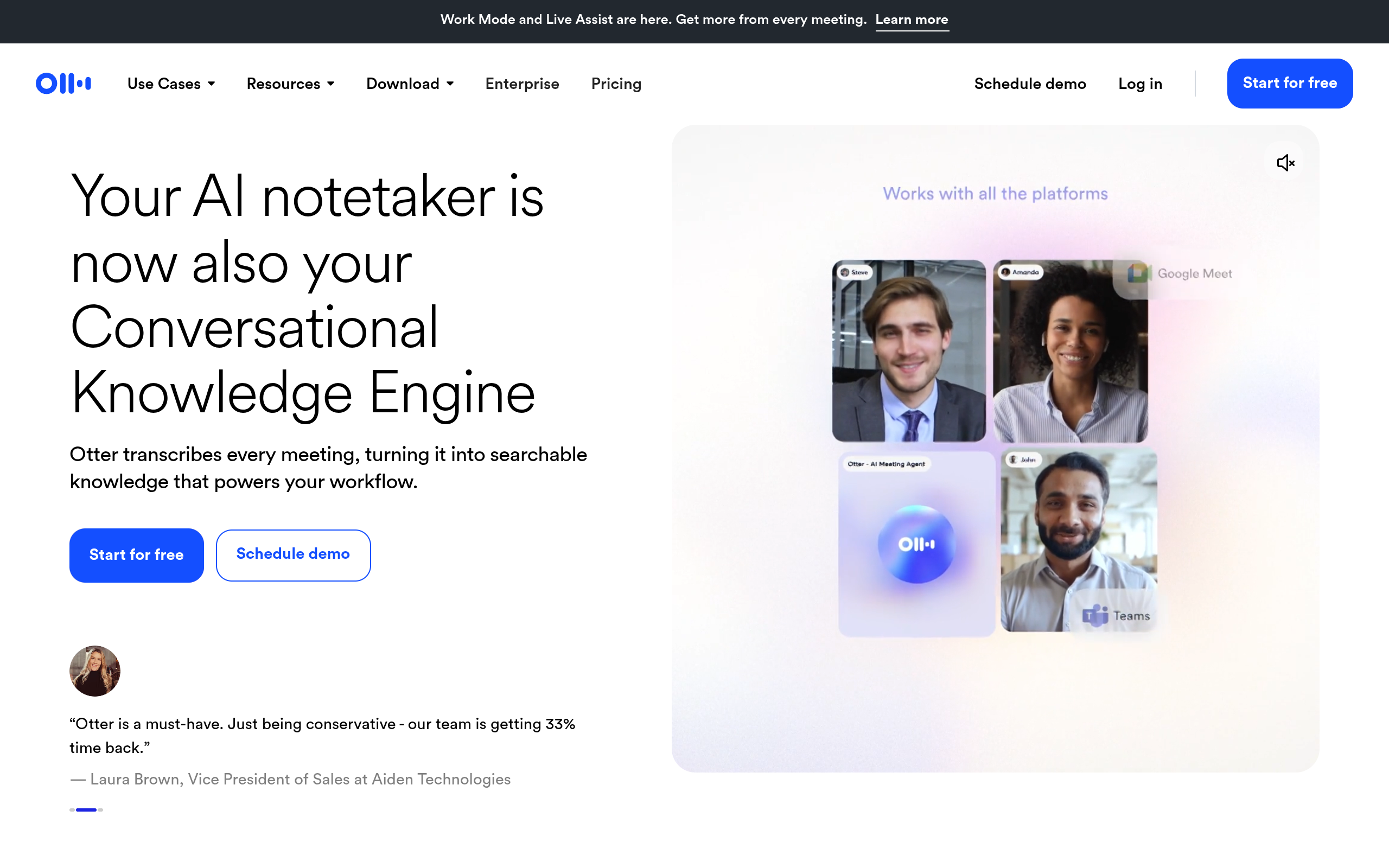
Otter.ai's homepage as of November 2026.
Otter.ai records speech through the iPhone microphone to create live text transcripts. It identifies distinct speakers automatically, syncs audio with text, and builds structured summaries while a conversation happens.
Real-time collaboration requires an active cellular connection, and free accounts cap monthly transcription minutes. That makes it best suited for mobile professionals who need hands-free records during client consultations.
Granola
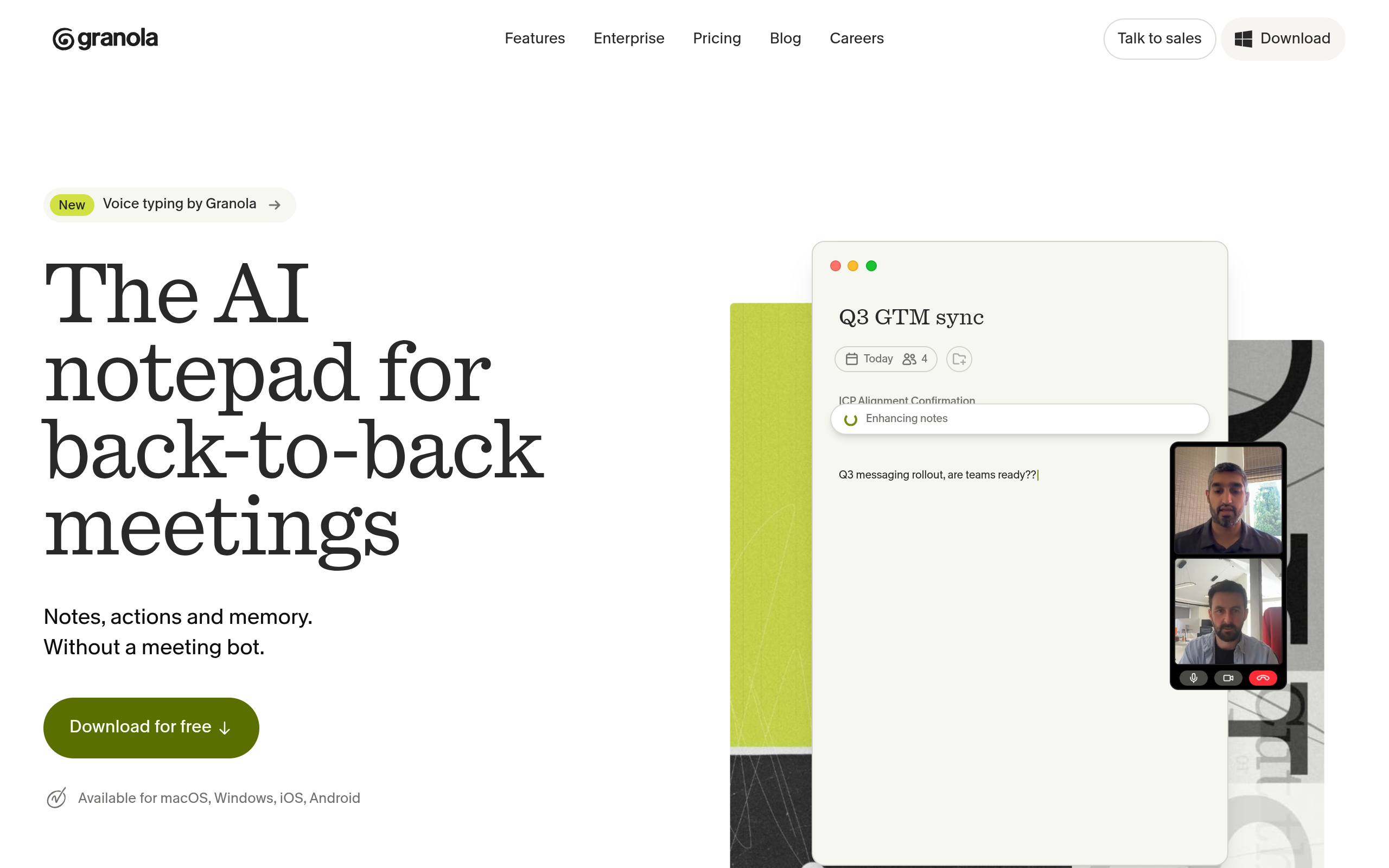
Granola's homepage as of November 2026.
Granola combines brief typed notes with background audio to create client recaps. Instead of dumping raw transcripts into your files, it turns your shorthand into clean, shareable drafts.
Daily callers can burn through free credits quickly, and the tool still relies on your own notes to guide the final output. It suits founders who want tidy summaries without a bot joining their calls.

Power Outbound Campaigns With Verified B2B Contacts
Save time on prospecting by accessing verified B2B contact records directly from Go4Database for your sales pipeline.
Notion
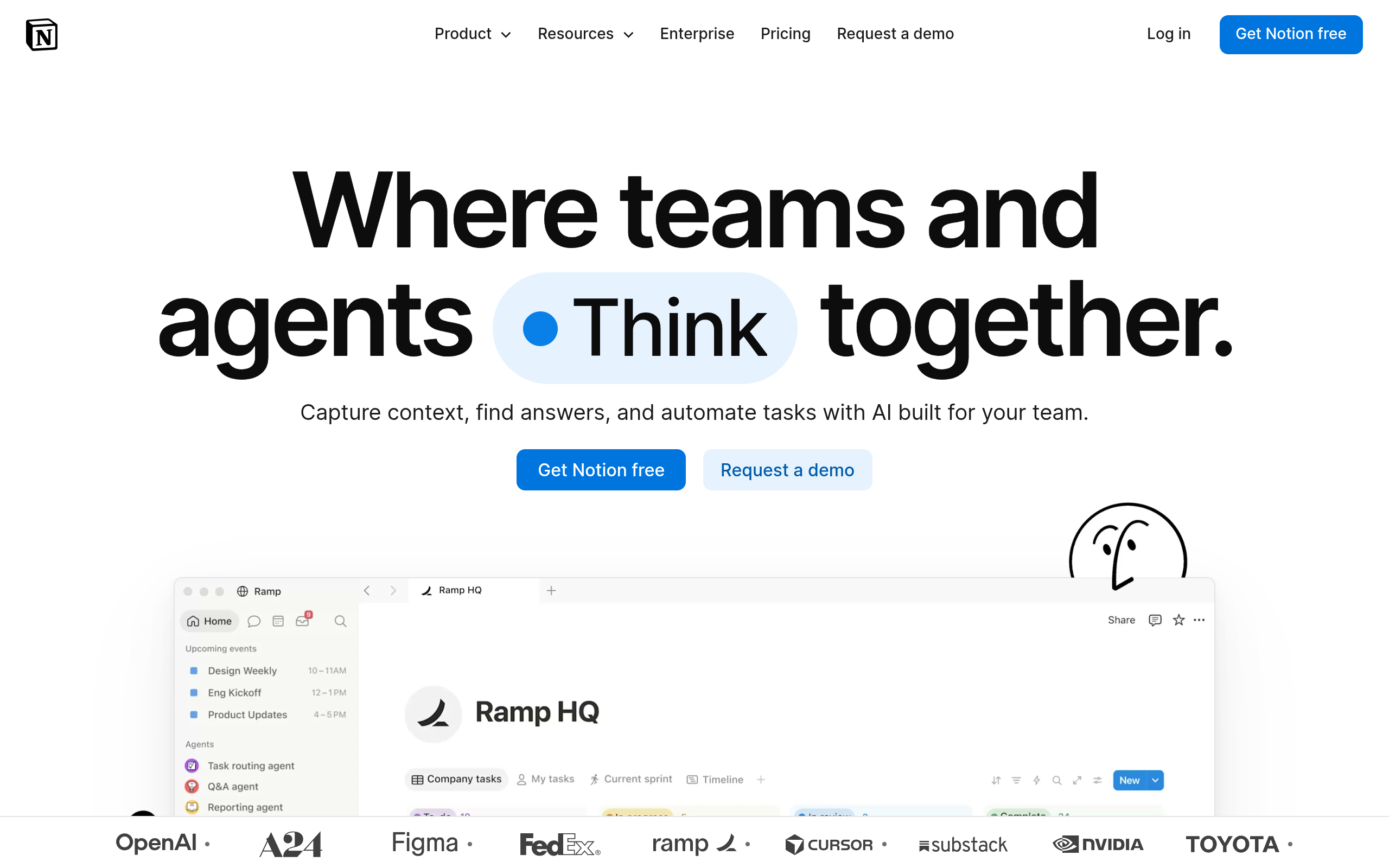
Notion's homepage as of November 2026.
Notion connects your team's shared documentation directly to a mobile workspace. You can search company wikis, update pipeline statuses, and query project databases using simple conversational prompts.
Dense page layouts can feel cramped on smaller screens, and workspace intelligence requires a monthly add-on fee. Notion works well for small teams managing company knowledge and project roadmaps in one place.
Perplexity AI
Perplexity AI's homepage as of November 2026.
Perplexity AI replaces standard search results with direct answers backed by source citations. Its mobile app handles voice queries on the move, helping sales reps research target accounts and market trends without scrolling through ad links.
The tool can produce generic answers on narrow technical topics, and free accounts limit access to advanced reasoning models. It works best for account executives who need quick background context right before sales calls.
Superhuman
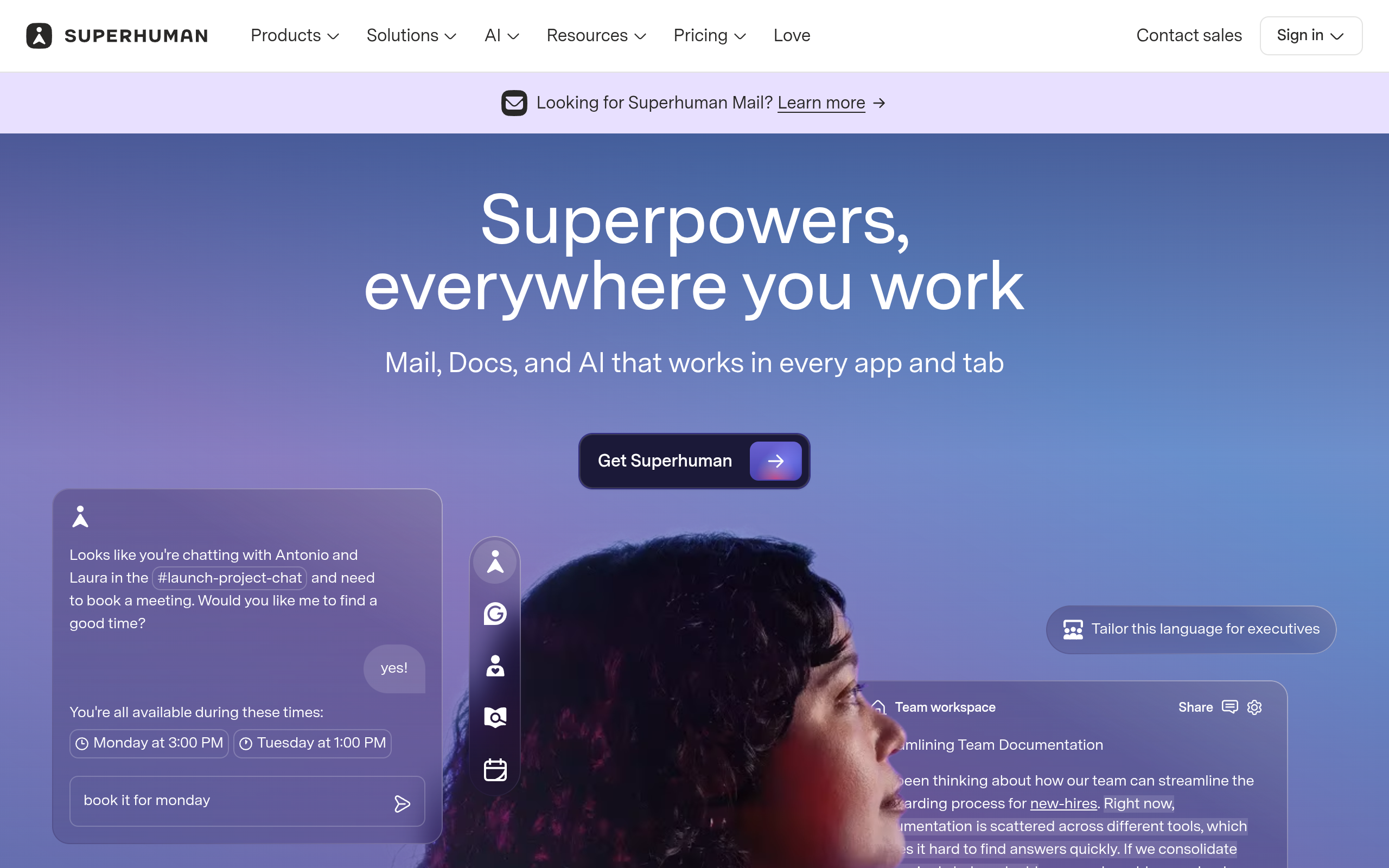
Superhuman's homepage as of November 2026.
Superhuman focuses on speed and quick triage on iOS. It separates VIP prospect messages from automated marketing campaigns, then drafts contextual replies that match your normal communication style.
The main tradeoff is cost and compatibility. There is no permanent free tier, and it integrates exclusively with Google and Microsoft accounts. It fits leaders who need to clear heavy mobile inboxes quickly.
Scale Your Outreach With Accurate Prospect Data
Pair your productivity apps with verified decision maker emails from Go4Database to launch targeted outbound campaigns faster.
Motion
Motion organizes your meetings, personal to-do lists, and team deliverables into a single visual schedule. When a client conversation runs long, the scheduling engine automatically adjusts your remaining afternoon tasks.
The catch is that Motion requires full daily commitment, and pricing runs higher than standard calendar tools. It fits solo operators balancing sales prospecting and client delivery on unpredictable schedules.
Pro tip: Map your favorite meeting recorder to the physical iPhone Action Button for immediate audio capture before calls start.
TL;DR:
Dedicated tools like Granola and Superhuman turn voice conversations and messy inboxes into clear action items.
Best AI Writing, Chatbot, and Content Creation Apps for iOS
Mobile chatbots have quietly become practical working tools for field teams. Many operators and reps rely on them on their phones to review proposals, draft quick outreach notes, and check agreement terms between meetings.
When drafting campaigns from your phone, message quality matters. Guidelines from Google Postmaster require senders to keep spam complaint rates below 0.10% and avoid reaching 0.30%.
Generic, rushed drafts quickly put your domain reputation at risk. ChatGPT from OpenAI remains a benchmark among the best ai apps for iphone, pairing practical reasoning with responsive voice brainstorming.
For reviewing longer files, Claude by Anthropic stands out. Its thoughtful prose analysis makes it easier to examine contract terms or untangle messy email threads while traveling.
If you need capable free ai apps for iphone, Copilot from Microsoft is worth testing. The mobile app gives you free model access alongside integrated web search.
Google Gemini is often the best free ai app for iphone for teams operating inside Google Workspace. You can pair it with our practical guide on cold email ai to shape tailored pitches.
Grammarly works across your mobile messaging tools to catch awkward phrasing before a note reaches a prospect. For marketing collateral, Jasper applies corporate style rules to copy, while Canva builds slides quickly on your screen.
Testing the best free ai apps for iphone lets you create simple graphics and polish text without adding another recurring software fee to your budget.
Pro tip: Use your phone camera inside chatbot apps to scan paper contracts and extract key clauses instantly.
How AI Apps for iPhone Improve Work, Business, and Daily Tasks
Mobile tools help cut administrative delays by handling repetitive tasks right away. A recent McKinsey survey found that roughly 40% of organizations with over one billion dollars in revenue are deploying active automated agents.
These systems take direct action across multiple tools rather than waiting for manual text prompts. The same study noted that nearly one-third of surveyed enterprises declined to purchase single-purpose tools when mobile platforms handled those tasks.
Having the best ai for iphone turns dead travel time into productive deal execution. It keeps deals moving when you are away from your desk.
Fueling Mobile AI Workflows With Direct Prospect Data
An intelligent email assistant cannot build a pipeline without qualified buyers. Instead of manually entering contact details into mobile notes, sales operators search and download targeted audiences directly through Go4Database.
The catalog lists roughly 400 million global business records and roughly 130 million verified mobile numbers. Teams can filter prospects by title using a marketing decision maker list.
Clean direct records ensure your messages land in valid business mailboxes while you work on the road.
Maintaining Data Hygiene and Mobile Privacy Under Enterprise Standards
Pasting sensitive client records into consumer apps creates immediate security risks. Enterprise platforms avoid this risk by enforcing strict policies to protect business context.
Technical documentation from Apple Security details how Private Cloud Compute works. It relies on custom silicon servers and a locked operating system with non-persistent logging to process requests safely.
Always check privacy controls before sharing confidential client details with external tools. You can review our gdpr and ccpa compliance standards to see how data privacy protocols safeguard business outreach.
TL;DR:
Advanced mobile software needs accurate prospect data to deliver revenue while preserving enterprise privacy standards.
How to Choose the Right AI Productivity App for Your iPhone
Adding too many subscriptions clutters your home screen and drains device batteries. A practical selection process helps you pick tools that genuinely support your daily routine.
The Three-Step Stack Audit for Solo Business Operators
- Pinpoint your biggest mobile time loss, whether it is typing meeting recaps, sorting mail, or looking up accounts.
- Test built-in iOS tools to verify whether free system features solve the issue.
- Install standalone tools only when you need deep team sync or structured database exports.
Diagnosing Your Outbound Engine Beyond Software Downloads
A common mistake is assuming that new software will fix an outreach problem. If your contact records are outdated, automated email tools simply send messages to invalid addresses faster.
You can check contact lists with an email verifier before loading them into mobile sequences. Start with verified records and a specific value proposition, then let mobile software handle administrative execution.
Choose The Right Data For Your Outreach
Compare database packages from Go4Database to equip your team with accurate contact records for high converting outreach.
Turning Daily Mobile Habits into Real Revenue
Field productivity comes down to practical choices about your time. Start by picking two mobile tools that remove your daily friction points.
Pair them with verified business records from our about Go4Database overview. Then focus your energy on speaking directly with qualified buyers.
Frequently asked questions
What is the best free AI app for iPhone?
Can third-party AI apps access my private iOS data?
How do AI apps affect iPhone battery life?
Do I need paid AI apps if I have Apple Intelligence?
Can I run local AI models directly on an iPhone?